
এক লাইনে ধারণা লিখুন
ভিডিওটি কী শেখায় বা দেখায়, কার জন্য এবং মোটামুটি কতক্ষণ চলবে তা বলুন। দৈর্ঘ্য অংশের সংখ্যা নির্ধারণ করে।
YouTube পরিকল্পনা
আপনি যে ভিডিওটি বানাতে চান তা বর্ণনা করুন, আর YouTube স্ক্রিপ্ট জেনারেটর কোল্ড ওপেন, ভূমিকা, অংশের ক্রম, দর্শক ধরে রাখার সংকেত, ভয়েসওভার নোট, পর্দার লেখা, শিরোনামের বিকল্প ও শেষের আহ্বান সাজিয়ে দেবে।
ক্যামেরা চালুর আগেই এটি দেখার উপযোগী ভিডিও পরিকল্পনা করে। একটি ঘরে ধারণা ও লক্ষ্য দৈর্ঘ্য লিখুন; এটি দেখার ধরনকে ভিত্তি করে সাজানো স্ক্রিপ্ট দেয়: ক্লিকের মূল্য আদায় করা কোল্ড ওপেন, প্রতিশ্রুতি ঠিক করা ভূমিকা, তা পূরণ করা অংশ এবং মাঝের পুনঃসংযোগ।
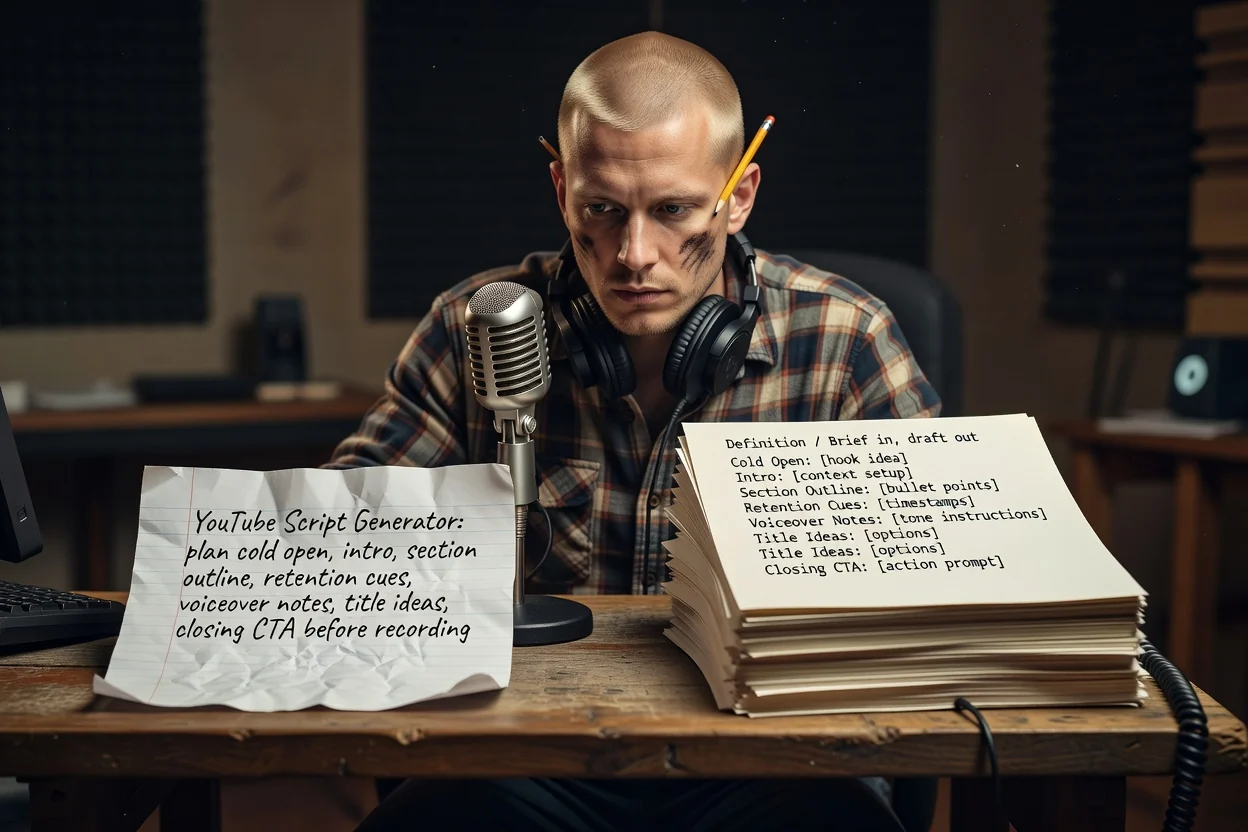
একটি ধারণা থেকে রেকর্ডযোগ্য রূপরেখায় তিন ধাপ।
ভিডিওটি কী শেখায় বা দেখায়, কার জন্য এবং মোটামুটি কতক্ষণ চলবে তা বলুন। দৈর্ঘ্য অংশের সংখ্যা নির্ধারণ করে।
পর্দায় কী দেখা যাবে তা পরিকল্পনায় উল্লেখ করতে স্ক্রিনশট বা পণ্যের ছবি যুক্ত করুন। সংযুক্তির জন্য সাইন ইন করা অ্যাকাউন্ট দরকার।
অংশগুলো ক্রমানুসারে দেখুন, পুনরাবৃত্তি থাকলে বাদ দিন, আর প্রতিশ্রুতি অস্পষ্ট হলে আরও নির্দিষ্ট ভিত্তি দিয়ে আবার তৈরি করুন।
প্রতিটি অংশ প্রস্তুত ভিডিওর একটি মুহূর্তের সঙ্গে মেলে।
ব্র্যান্ডিংয়ের আগের প্রথম কয়েক সেকেন্ড, বর্ণনা না দিয়ে ফলাফল দেখানোর জন্য লেখা।
শুরুতেই প্রতিশ্রুতি, তারপর প্রতিটি অংশ কী নিয়ে হবে তার সাজানো তালিকা।
অংশগুলোর মাঝে এমন পঙ্ক্তি, যা ফলাফলের কথা মনে করায় এবং দর্শককে থাকার কারণ দেয়।
ক্যাপশন ও লেবেল থেকে আলাদা রাখা কথ্য পঙ্ক্তি, যাতে নতুন করে না লিখেই রেকর্ড ও সম্পাদনা করতে পারেন।
একই ভিডিওর জন্য কয়েকটি শিরোনামের বিকল্প, সঙ্গে দর্শককে কাজ করাতে চাওয়া শেষের অনুরোধ।
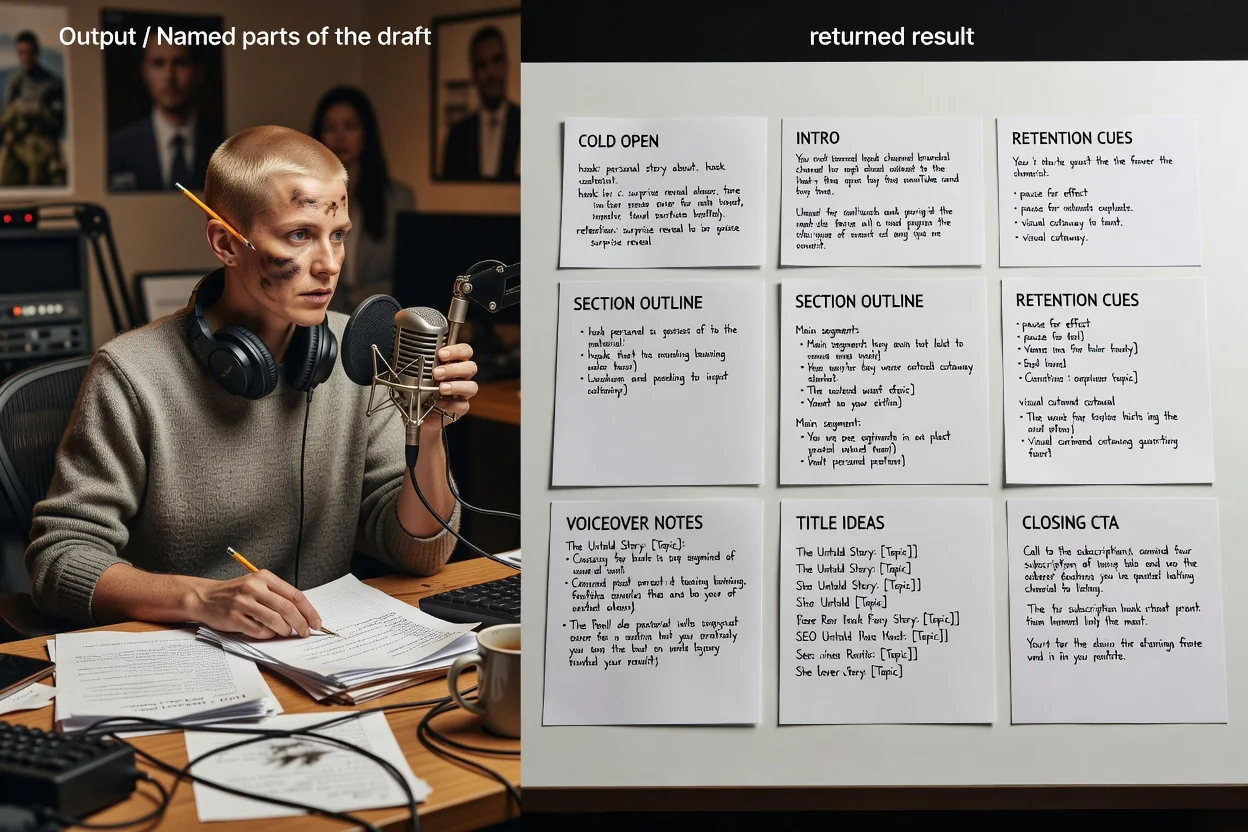
এই পরিকল্পনাকারী একটি উন্মুক্ত বিবরণ নেয়, তাই আপনার বাছা শব্দই নিয়ন্ত্রণের মাধ্যম।
8 মিনিটের টিউটোরিয়াল বা 45 সেকেন্ডের সংক্ষিপ্ত ভিডিওর মতো লক্ষ্য দৈর্ঘ্য বললে রূপরেখার অংশসংখ্যা বদলে যায়।
এটি দীর্ঘ ভিডিও নাকি উল্লম্ব সংক্ষিপ্ত ভিডিও, তা বলুন। সংক্ষিপ্ত ভিডিও হুক, একটি ফলাফল ও একটি শেষের আহ্বানে সীমিত হয়।
কারা দেখবে ও তারা আগে কতটা জানে তা বলুন, যাতে ভূমিকা অতিরিক্ত ব্যাখ্যা না করে বা প্রেক্ষাপট বাদ না দেয়।
আপনি যে দৃশ্যগুলো দেখানোর পরিকল্পনা করেছেন সেগুলো যুক্ত করুন, যাতে পর্দার লেখা ও অংশের নোট বাস্তব উপকরণকে নির্দেশ করে।
এই পরিকল্পনাকারীর জন্য উপযুক্ত বিবরণ।
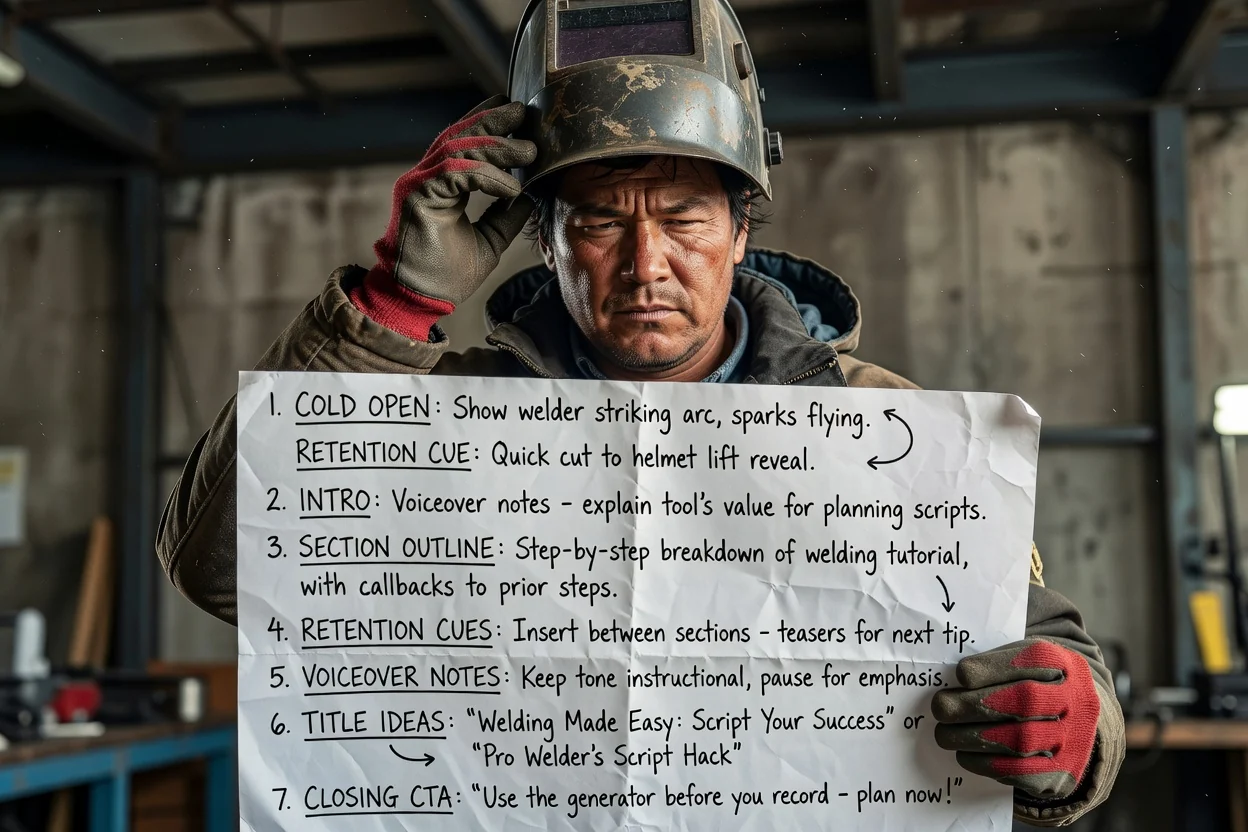
বহু ধাপের প্রক্রিয়াকে সাজানো অংশে বদলান, যেখানে প্রতিটি ধাপের মাঝে দর্শক ধরে রাখার পুনঃসংযোগ থাকবে।
একটি টিউটোরিয়াল পরিকল্পনা করুন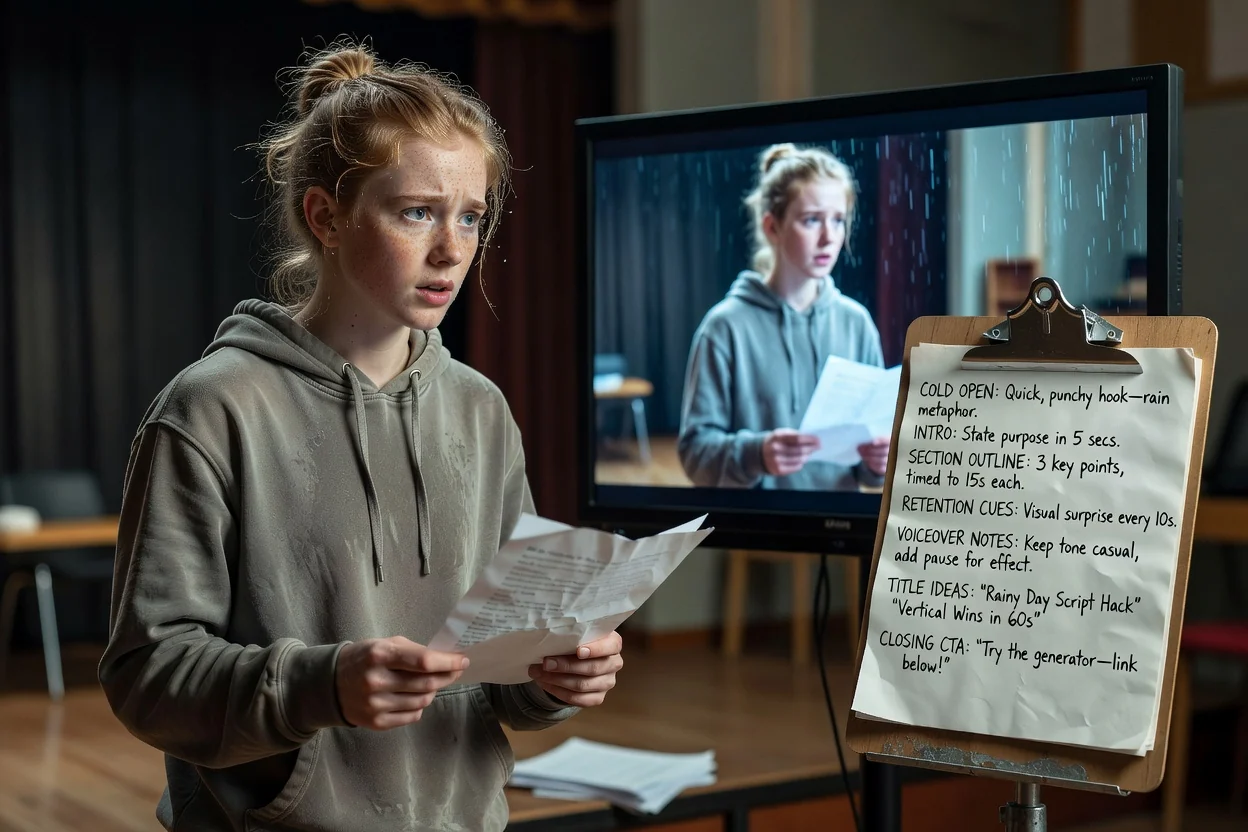
একটি ধারণাকে কোল্ড ওপেন, একটিমাত্র ফলাফল ও উল্লম্ব ফ্রেমে মানানো শেষের অনুরোধে সংক্ষেপ করুন।
একটি সংক্ষিপ্ত ভিডিও পরিকল্পনা করুন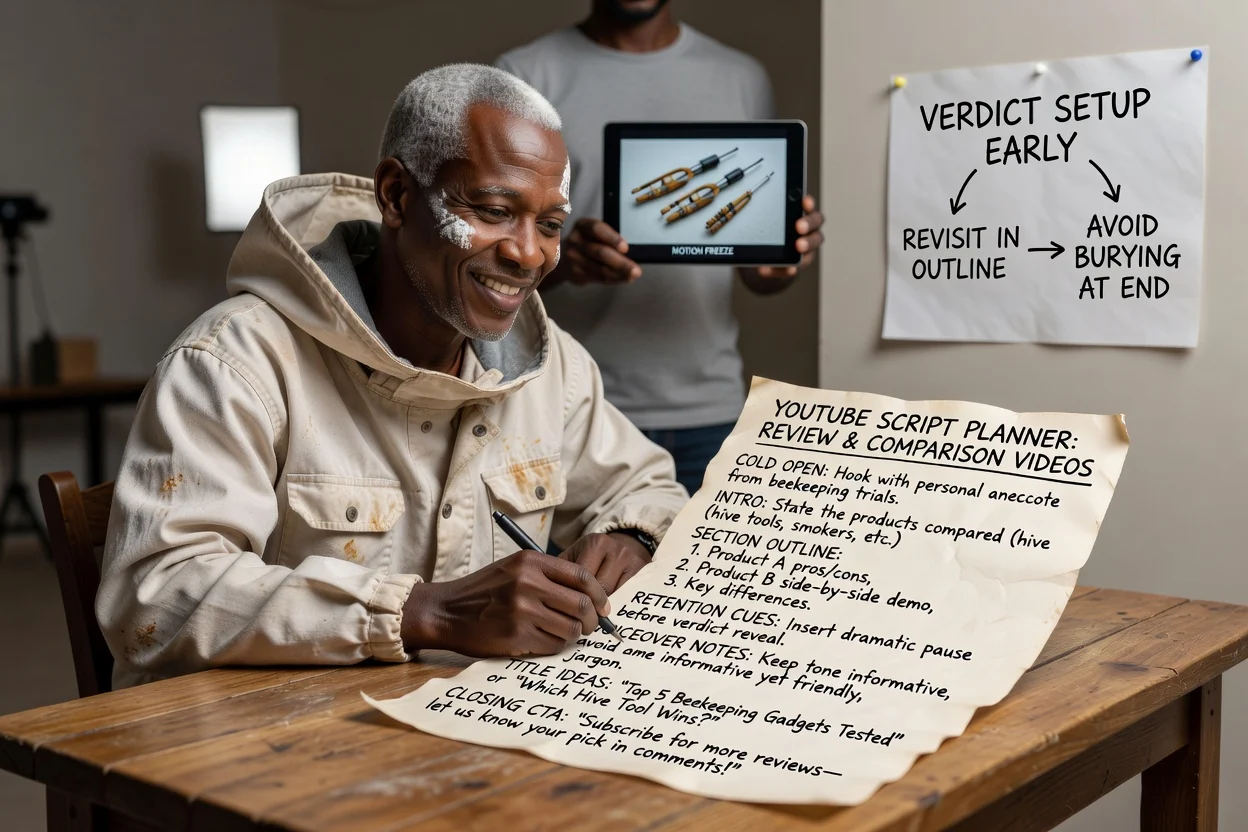
অংশের ক্রম এমনভাবে সাজান যাতে সিদ্ধান্ত শুরুতেই তৈরি হয়, পরে আবার উঠে আসে এবং শেষে চাপা না পড়ে।
একটি পর্যালোচনা পরিকল্পনা করুন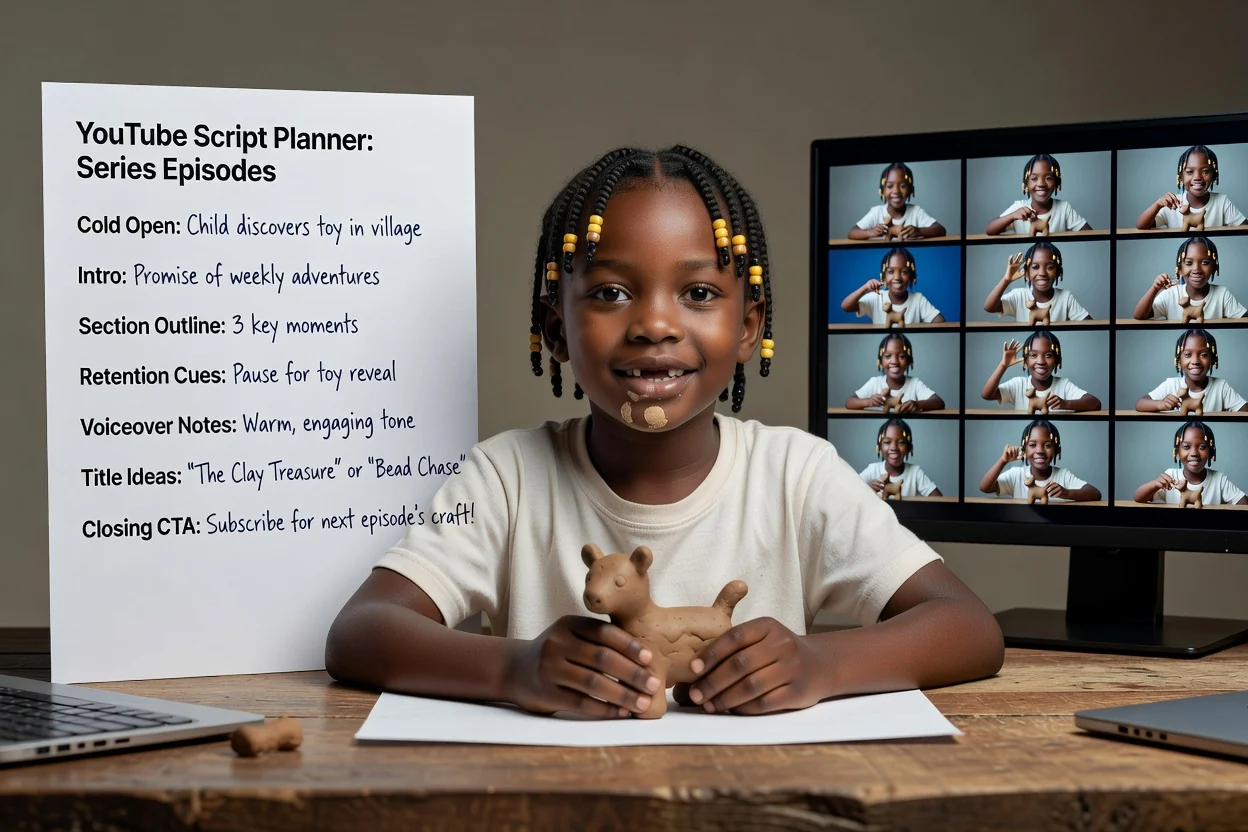
পর্বজুড়ে একটি বিবরণের কাঠামো পুনর্ব্যবহার করুন, যাতে ভূমিকার প্রতিশ্রুতি ও শেষের আহ্বান একই থাকে।
একটি পর্ব পরিকল্পনা করুনপুনরায় রেকর্ডিং বাঁচায় এমন চারটি পরীক্ষা।
প্রথম পঙ্ক্তি দেখানোর বদলে ব্যাখ্যা করলে, ভিডিওর সবচেয়ে দৃশ্যমান মুহূর্তকে ঘিরে সেটি নতুন করে লিখুন।
ভূমিকায় দর্শক কী একটি জিনিস পাবে তা বলা উচিত। তিনটি জিনিসের তালিকা হলে ভিডিওটি ভাগ করুন।
দৈর্ঘ্যের তুলনায় বেশি অংশ থাকলে উপস্থাপনা তাড়াহুড়োর হবে। প্রতিটি অংশ ছোট করার বদলে অংশ বাদ দিন।
একটি স্পষ্ট অনুরোধ, সাবস্ক্রাইব, মন্তব্য ও লিংকের অনুরোধের স্তূপের চেয়ে ভালো কাজ করে।
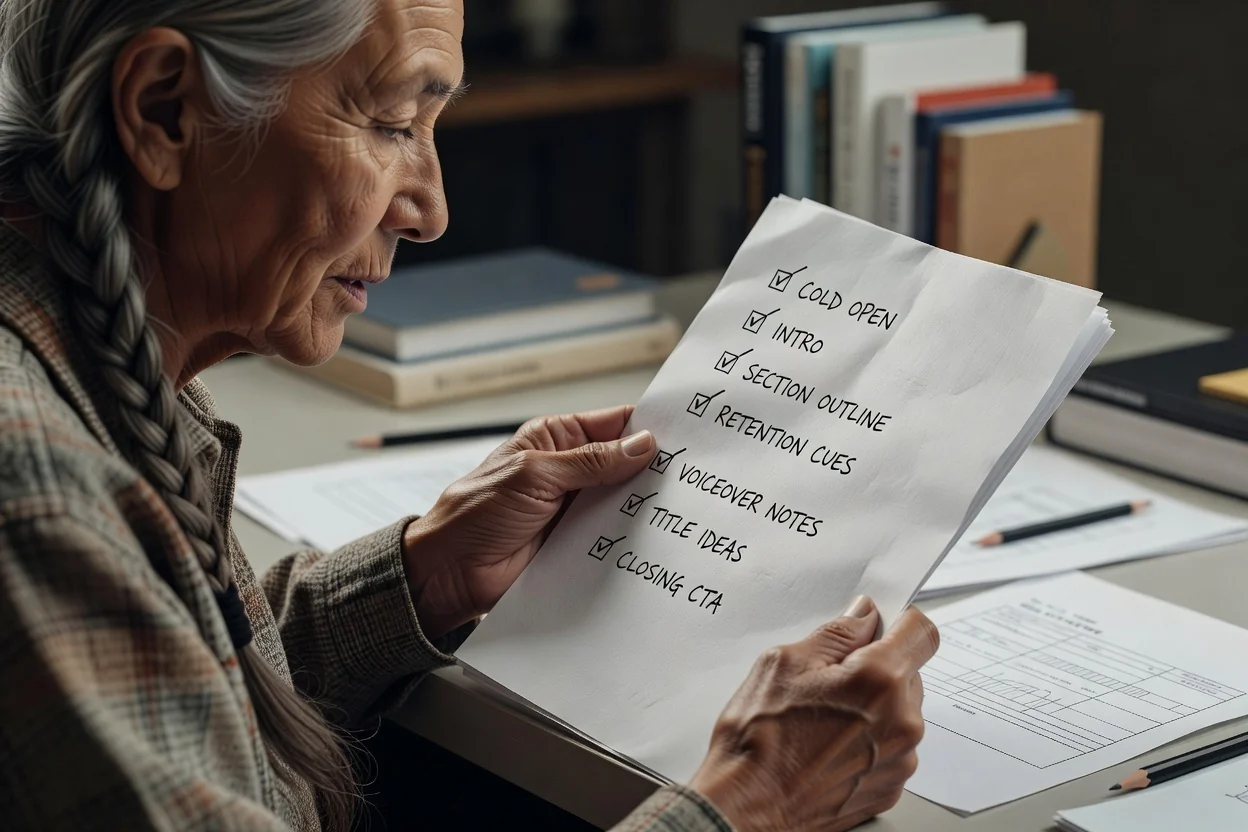
এই পরিকল্পনাকারীর সীমা যেখানে।
ফলাফলটি লিখিত রূপরেখা। রেকর্ডিং, ফুটেজ তৈরি ও সম্পাদনা আলাদা ধাপ।
শিরোনামের ধারণাগুলো প্রতিক্রিয়া জানানোর খসড়া, পরীক্ষিত শিরোনাম নয়। নিজের চ্যানেলের ইতিহাসের সঙ্গে মিলিয়ে বিচার করুন।
রূপরেখার যেকোনো পণ্যের দাবি, পরিসংখ্যান বা ধাপের ক্রম প্রকাশের আগে আপনার উৎসের সঙ্গে যাচাই করা উচিত।
রেকর্ডিংয়ের আগে YouTube ভিডিও পরিকল্পনা নিয়ে সাধারণ প্রশ্ন।
YouTube স্ক্রিপ্ট জেনারেটরকে একটি ধারণা ও দৈর্ঘ্য দিন, তারপর রেকর্ডযোগ্য কোল্ড ওপেন, অংশের রূপরেখা ও শেষের আহ্বান পান।