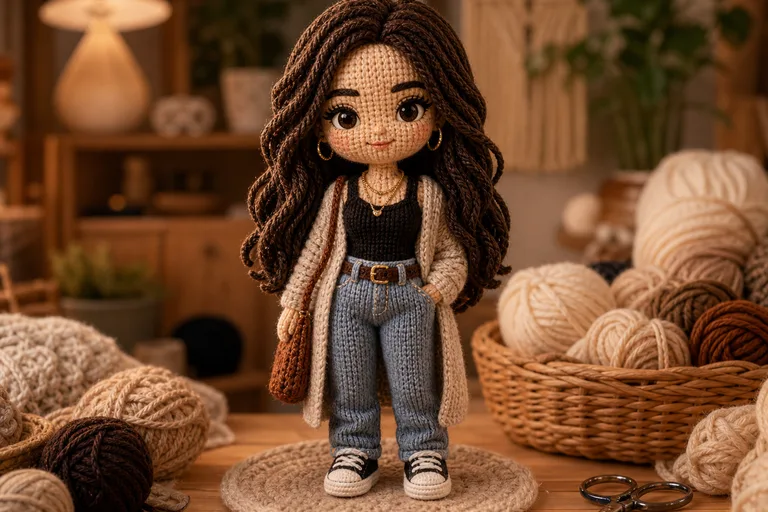
AI Knitted Doll Generator

AI Knitted Doll Generator

Transform a person, pet, or character photo into a cozy handmade Knitted Doll look with soft yarn texture, plush proportions, and amigurumi-style charm.

Soft yarn AI knitted doll background
0 / 2000
Template prompt

AI Knitted Doll Generator

Apply the AI Knitted Doll effect to the uploaded person, pet, or character photo. Preserve the subject identity or creature features, pose silhouette, outfit or fur color cues, and distinctive details. Rebuild the subject as a handmade knitted doll with soft yarn texture, crochet stitches, plush proportions, button-like details, charming amigurumi style, warm studio lighting, and clean craft-product composition. Keep the uploaded subject recognizable through the yarn transformation.

Soft yarn AI knitted doll background

What is an AI knitted doll generator?

The AI Knitted Doll Generator turns a clear source photo into a warm craft-inspired image that looks like a handmade yarn doll. It is designed to keep the subject recognizable while adding knitted stitches, woven fibers, button-like details, rounded plush depth, and charming amigurumi proportions.

From photo to handmade Knitted Doll

This template changes the material and mood of the source photo while aiming to keep the main subject visually connected to the original.

What changes

  • Turn a person, pet, or character photo into a handmade knitted doll look with soft yarn texture, plush proportions, and charming amigurumi details.
  • Add soft stitches, woven fibers, button-like details, and plush depth.
  • Keep the subject's outfit, pose, and personality while changing the material style.
  • Create warm amigurumi-inspired images for profile pictures, cards, and gift ideas.

What stays recognizable

  • Preserve the subject identity or creature features, pose silhouette, outfit or fur color cues, and distinctive details.
  • Keep the uploaded subject recognizable through the yarn transformation.
  • The main subject remains recognizable from the source image.
  • Defining colors, pose, silhouette, and important subject details stay coherent.

How to create a Knitted Doll image

Follow a simple process to turn a clear source image into a cozy yarn doll interpretation.

1

Choose a clear source photo

Select a sharp person, pet, or character image where the main subject, outfit or fur colors, pose, and defining details are easy to see.

2

Add style direction

Describe the handmade Knitted Doll look you want, including yarn texture, visible stitches, plush proportions, button-like details, and any details that should remain recognizable.

3

Check and refine

Review the result for identity, pose, silhouette, material consistency, and small artifacts before using it as a preview or refining it further.

Knitted Doll style examples

Explore different examples of the same soft yarn transformation, from portrait-style dolls to cozy handmade character looks.

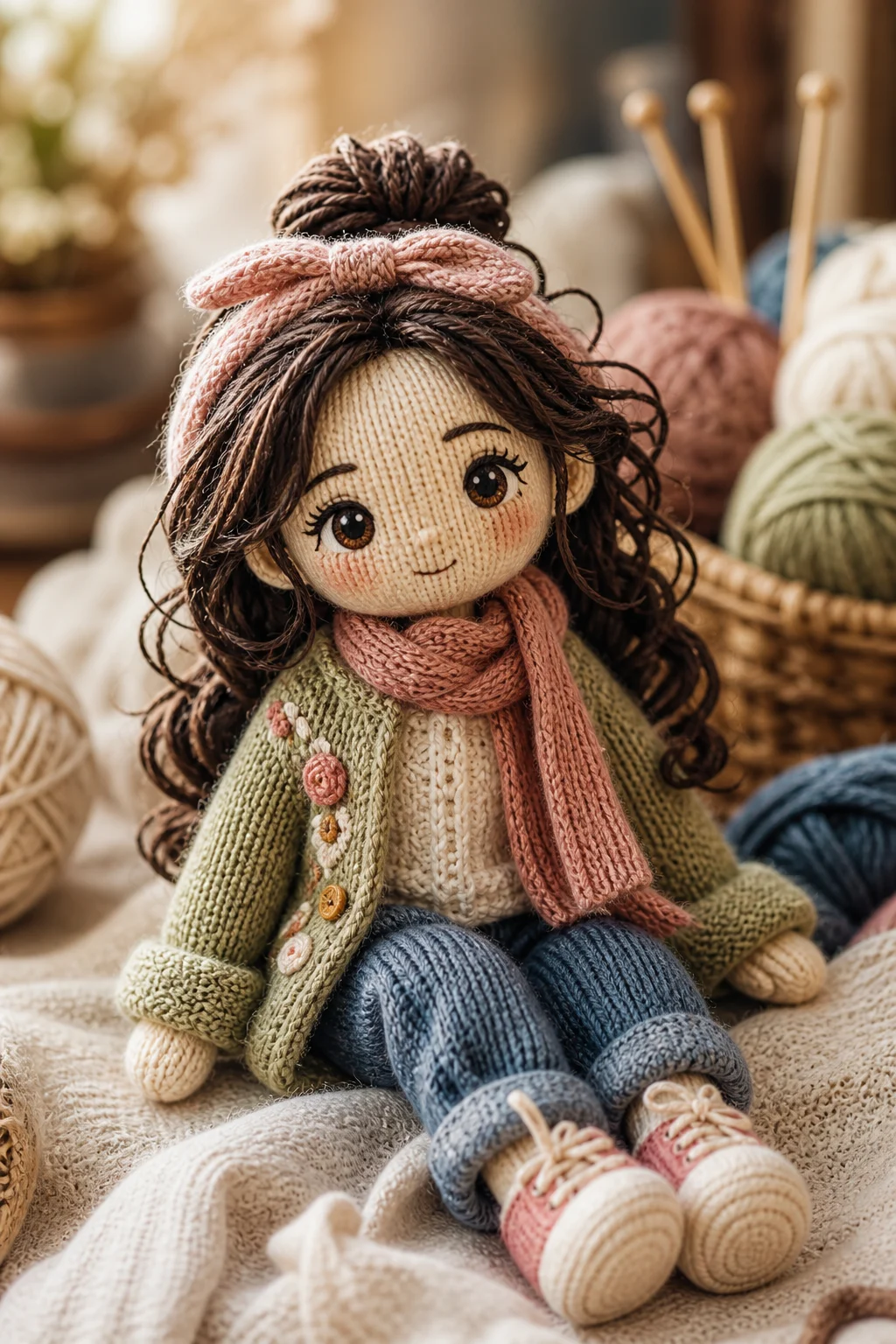
AI knitted doll generated from a portrait photo

Soft portrait doll

A portrait-inspired Knitted Doll look with soft yarn texture, rounded plush proportions, and a clean craft-product feel.

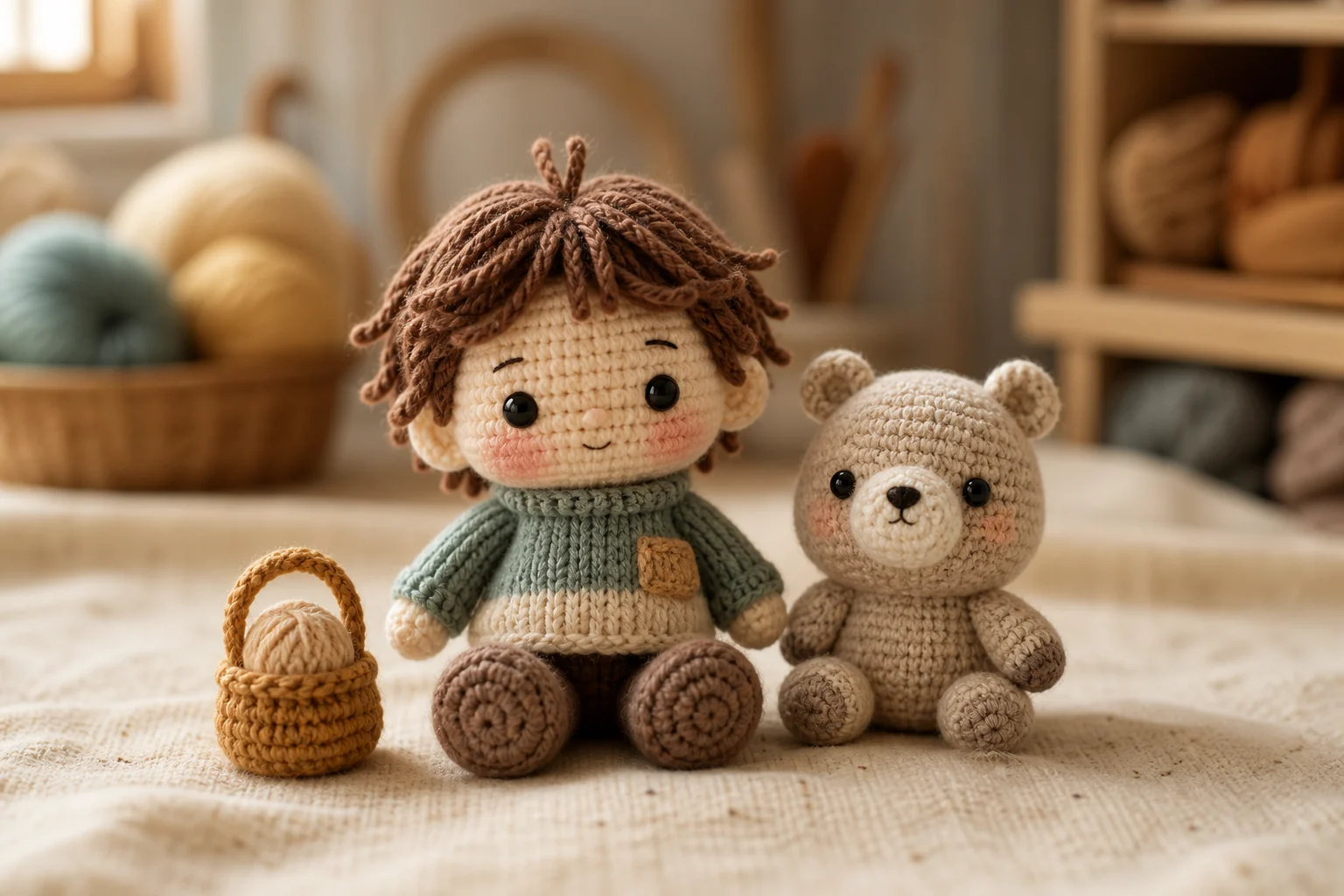
AI knitted doll generated from a portrait photo 1

Amigurumi character look

A charming amigurumi-style result with visible stitches, warm lighting, and recognizable facial and outfit cues.

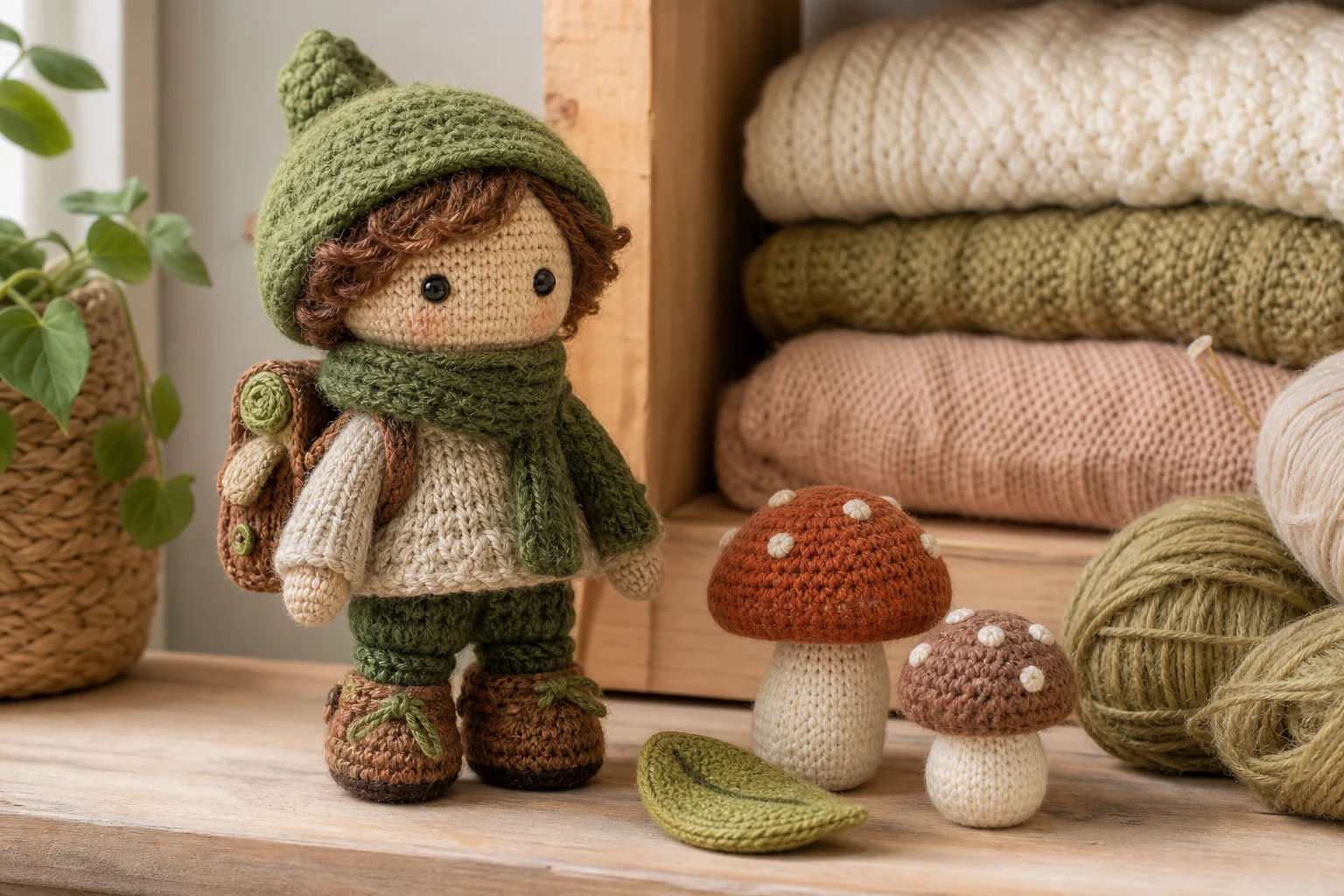
AI knitted doll generated from a portrait photo 2

Plush yarn figure

A cozy handmade Doll variation that emphasizes woven fibers, plush depth, and gentle toy-like proportions.

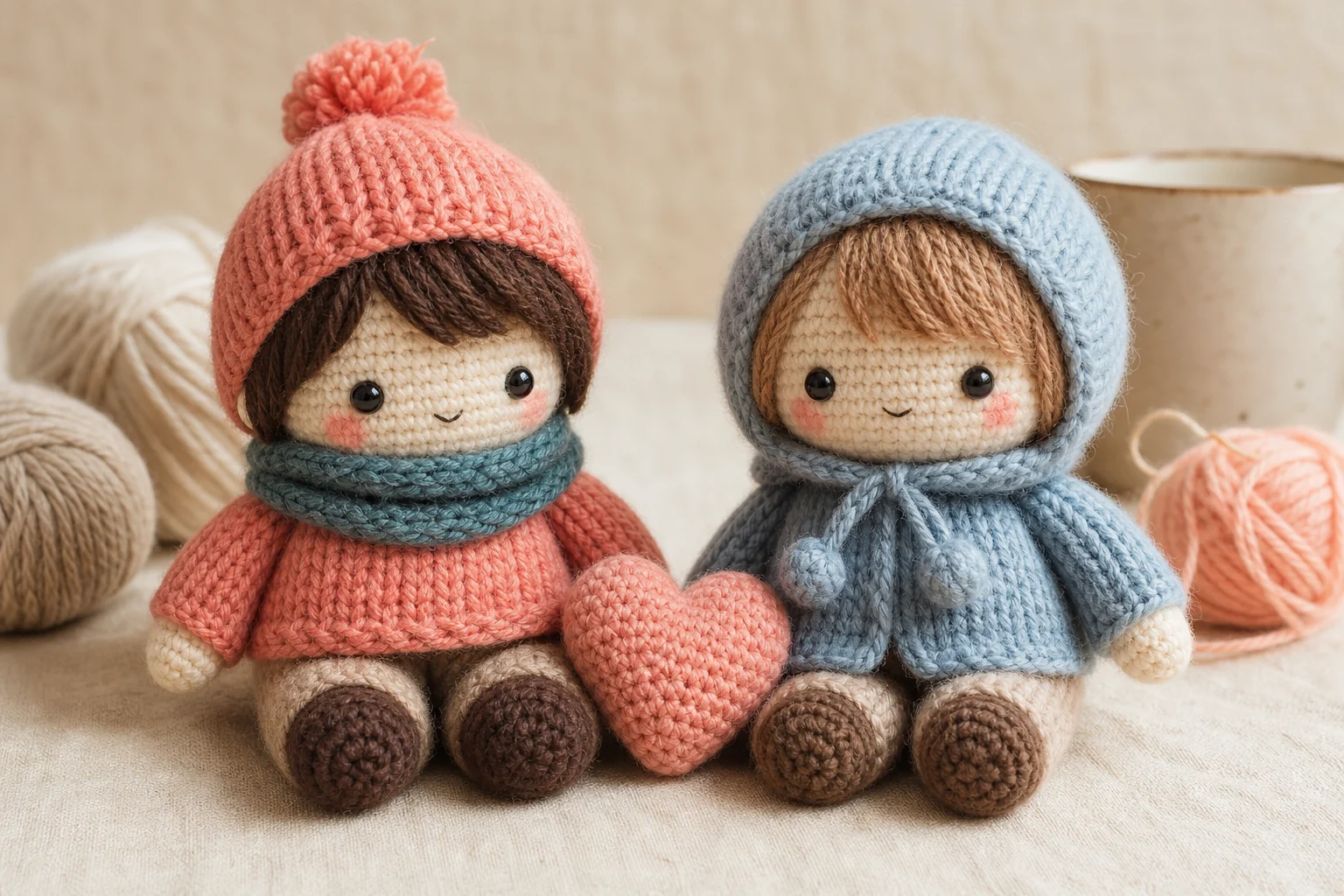
AI knitted doll generated from a portrait photo 3

Handmade keepsake style

A crafted keepsake style with button-like details, soft shadows, and a warm studio presentation.

Ways to use this Knitted Doll style

Use the Knitted Doll Generator online when you want a cozy craft-style image based on a real person, pet, mascot, or character reference.

Personal and creative projects

Create a focused AI Knitted Doll Generator preview for a personal portrait, pet keepsake concept, character idea, profile image, greeting card, or gift-inspired visual.

Style exploration

Compare the knitted visual direction before refining, sharing, or presenting the result, especially when testing outfits, colors, poses, or character details.

How to prepare your photo

A strong result starts with a source image that clearly shows the subject and a prompt that names the details you want preserved.

Source image checks

  • Use a sharp source image with the main subject clearly visible.
  • Avoid heavy blur, blocked details, extreme crops, or confusing overlaps.
  • Choose a source whose pose and framing support the intended AI Knitted Doll Generator result.

Prompt guidance

Mention the subject type, the details to keep, and the desired handmade look. For example: turn this portrait into a soft Knitted Doll with visible yarn stitches, plush proportions, button-like details, warm studio lighting, and the same outfit, pose, and personality.

Review your knitted doll result

Generated details can vary between runs, so review the image carefully before refining, sharing, or presenting it.

Recognizability

Compare the subject identity, silhouette, pose, and defining details with the source image.

Knitted style quality

Make sure the Knitted Doll treatment looks coherent, with believable yarn texture, soft stitches, plush depth, and amigurumi-style proportions.

Detail review

Inspect faces, paws, hands, edges, small accessories, text, and background transitions for artifacts or confusing details.

AI Knitted Doll Generator FAQ

Answers to common questions about creating Knitted Doll images from portraits, pets, and character photos.

What is an AI knitted doll generator?
An AI knitted doll generator is a photo-to-image template that restyles a person, pet, or character as a handmade-looking Doll with yarn texture, visible stitches, plush proportions, and amigurumi-inspired details.
Is the AI knitted doll generator free?
Access and availability can change, so check the current page experience when you use the template. The copy here focuses on the Knitted Doll visual style and how to prepare a good source image.
Can I create knitted dolls from pet photos?
Yes, pet photos can work well when the animal is clearly visible. Fur color, ear shape, markings, pose, and expression help the knitted version stay recognizable.
How do I get the best knitted doll result?
Use a sharp, well-lit image where the full face or main features are not blocked. A simple pose, clear outfit or fur cues, and enough space around the subject usually support a better Doll transformation.
Can I use the knitted doll image commercially?
Usage terms can vary by platform and context. Review the relevant terms for your project before using the finished Knitted Doll image in public, branded, or revenue-generating materials.
What AI Knitted Doll Generator changes are applied?
It changes the photo into a handmade yarn style with soft stitches, woven fibers, plush depth, rounded proportions, and button-like craft details while keeping the original subject’s pose and personality cues.
Which source image works best?
Choose a clear image with the main subject visible, minimal blur, and no important features hidden by objects, shadows, or extreme cropping.
How can I keep the subject recognizable?
The strongest results come from photos with distinctive colors, clothing, silhouette, markings, or facial features. These cues help the knitted transformation preserve identity while changing the material style.

Create your AI Knitted Doll image

Upload a clear person, pet, or character photo and create a cozy Knitted Doll image with soft yarn texture, plush shape, and handmade amigurumi charm.