AI Caricature Maker for Expressive Portraits

AI Caricature Maker for Expressive Portraits

Upload a clear portrait and turn it into a polished Caricature with expressive features, clean lines, vibrant color, and a likeness that still feels immediately recognizable.

AI Caricature Maker example
0 / 2000
Template prompt

AI Caricature Maker for Expressive Portraits

Apply the AI Caricature Maker effect to the uploaded portrait. Preserve the person identity, face shape cues, expression, hairstyle, clothing colors, and pose silhouette. Create a humorous but flattering caricature by exaggerating distinctive facial features, smile, jawline, eyes, or expression while keeping the subject immediately recognizable. Render with clean illustration lines, vibrant color, polished shading, and a friendly editorial caricature finish.

AI Caricature Maker example

What is AI Caricature Maker?

AI Caricature Maker is a portrait transformation template for creating humorous, flattering illustrated caricatures from a source photo. It emphasizes distinctive facial traits such as the smile, jawline, eyes, expression, hairstyle, and pose while keeping the subject’s identity clear.

From portrait photo to polished caricature

This template transforms a standard portrait into a humorous illustrated caricature while protecting the visual cues that make the subject recognizable.

What changes

  • Turns a portrait into a polished Caricature with expressive features, clean lines, vibrant color, and a recognizable likeness.
  • Exaggerates key facial traits with playful proportions, friendly character energy, and polished editorial-style shading.
  • Lets you preview the result before downloading, then refine with a clearer photo or more specific prompt when needed.
  • Creates portrait artwork suitable for social posts, mockups, creative references, profile concepts, or client drafts.

What stays recognizable

  • Preserves the person’s identity, face shape cues, expression, hairstyle, clothing colors, and pose silhouette.
  • Keeps the subject immediately recognizable while exaggerating distinctive facial features, smile, jawline, eyes, or expression.
  • Maintains the main subject as the clear focus of the image.
  • Keeps defining colors, pose, silhouette, and important subject details visually coherent.

How to use AI Caricature Maker

The process works best when you start with a strong portrait, guide the exaggeration clearly, and review the final image for likeness and polish.

1

Upload a clear portrait

Pick a sharp portrait where the face, hairstyle, expression, clothing colors, and pose silhouette are visible without heavy blur or obstruction.

2

Guide the caricature style

Describe a humorous but flattering caricature and name the traits you want emphasized, such as the smile, jawline, eyes, or expression.

3

Preview and review

Check whether the subject remains recognizable and whether the lines, proportions, color, and shading feel coherent across the image.

4

Refine when needed

If the result needs improvement, try a clearer photo, a tighter crop, or a more specific prompt before saving the image for your project.

AI Caricature Maker style examples

Explore different caricature looks while keeping the same goal: expressive exaggeration, clean illustration detail, and a recognizable subject.

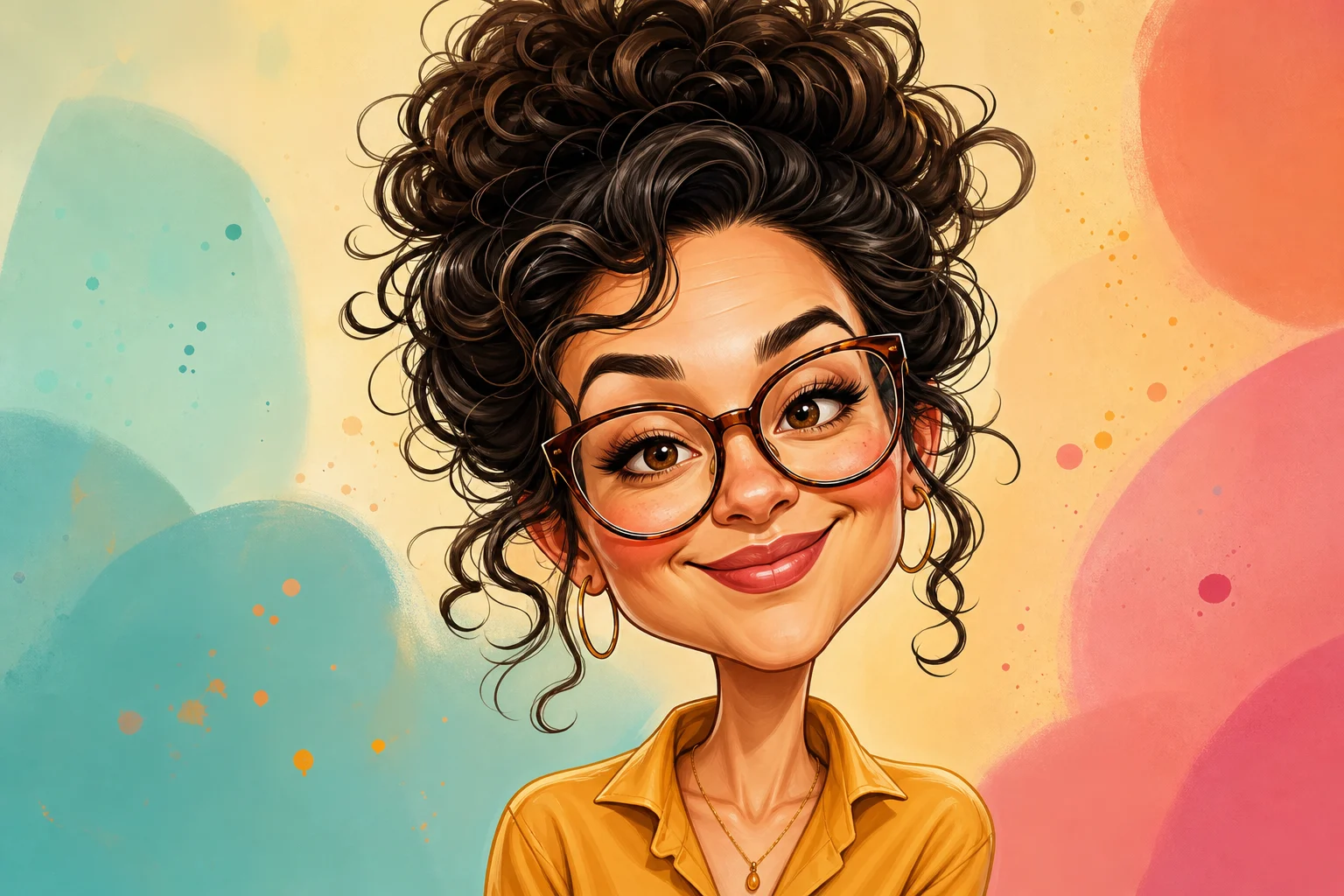
AI Caricature Maker example 1

Editorial caricature portrait

A polished caricature portrait with bold facial expression, vibrant color, and clean editorial-style linework.

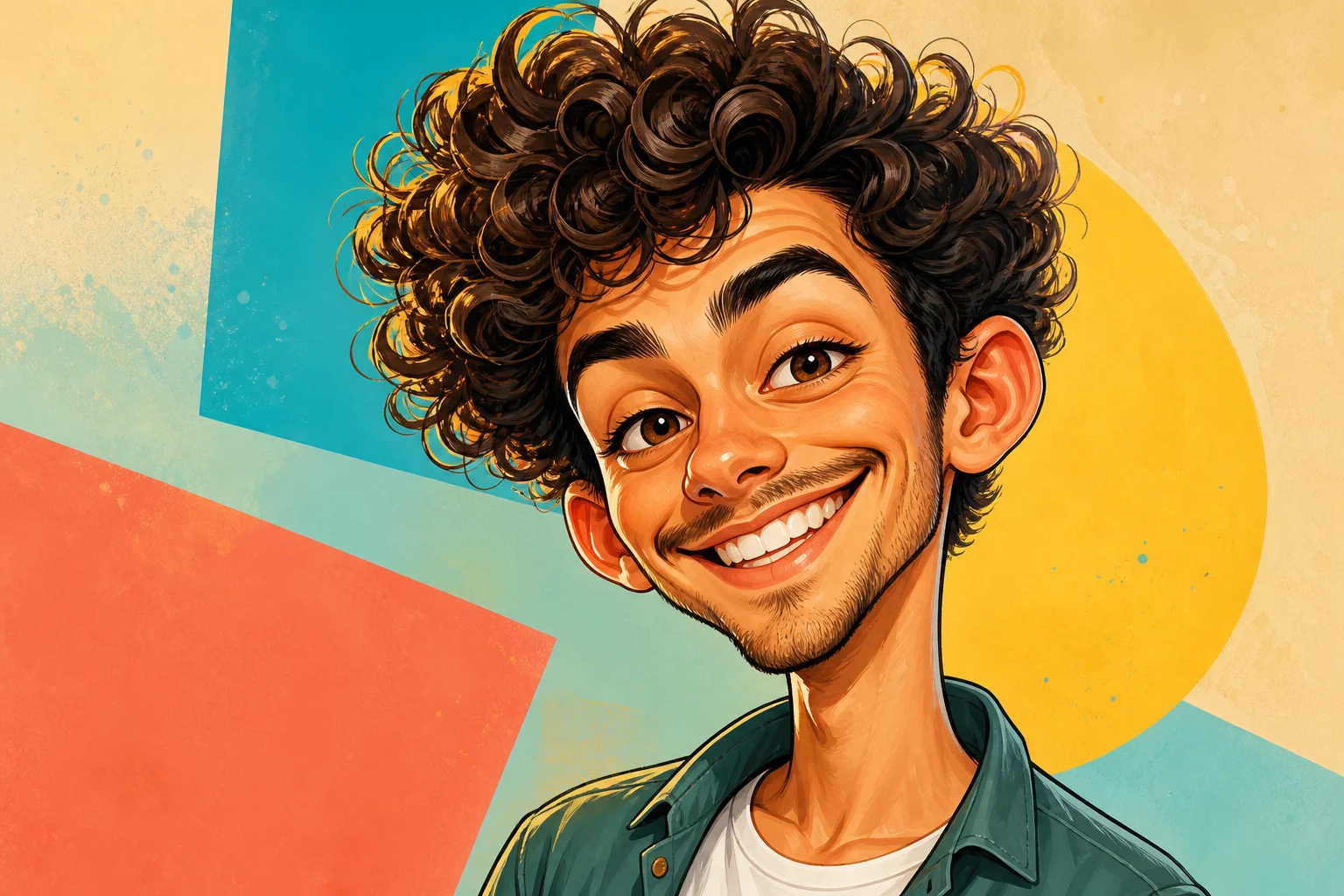
AI Caricature Maker example 2

Friendly expressive caricature

A friendly character-style portrait that emphasizes the smile, eyes, and face shape with playful proportions.

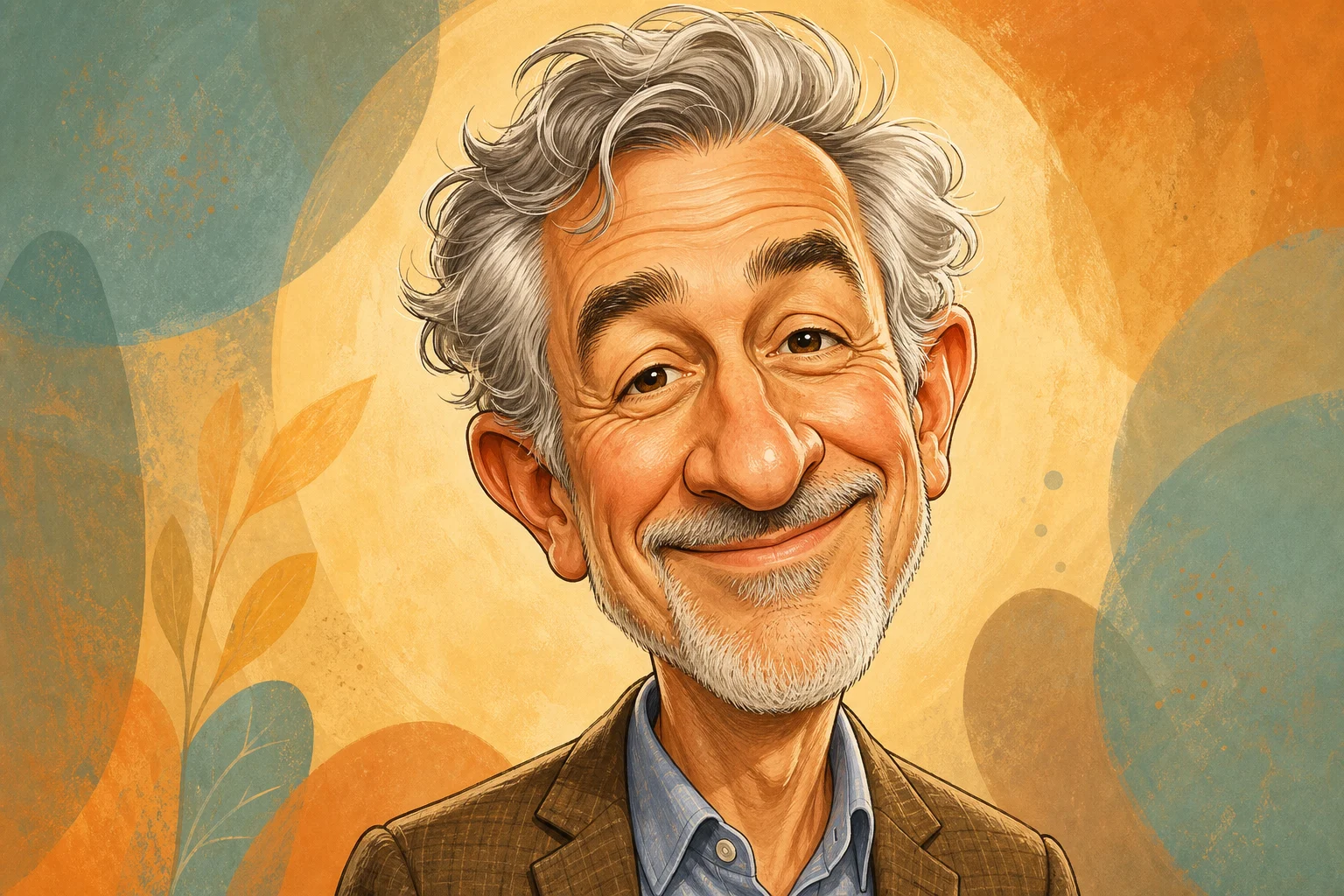
AI Caricature Maker example 3

Clean illustrated likeness

A refined illustrated Caricature with polished shading, clear silhouette, and a strong likeness to the source photo.

Popular ways to use AI Caricature Maker

Use AI Caricature Maker when you want an expressive portrait concept that feels playful, polished, and easy to compare against the original photo.

Personal and creative portraits

Create a focused caricature preview for a personal avatar, creative portrait, birthday concept, social post, or illustration direction.

Concept review and refinement

Compare the caricature style, likeness, and feature exaggeration before refining, sharing, or presenting the result as a visual direction.

How to prepare your AI Caricature Maker image

A clear source portrait and a focused prompt help the caricature keep the subject recognizable while exaggerating the most expressive features.

Choose the right portrait

  • Use a sharp source image with the main subject clearly visible.
  • Avoid heavy blur, blocked details, extreme crops, or confusing overlaps.
  • Choose a source whose pose and framing support the intended AI Caricature Maker result.

Prompt tips for stronger caricatures

Ask for a humorous but flattering Caricature that preserves the person’s identity, face shape cues, expression, hairstyle, clothing colors, and pose silhouette. Mention any traits to emphasize, such as a broad smile, strong jawline, expressive eyes, or a confident pose.

Review the result before using it

Generated details can vary between runs, so review the portrait carefully and rerun with a clearer source or tighter prompt when the result needs refinement.

Check the likeness

Compare the face shape, expression, hairstyle, pose silhouette, and clothing colors with the original portrait so the person remains easy to identify.

Review the caricature treatment

Look for playful proportions, expressive facial traits, clean illustration lines, vibrant color, and a coherent Caricature style across the full image.

Inspect fine details

Inspect faces, hands, text, edges, small objects, and background transitions for artifacts or awkward details before downloading or sharing.

AI Caricature Maker FAQ

Common questions about preparing a portrait, refining the result, and keeping the caricature recognizable.

What is AI Caricature Maker?
AI Caricature Maker turns a portrait into an illustrated Caricature with exaggerated features, clean linework, polished shading, and a recognizable likeness.
Is AI Caricature Maker free?
You can open the template and try the caricature workflow from your browser. Any available usage details are shown in the product interface before you continue.
How do I use AI Caricature Maker?
Upload a sharp portrait, describe the caricature style you want, preview the result, and refine with a clearer image or more specific prompt if needed.
What image formats does AI Caricature Maker support?
Use common image formats such as JPG, PNG, or WebP when uploading a portrait. A clear, well-lit file usually gives the template more usable facial detail.
Can I use AI Caricature Maker results commercially?
Usage depends on the image, the subject, and the rights attached to your source material and final project. Review your intended use before publishing or sharing widely.
What AI Caricature Maker changes should I expect?
It exaggerates key facial traits with playful proportions, cleaner illustration lines, vibrant color, and a friendly editorial finish while preserving the subject’s core identity.
Which source image works best?
A front-facing or three-quarter portrait with visible eyes, hairstyle, expression, clothing colors, and pose silhouette works best. Avoid blur, blocked faces, and extreme crops.
How do I keep the subject recognizable?
Start with a clear portrait and ask for a flattering caricature that preserves identity, face shape cues, expression, hairstyle, clothing colors, and pose silhouette.

Create a polished caricature portrait

Choose a clear portrait, apply the caricature style, and review the result for likeness, expression, and polished illustration quality before using it in your project.