
خیال ایک سطر میں لکھیں
بتائیں کہ ویڈیو کیا سکھاتی یا دکھاتی ہے، یہ کس کے لیے ہے، اور اس کا اندازاً دورانیہ کیا ہونا چاہیے۔ دورانیہ حصوں کی تعداد طے کرتا ہے۔
یوٹیوب منصوبہ بندی
جس ویڈیو کو آپ بنانا چاہتے ہیں اسے بیان کریں، اور یوٹیوب اسکرپٹ جنریٹر کولڈ اوپن، تعارف، حصوں کی ترتیب، ناظرین کو برقرار رکھنے کے اشارے، وائس اوور نوٹس، اسکرین پر متن، عنوان کے انتخاب اور اختتامی دعوتِ عمل تیار کرے گا۔
کیمرہ آن کرنے سے پہلے یہ دیکھنے کے قابل ویڈیو کا منصوبہ بناتا ہے۔ ایک خانے میں خیال اور مطلوبہ دورانیہ لکھیں، اور یہ دیکھنے کے انداز کے مطابق ترتیب وار اسکرپٹ دیتا ہے: کلک کا جواز دینے والا کولڈ اوپن، وعدہ طے کرنے والا تعارف، اسے پورا کرنے والے حصے، اور درمیان میں یاددہانیاں۔
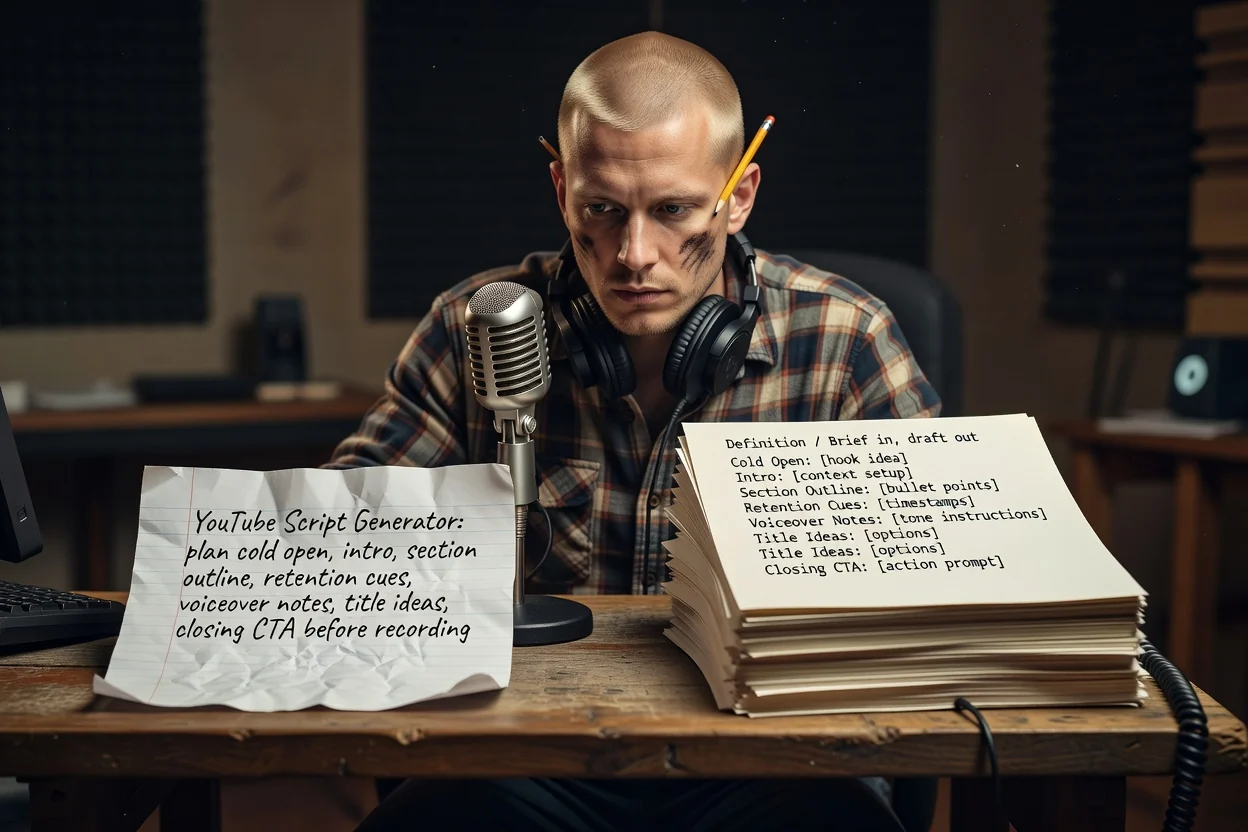
خیال سے ریکارڈنگ کے قابل خاکے تک تین مراحل۔
بتائیں کہ ویڈیو کیا سکھاتی یا دکھاتی ہے، یہ کس کے لیے ہے، اور اس کا اندازاً دورانیہ کیا ہونا چاہیے۔ دورانیہ حصوں کی تعداد طے کرتا ہے۔
اسکرین شاٹس یا مصنوعاتی تصاویر منسلک کریں تاکہ منصوبہ اسکرین پر آنے والی چیزوں کا نام لے سکے۔ منسلکات کے لیے سائن اِن اکاؤنٹ ضروری ہے۔
حصوں کو ترتیب سے دیکھیں، دہرائی جانے والی ہر چیز نکالیں، پھر اگر وعدہ غیر واضح ہو تو زیادہ واضح بنیاد کے ساتھ دوبارہ بنائیں۔
ہر حصہ تیار ویڈیو کے ایک لمحے سے مطابقت رکھتا ہے۔
برانڈنگ سے پہلے کے ابتدائی سیکنڈز، جنہیں نتیجہ دکھانے کے لیے لکھا جاتا ہے، صرف بیان کرنے کے لیے نہیں۔
شروع میں وعدہ، پھر ترتیب وار حصوں کی فہرست اور ہر حصے میں شامل موضوع۔
حصوں کے درمیان رکھی گئی سطریں جو نتیجے کی یاد دلاتی ہیں، تاکہ ناظرین کے پاس رکے رہنے کی وجہ ہو۔
بولے جانے والے جملے کیپشنز اور لیبلز سے الگ رکھے جاتے ہیں، تاکہ آپ دوبارہ لکھے بغیر ریکارڈ اور ایڈٹ کر سکیں۔
ایک ہی ویڈیو کے لیے کئی عنوانی انتخاب، اور آخر میں وہ درخواست جس پر آپ ناظرین کو عمل کروانا چاہتے ہیں۔
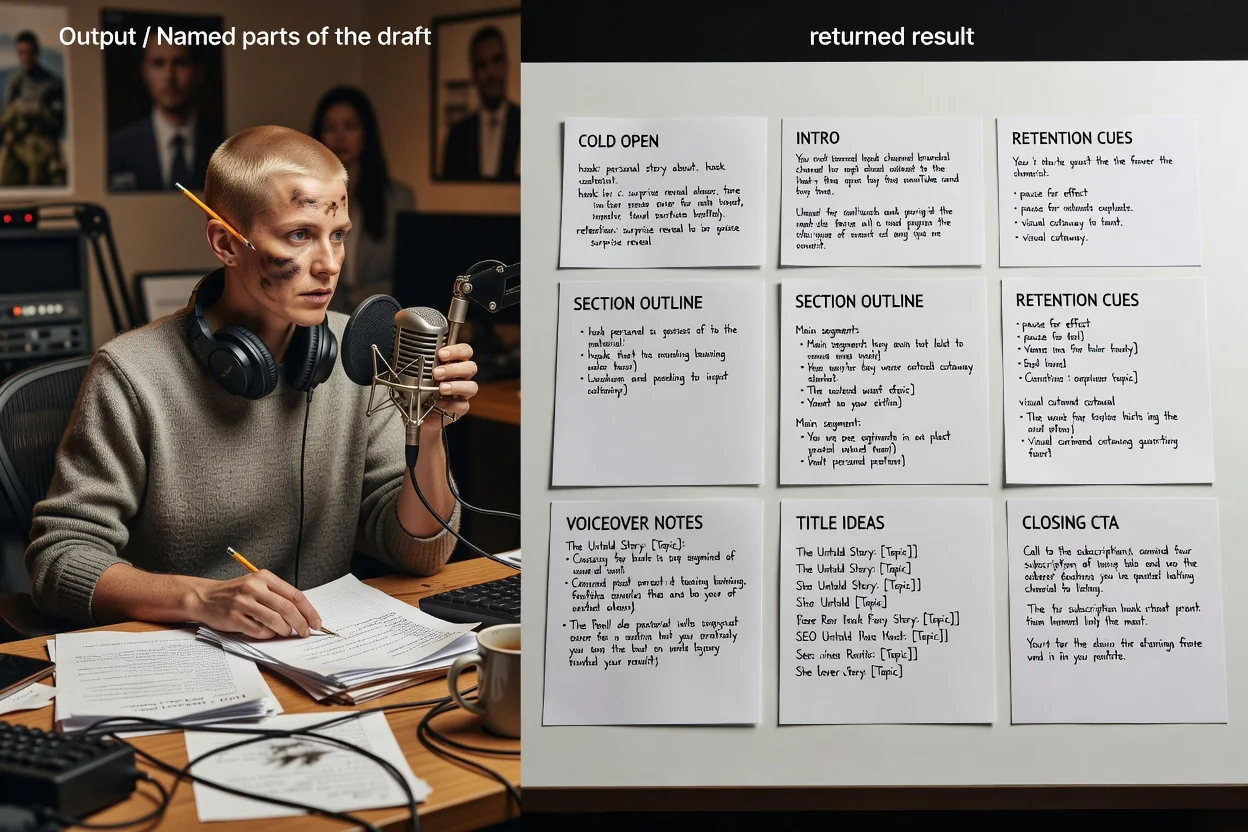
یہ منصوبہ ساز ایک کھلی بریف لیتا ہے، اس لیے آپ کے منتخب الفاظ ہی کنٹرول کا ذریعہ ہیں۔
ہدف کی مدت، مثلاً 8 منٹ کا ٹیوٹوریل یا 45 سیکنڈ کا شارٹ، بتانے سے خاکے میں حصوں کی تعداد بدل جاتی ہے۔
بتائیں کہ یہ طویل ویڈیو ہے یا عمودی شارٹ۔ شارٹس ہک، ایک نتیجے اور دعوتِ عمل تک محدود ہو جاتے ہیں۔
دیکھنے والوں اور ان کے موجودہ علم کی سطح بتائیں، تاکہ تعارف نہ ضرورت سے زیادہ سمجھائے اور نہ سیاق چھوڑے۔
وہ بصری مواد منسلک کریں جو آپ دکھانے والے ہیں، تاکہ اسکرین کا متن اور حصوں کے نوٹس حقیقی مواد کی طرف اشارہ کریں۔
ایسی بریفیں جو اس منصوبہ ساز کے لیے موزوں ہیں۔
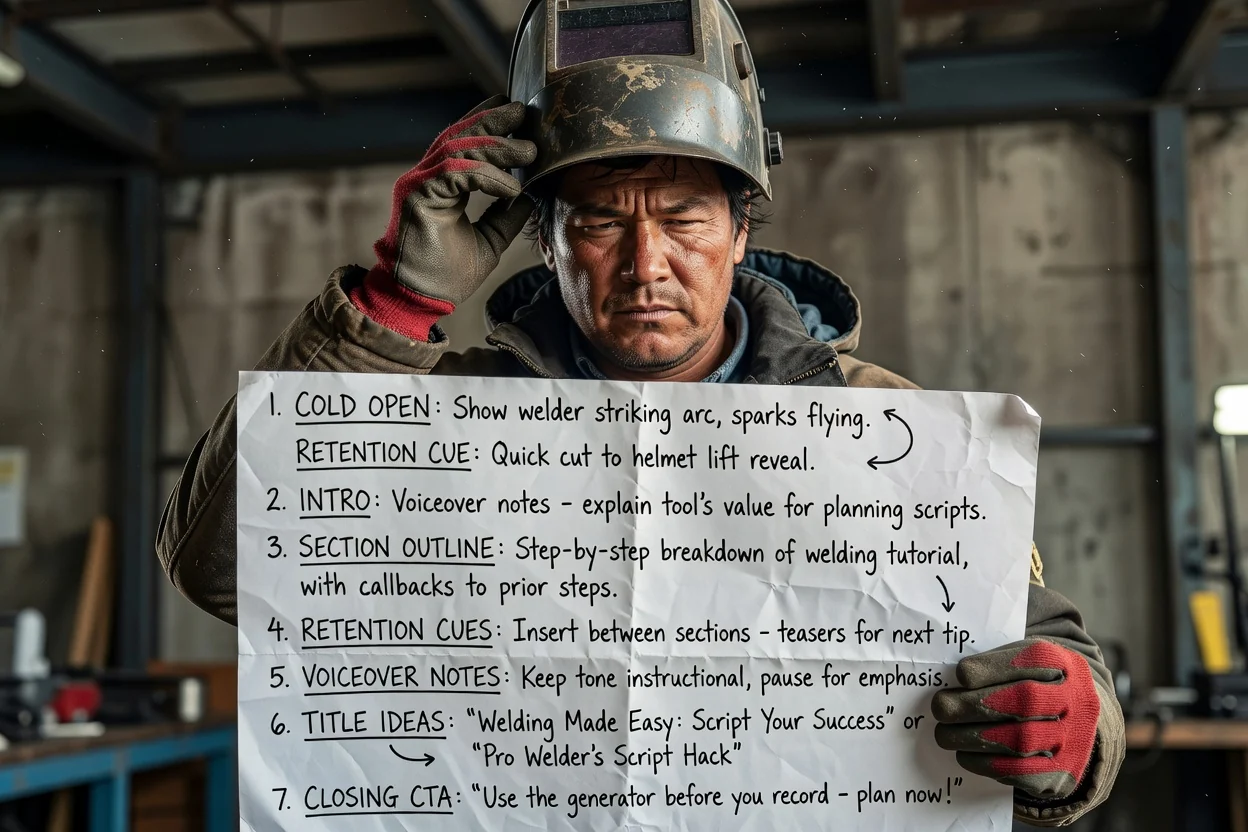
کئی مرحلوں والے عمل کو ترتیب وار حصوں میں بدلیں، اور ہر مرحلے کے درمیان برقرار رکھنے کی یاددہانیاں شامل کریں۔
ٹیوٹوریل کی منصوبہ بندی کریں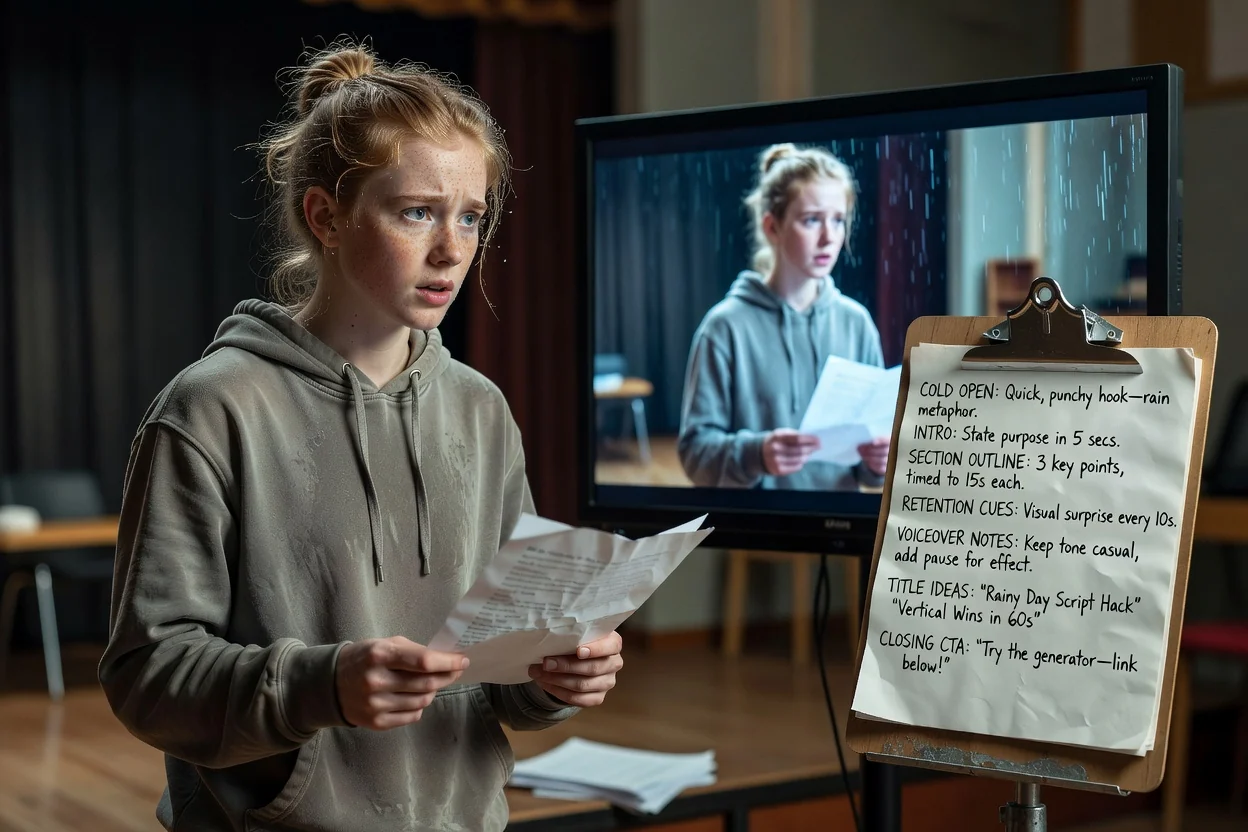
ایک خیال کو کولڈ اوپن، ایک نتیجے اور عمودی جگہ میں سما جانے والی اختتامی درخواست میں سمیٹیں۔
شارٹ کی منصوبہ بندی کریں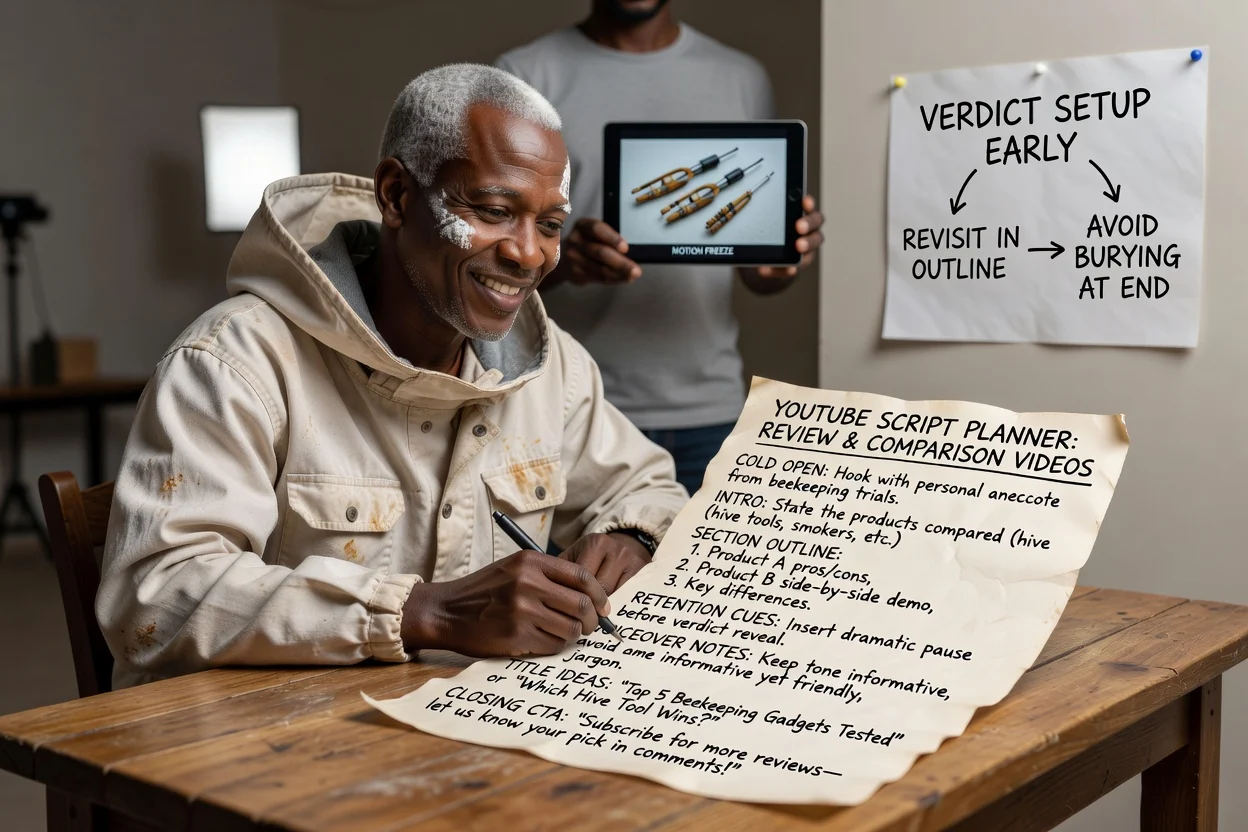
حصوں کی ترتیب اس طرح بنائیں کہ فیصلہ جلدی واضح ہو اور صرف آخر میں دبنے کے بجائے دوبارہ زیرِ بحث آئے۔
جائزے کی منصوبہ بندی کریں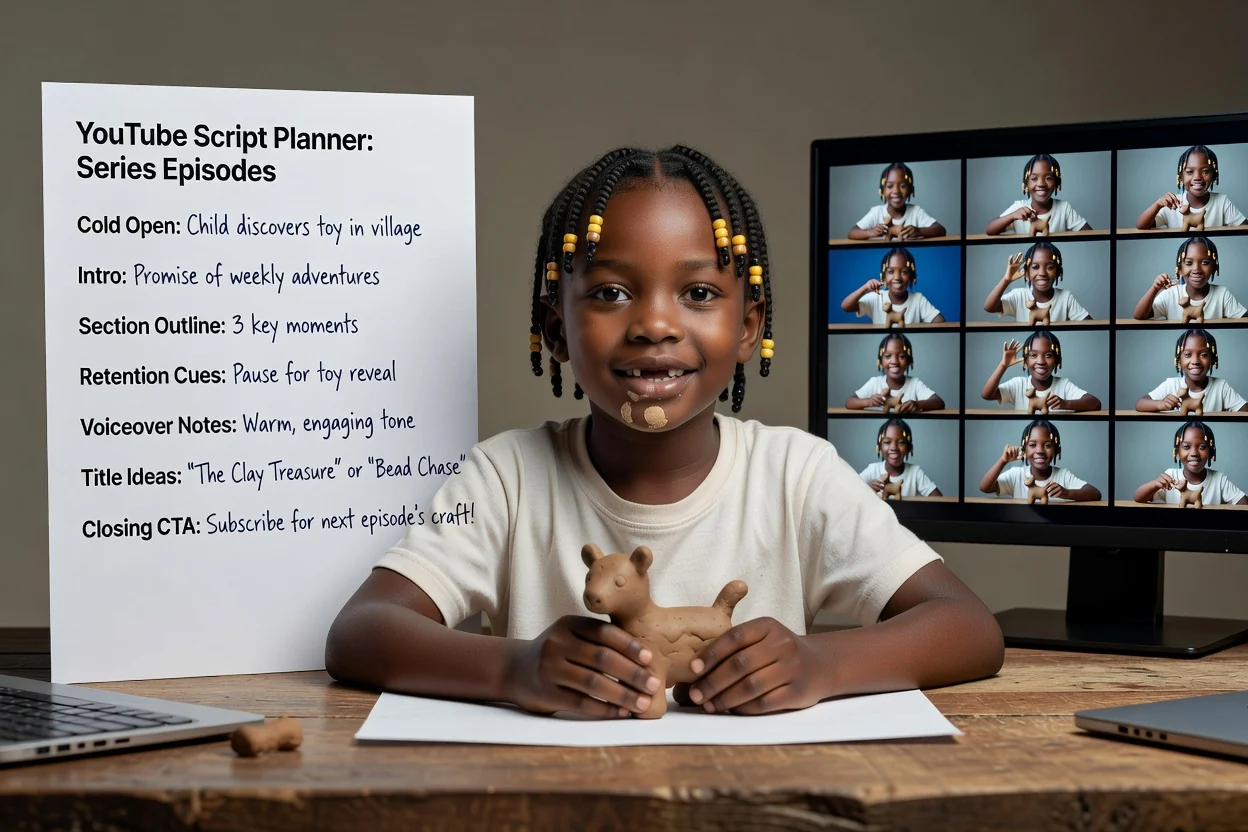
ہر قسط میں ایک ہی بریف ساخت دوبارہ استعمال کریں، تاکہ تعارف کا وعدہ اور دعوتِ عمل یکساں رہیں۔
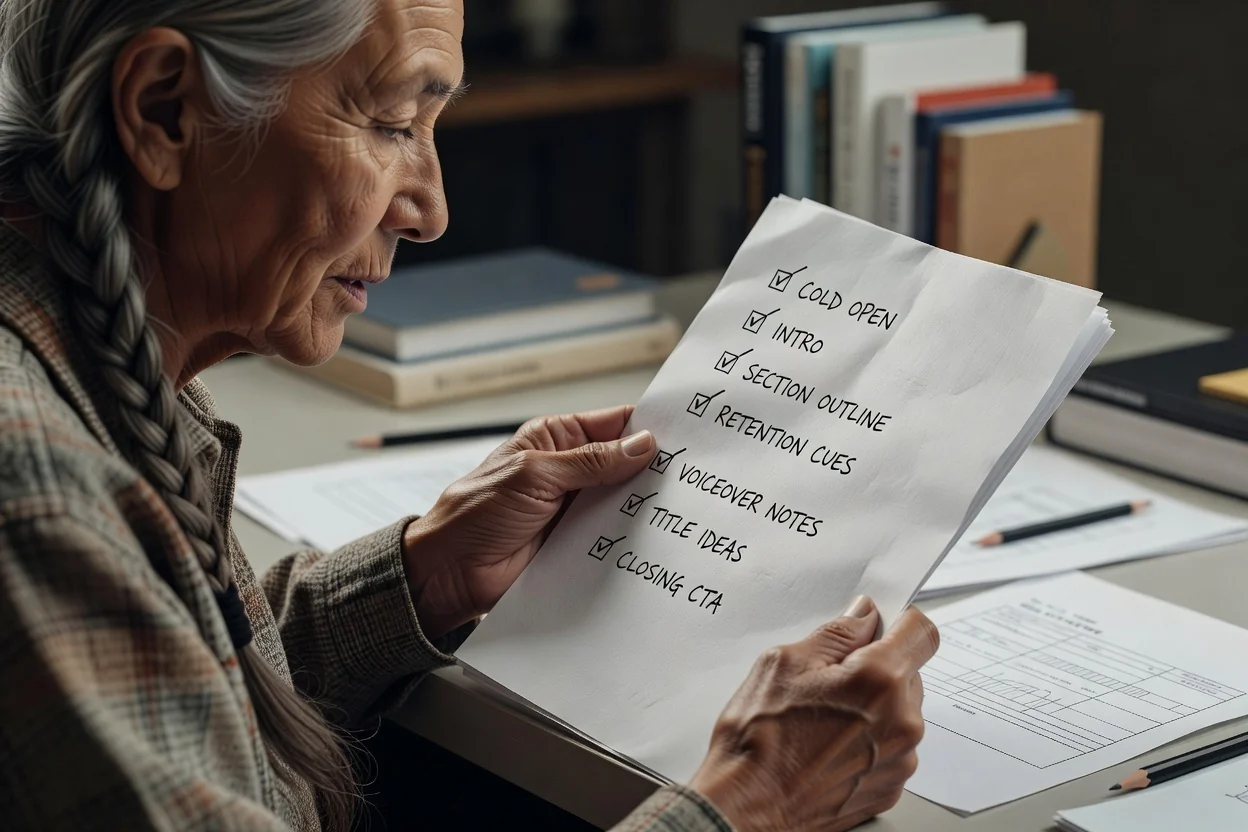
قسط کی منصوبہ بندی کریںدوبارہ ریکارڈنگ سے بچانے والی چار جانچیں۔
اگر پہلی سطر دکھانے کے بجائے وضاحت کرتی ہے تو اسے ویڈیو کے سب سے نمایاں بصری لمحے کے گرد دوبارہ لکھیں۔
تعارف میں ایک ہی چیز واضح ہونی چاہیے جو ناظر کو ملے گی۔ اگر اس میں تین چیزیں ہوں تو ویڈیو تقسیم کر دیں۔
دورانیے کے لحاظ سے بہت زیادہ حصوں کا مطلب جلدی میں پیشکش ہے۔ ہر حصے کو چھوٹا کرنے کے بجائے حصے ہٹائیں۔
ایک واضح درخواست، سبسکرائب کرنے، تبصرہ کرنے اور لنک کھولنے کی کئی درخواستوں کی فہرست سے بہتر نتیجہ دیتی ہے۔
یہ منصوبہ ساز کہاں تک کام کرتا ہے۔
نتیجہ تحریری خاکہ ہوتا ہے۔ ریکارڈنگ، ویڈیو مواد بنانا اور ایڈیٹنگ الگ مراحل ہیں۔
عنوان کے خیالات ابتدائی مسودے ہیں جن پر ردعمل دیا جا سکتا ہے، آزمودہ سرخیاں نہیں۔ انہیں اپنے چینل کی سابقہ کارکردگی کے مقابل پر پرکھیں۔
خاکے میں موجود ہر مصنوعاتی دعوے، اعداد و شمار یا مراحل کی ترتیب کو اشاعت سے پہلے اپنے ماخذ سے جانچنا چاہیے۔
ریکارڈنگ سے پہلے یوٹیوب ویڈیو کی منصوبہ بندی سے متعلق عام سوالات۔
یوٹیوب اسکرپٹ جنریٹر کو ایک خیال اور دورانیہ دیں، پھر ریکارڈنگ کے قابل کولڈ اوپن، حصوں کا خاکہ اور دعوتِ عمل حاصل کریں۔