
Ürünü ve alıcıyı açıklayın
Ürün ayrıntılarını, alıcı özetini, temel sorunu, en güçlü özellikleri ve izleyicinin anlaması gereken sonucu ekleyin.
Ürün videosu senaryo planlaması
Ürün ayrıntıları ve alıcı özetiyle Product Video Script Generator kullanarak ürün videosu senaryosu planlayın; videonuzu kaydetmeden veya oluşturmadan önce demo sahnelerini, seslendirmeyi ve kapanış çağrısını inceleyin.
Product Video Script Generator, ürün ayrıntılarını ve alıcı özetini yapılandırılmış yazılı bir video taslağına dönüştürmeye yönelik bir planlama aracıdır. Kayıt yapmadan veya görsel oluşturmadan önce kancayı, demo akışını, faydaları, seslendirmeyi ve kapanış eylemini düzenlemenize yardımcı olur.
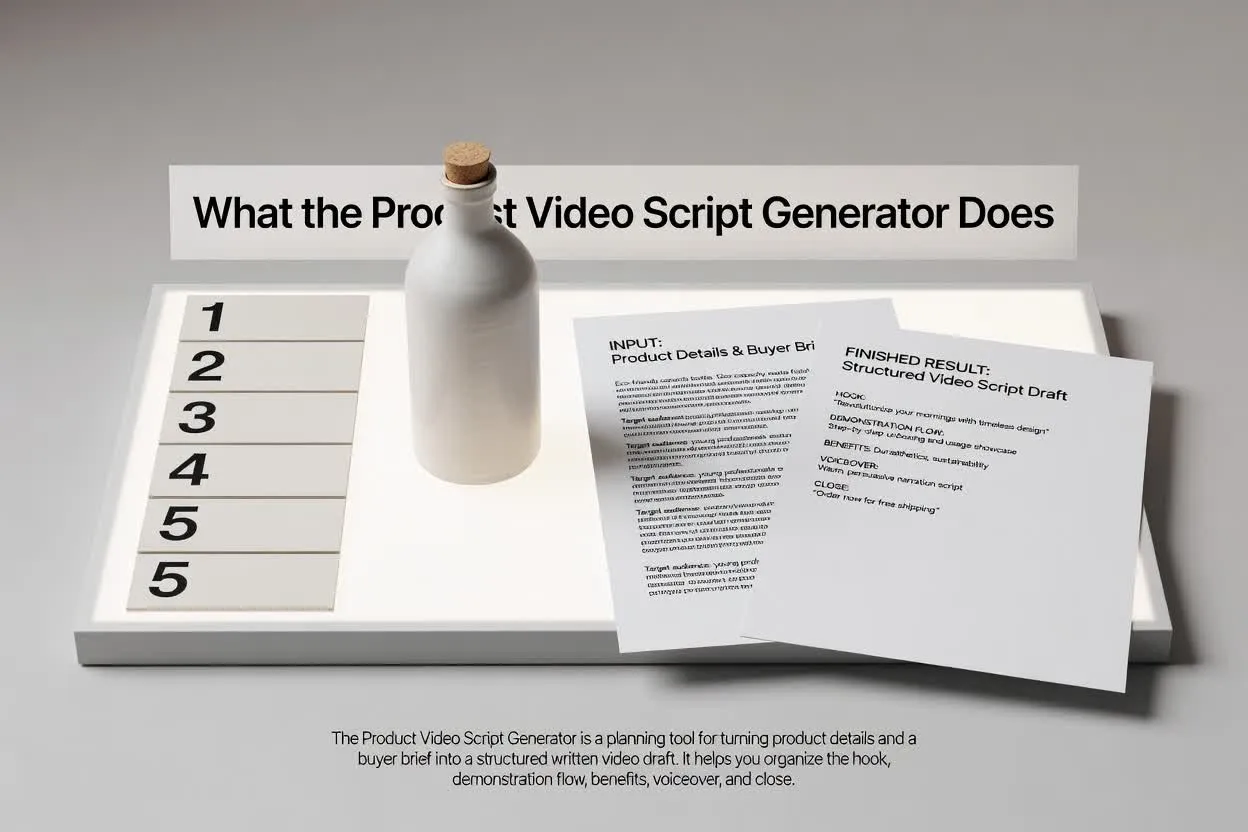
Özetten incelenebilir plana birkaç odaklı adımda ilerleyin.
Ürün ayrıntılarını, alıcı özetini, temel sorunu, en güçlü özellikleri ve izleyicinin anlaması gereken sonucu ekleyin.
Senaryonun kanala ve amaca uyması için formatı, süreyi, tonu, hedef kitleyi ve kapanış eylemini seçin.
Ürün demosu senaryo yapısını sahne akışı, fayda netliği, seslendirme metni ve kapanış çağrısı odağı açısından gözden geçirin.
Planlayıcı, yapım başlamadan önce okuyabileceğiniz, düzenleyebileceğiniz ve devredebileceğiniz bir taslak döndürür.
İzleyicinin her aşamada ne görmesi ve duyması gerektiğini gösteren sahne sahne ürün demosu senaryosu.
Alıcı sorununu, ürün özelliğini ve faydayı net bir sırayla bağlayan seslendirme metinleri veya yönlendirmeleri.
Videonun birbiriyle yarışan çağrılar yerine tek sonraki adıma odaklanmasını sağlayan bir kapanış eylemi.
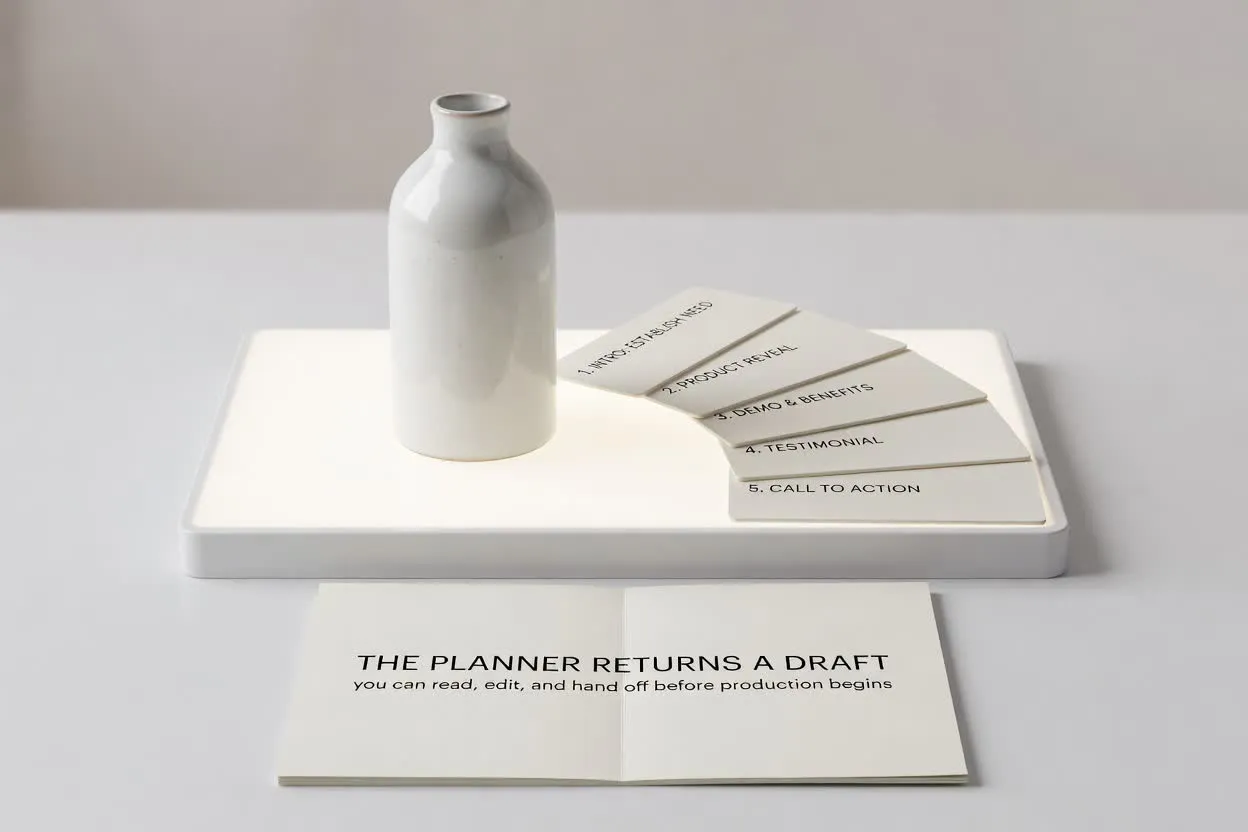
Senaryoyu, videonuzun yapması gereken işe göre şekillendirmek için kontrolleri kullanın.
Kısa lansman klibi, tanıtım veya e-ticaret demosu gibi yayınlandığı yere uygun formatı seçin.
Planın sahne sayısına ve hedeflediğiniz dikkat süresine uyması için bir süre seçin.
Seslendirmenin alıcının beklentileri ve ürün bilgisi düzeyiyle uyumlu kalması için tonu ve hedef kitleyi ayarlayın.
Ürün bilgilerini videoya hazır bir yapıya dönüştüren bir senaryoya ihtiyaç duyduğunuzda planlayıcıyı kullanın.
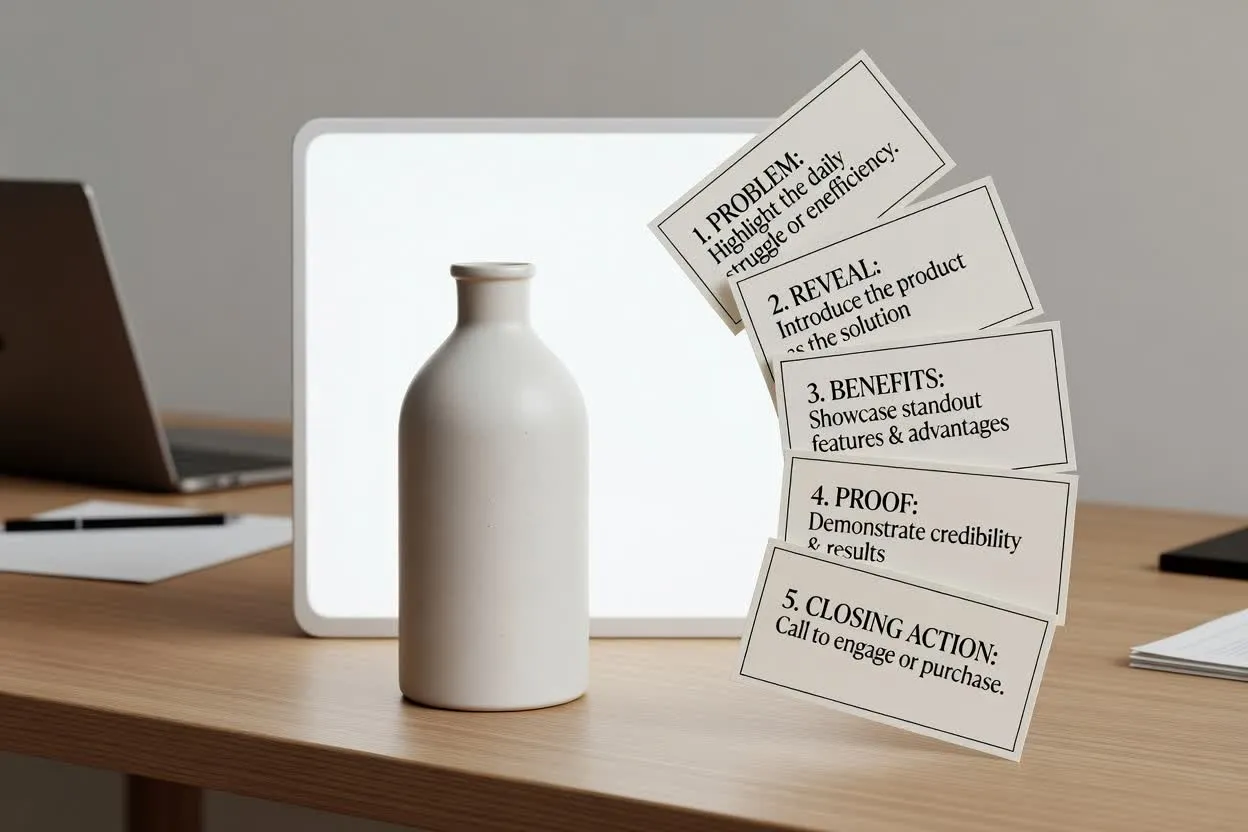
Sorundan tanıtıma, öne çıkan faydalardan kapanış eylemine uzanan lansman videosu hikâyesini taslak hâline getirin.
Product Video Script Generator ile planlayın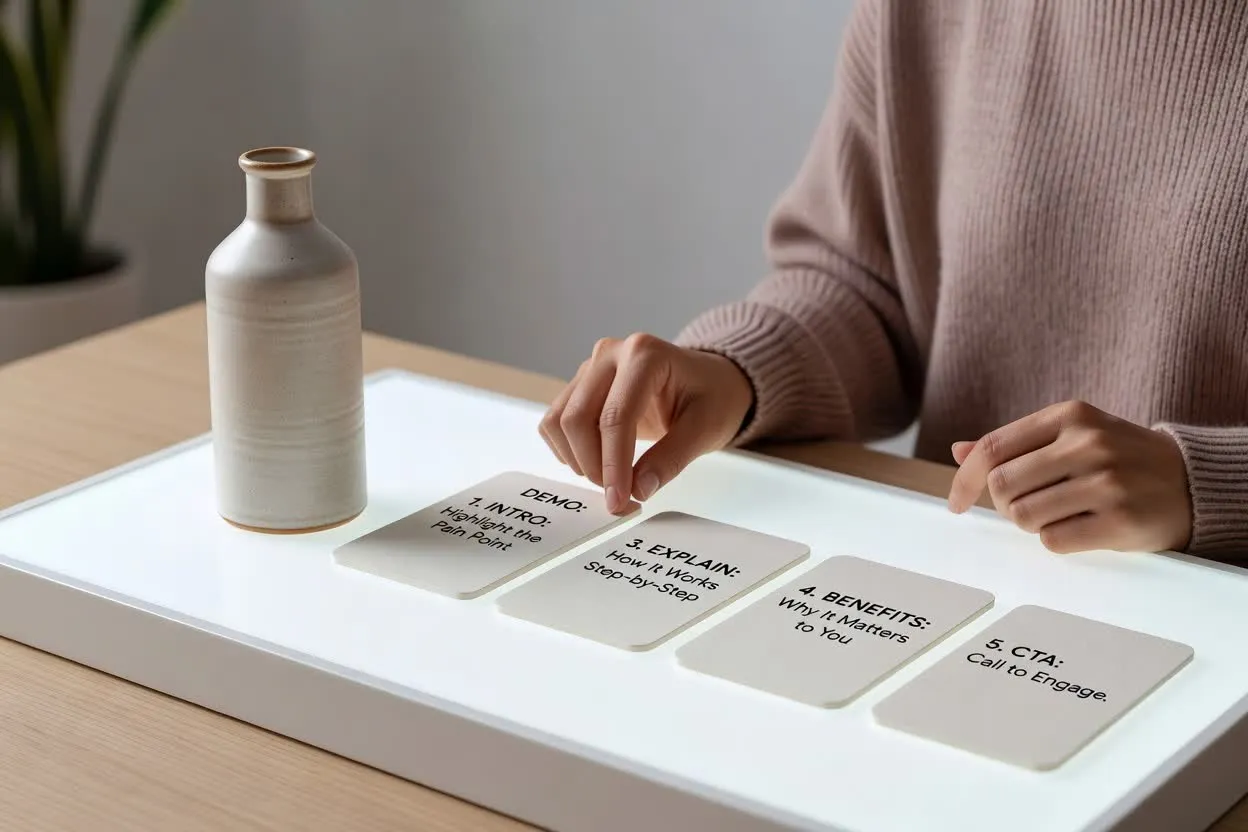
Bir yeteneğin nasıl çalıştığını ve izleyici için neden önemli olduğunu açıklayan özellik-fayda video planı oluşturun.
Senaryo planlayıcıyı açın
Ürünün kullanımını gösteren, alıcı sorularını yanıtlayan ve net bir sonraki adımla biten e-ticaret demosu senaryosu oluşturun.
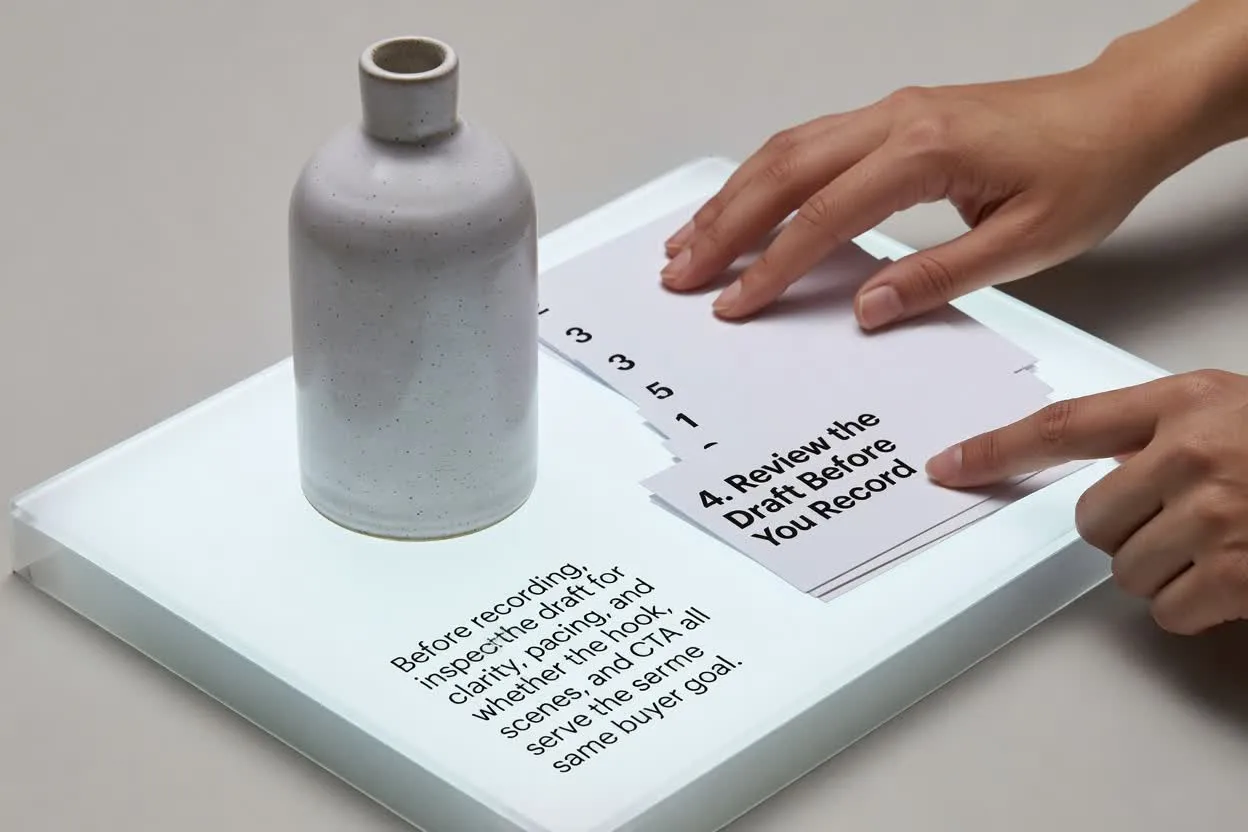
Senaryo planlayıcıyı açınKayıttan önce taslağı netlik, tempo ve kancanın, sahnelerin ve kapanış çağrısının aynı alıcı hedefine hizmet edip etmediği açısından inceleyin.
Kancanın, seçilen süre için alıcının sorununa veya istenen sonuca yeterince hızlı değindiğini doğrulayın.
Ürün hikâyesinin kalabalıklaşmadan tamamlanmış hissettirmesi için sahne sayısını inceleyin.
Sonun, sayfayı ziyaret etmek, kaydolmak veya satın almak gibi yalnızca tek bir eylem istediğinden emin olun.
Planı tamamlanmış bir video ya da ürün doğrulamasının yerine geçen bir araç olarak değil, yazım ve inceleme desteği olarak kullanın.
Çıktı, planlama için yazılı bir taslaktır. Görüntü kaydetmez, sahneleri oluşturmaz, müzik eklemez veya tamamlanmış video dışa aktarması yapmaz.
Senaryoyu kullanmadan önce her özelliği, faydayı, karşılaştırmayı ve performans iddiasını ürün bilgilerinize göre inceleyin.
Ürün videosu senaryoları için planlayıcıyı kullanmaya dair yaygın sorular.
Ürün ayrıntılarınızı ve alıcı özetinizi getirin, video kontrollerini ayarlayın ve yapımdan önce taslağı inceleyin.