
स्पष्ट पोर्ट्रेट अपलोड गर्नुहोस्
देखिने कपाल, अनुहारको आकार र समान प्रकाश भएको सामुन्ने वा तीन-चौथाइ कोणको फोटो छान्नुहोस्।
वास्तविक शैली रोज्नुअघि आफ्नै पोर्ट्रेटमा कपालको कटाइ, लम्बाइ, बनावट, अगाडिको लट, फेड वा रङको दिशा हेर्नुहोस्।
कृत्रिम बुद्धिमत्ताद्वारा कपालको कटाइ भनेको पोर्ट्रेटमा नयाँ कटाइ वा रङ देखाउने फोटो-निर्देशित छवि कार्यप्रवाह हो। स्रोत फोटोले अनुहार र हालको संरचनालाई आधार बनाउँछ, जबकि तपाईंको विवरणले चाहिएको लम्बाइ, बनावट, सिउँदो, अगाडिको लट, फेड, घनत्व, रङ र स्टाइलिङ बताउँछ।
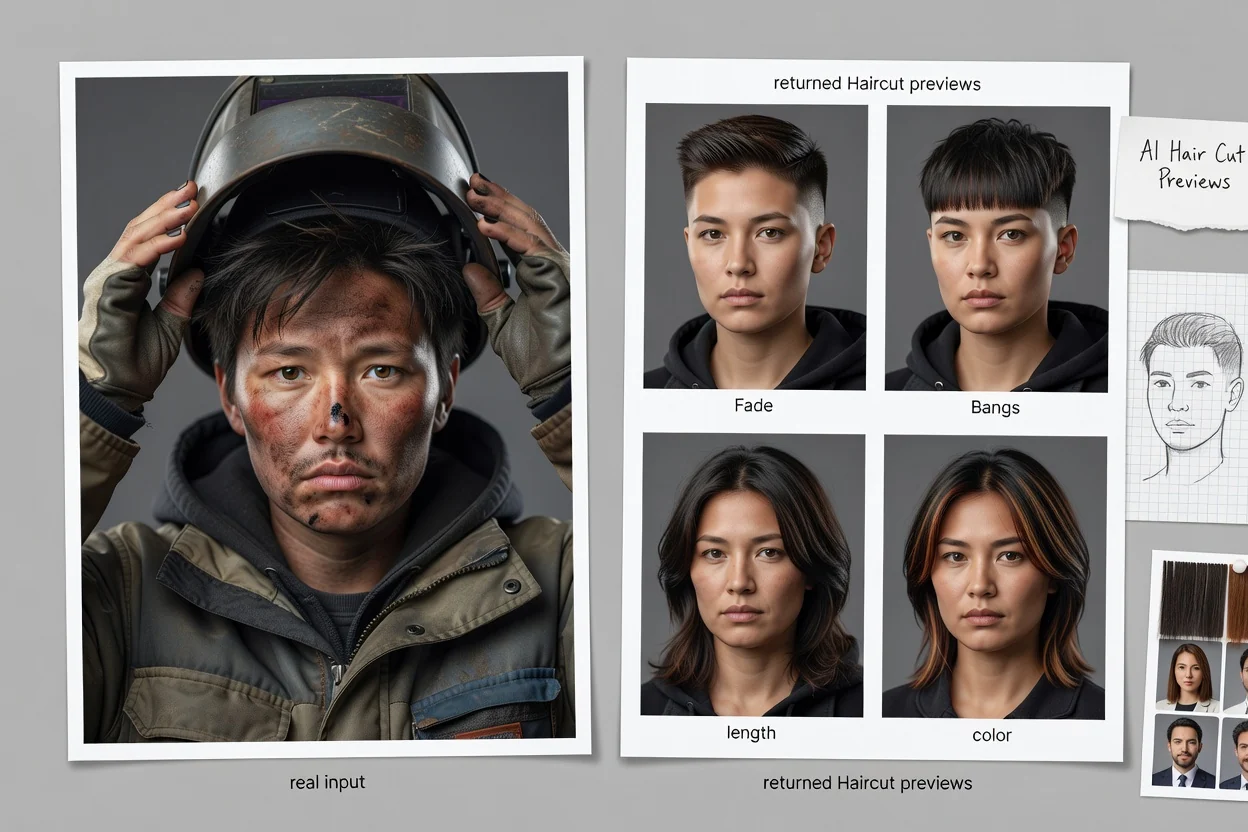
विकल्पहरू तुलना गर्नुअघि पोर्ट्रेट स्पष्ट राख्नुहोस् र एउटा केशसज्जा दिशा वर्णन गर्नुहोस्।
देखिने कपाल, अनुहारको आकार र समान प्रकाश भएको सामुन्ने वा तीन-चौथाइ कोणको फोटो छान्नुहोस्।
अन्वेषण गर्न चाहेको कटाइ, लम्बाइ, बनावट, सिउँदो, अगाडिको लट, फेड, घनत्व, रङ र स्टाइलिङ फिनिस बताउनुहोस्।
धेरै पूर्वावलोकन सँगसँगै समीक्षा गर्नुहोस्, त्यसपछि स्टाइलिस्ट वा प्रोफाइल अवधारणाका लागि उपयोगी दृश्य सन्दर्भ राख्नुहोस्।
हरेक सिर्जित पूर्वावलोकनमा अस्पष्टता घटाउन स्पष्ट पोर्ट्रेट र केशसज्जाका विवरण प्रयोग गर्नुहोस्।
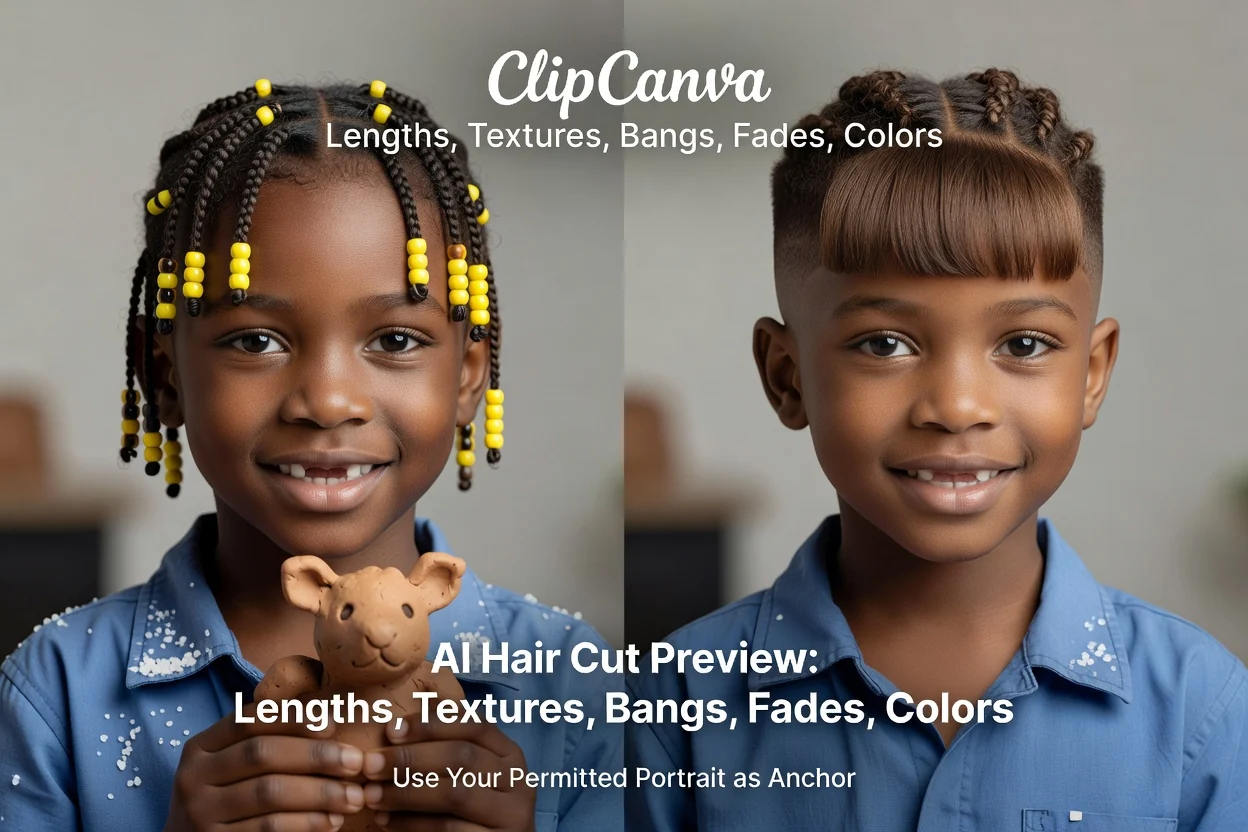
अनुमति भएको आफ्नो पोर्ट्रेटलाई दृश्य आधार बनाउनुहोस्, ताकि कटाइको अवधारणा चाहेको अनुहार र संरचनामै देखियोस्।
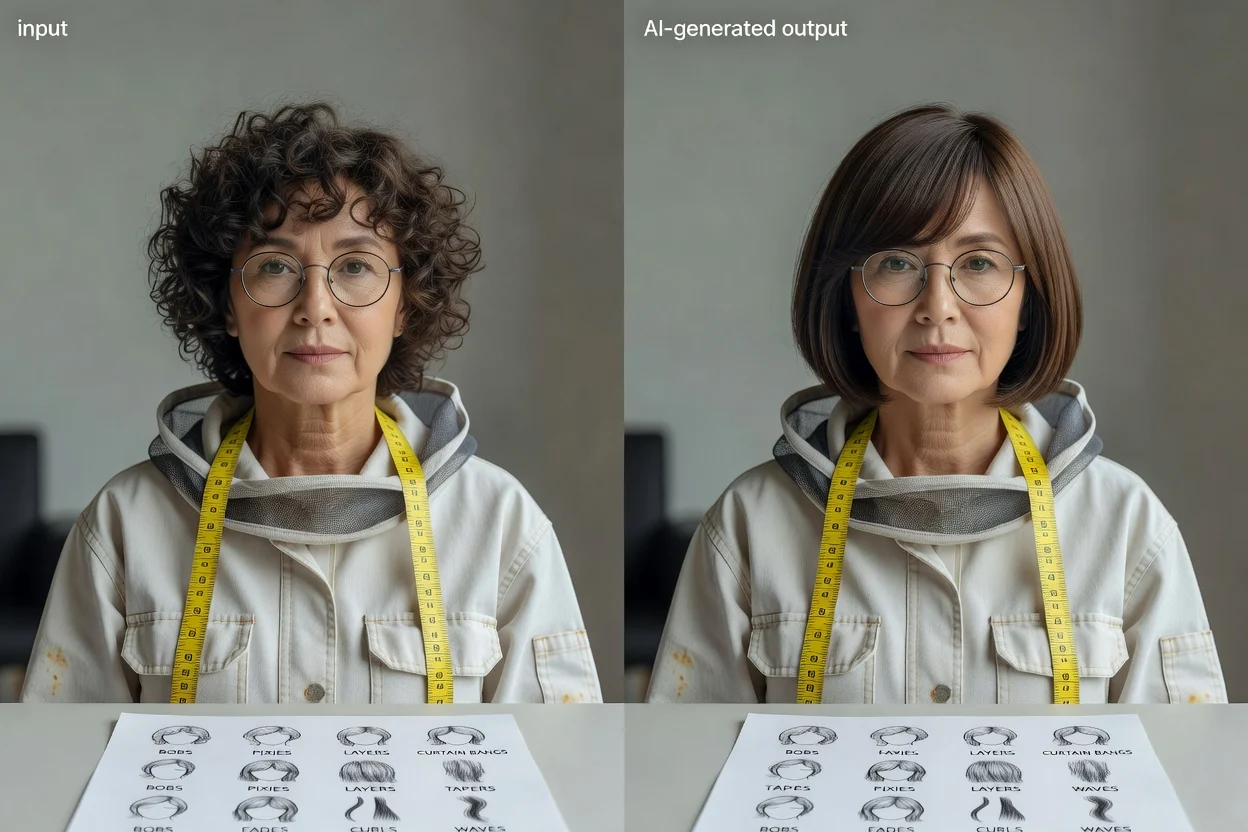
बब, पिक्सी, तह, पर्दाजस्ता अगाडिका लट, टेपर, फेड, कर्ल, वेभ वा अर्को निश्चित कटाइको दिशा वर्णन गर्नुहोस्।
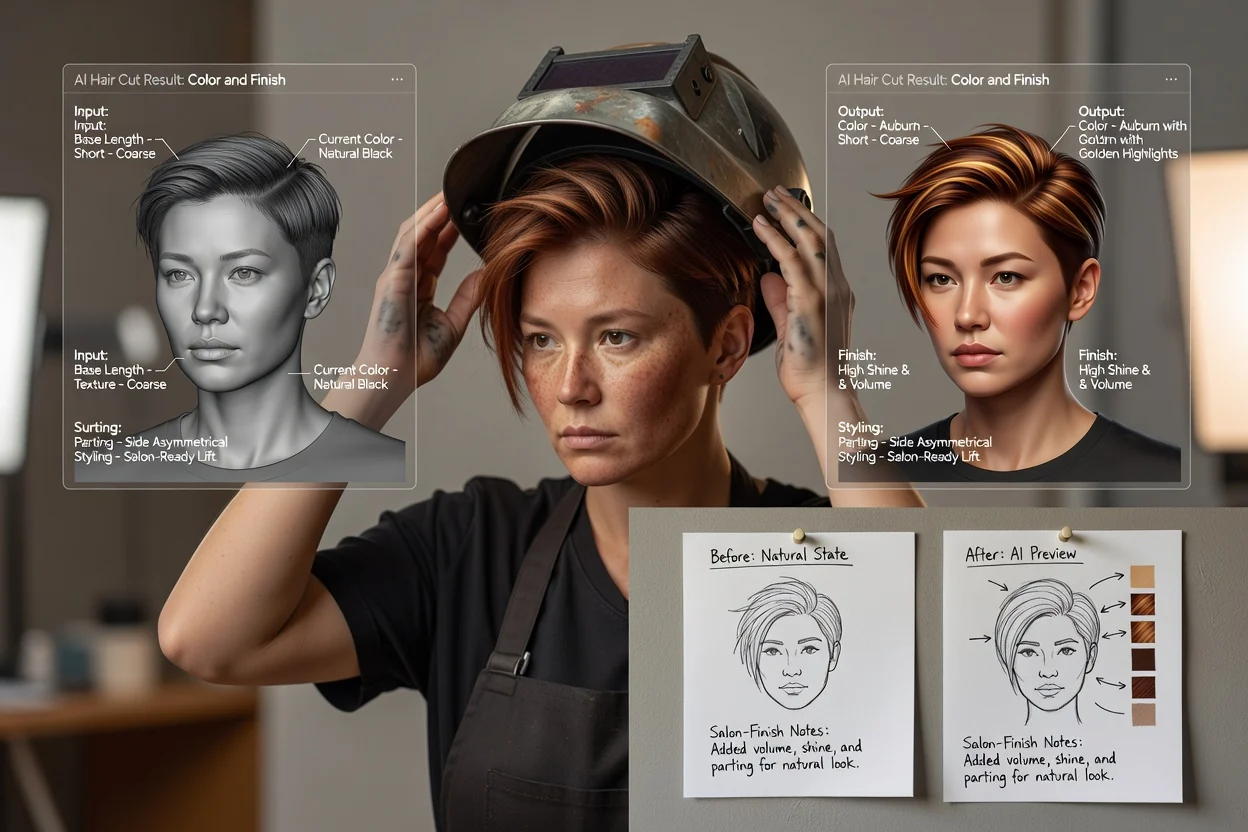
एउटै स्पष्ट विवरणमा रङ, हाइलाइट, सिउँदो, घनत्व, चमक, स्टाइलिङ र सैलुन-जस्तो फिनिसका टिप्पणी थप्नुहोस्।
निर्णय, परामर्श र सिर्जनात्मक पोर्ट्रेट योजनाका लागि सिर्जित रूपलाई दृश्य सन्दर्भका रूपमा प्रयोग गर्नुहोस्।

स्टाइलिस्टसँग लम्बाइ, बनावट, हेरचाह र तपाईंको कपालका लागि के यथार्थपरक छ भनेर छलफल गर्न केही स्पष्ट दिशाहरू लैजानुहोस्।
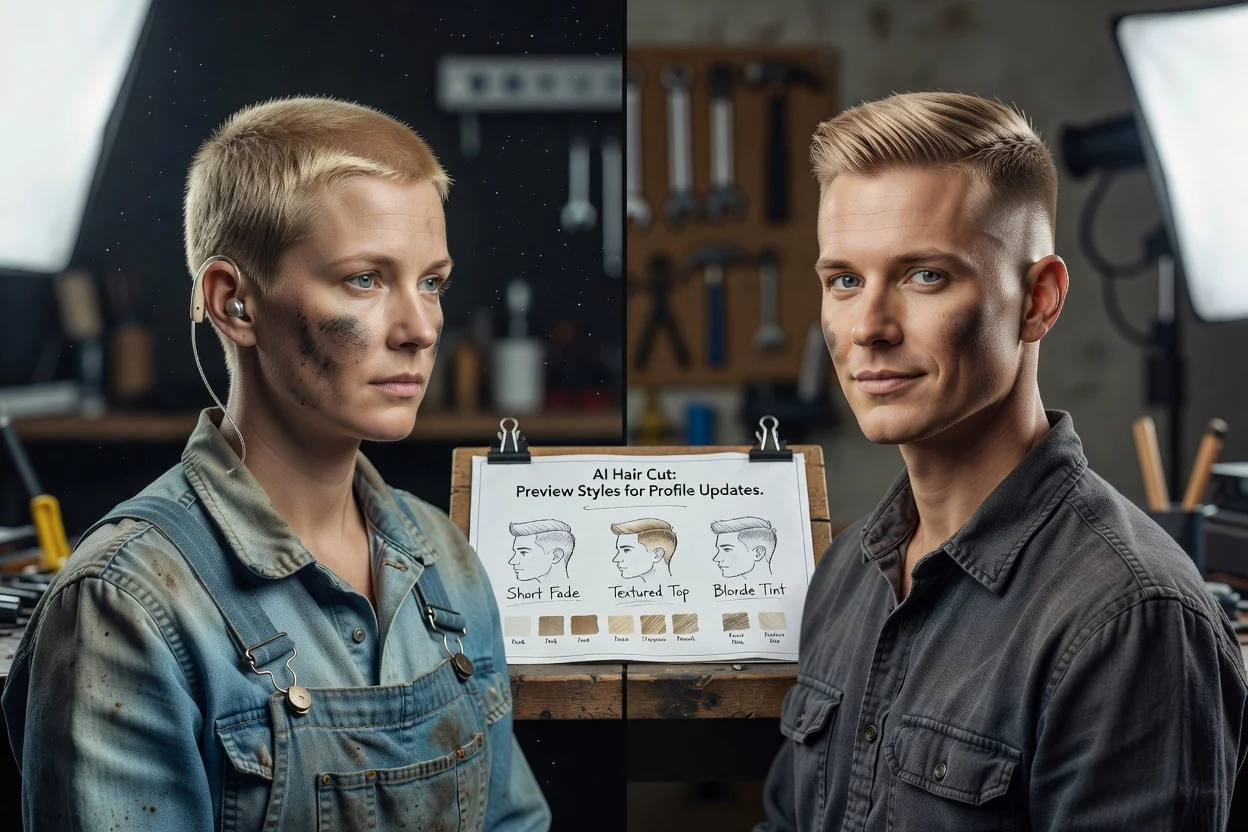
प्रोफाइल अद्यावधिक वा फोटोसुटको योजना बनाउनुअघि कटाइ वा रङको दिशाले पोर्ट्रेटको रूप कसरी बदल्न सक्छ भनेर अन्वेषण गर्नुहोस्।
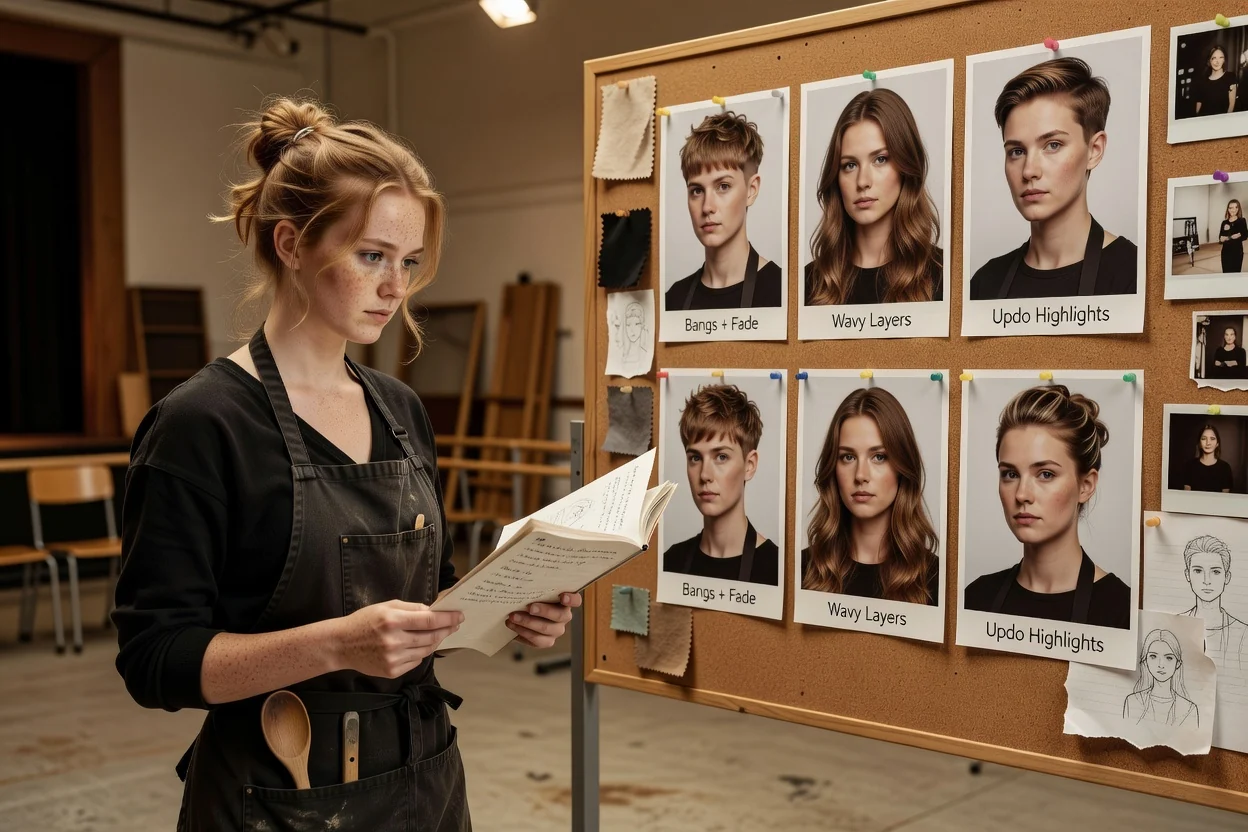
हरेक विचार फेरि फोटो खिच्नुपर्ने बिना पात्र, सिर्जनाकर्ताको रूप, मूड बोर्ड वा अभियान पोर्ट्रेटका लागि केशसज्जाको दिशा परीक्षण गर्नुहोस्।
सिर्जित पूर्वावलोकनले दृश्य दिशा जनाउँछ, तर वास्तविक कपालमा ठ्याक्कै कस्तो परिणाम आउँछ भन्ने अनुमान गर्न सक्दैन।
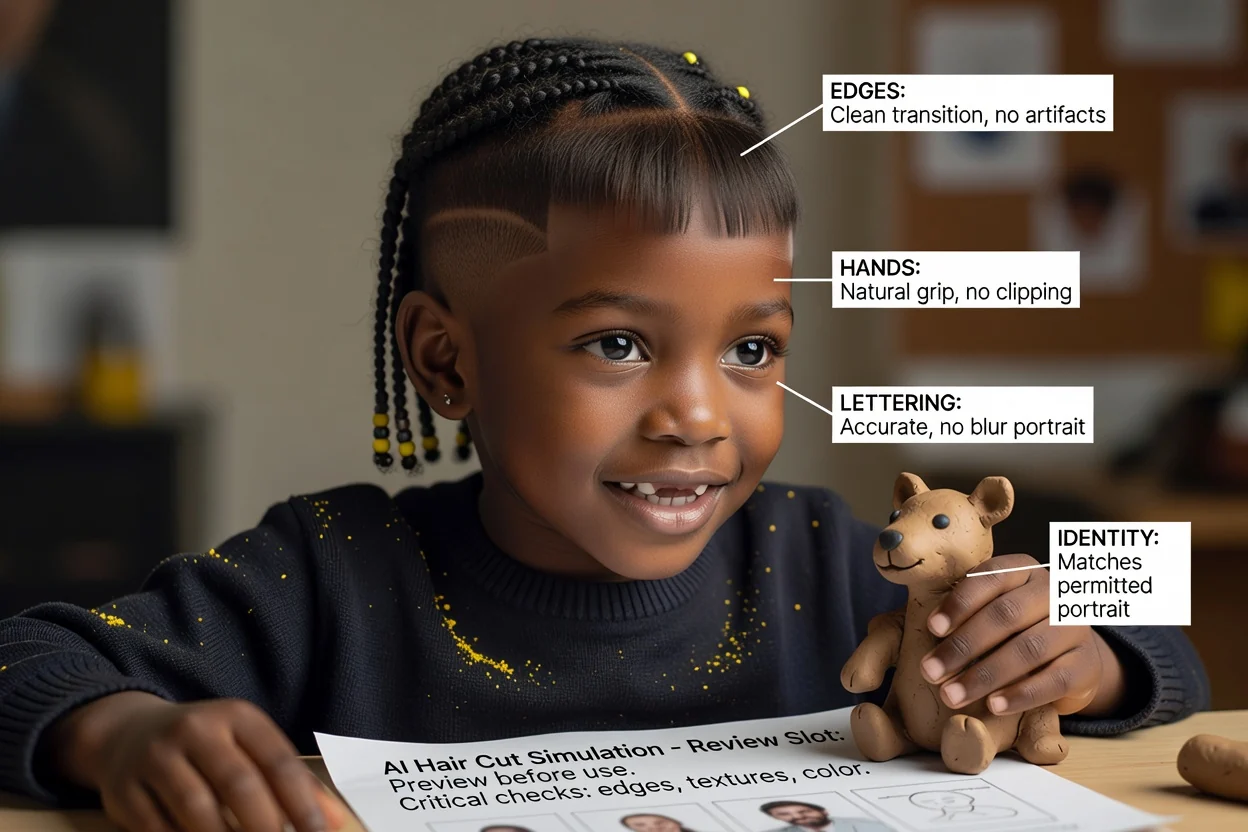
अनुहार अझै स्रोतसँग मिल्छ कि हेर्नुहोस् र कपालको किनारा, कान, घाँटी तथा छेउमा स्पष्ट त्रुटि भए नभएको जाँच्नुहोस्।
चाहिएको लम्बाइ, अगाडिको लट, तह, फेड, बनावट र सिउँदो देखिन्छन् र आपसमा मिल्दोजुल्दो छन् कि जाँच्नुहोस्।
कपालको प्रकार, घनत्व, अवस्था, हेरचाह र सम्भव रङ परिवर्तनबारे योग्य स्टाइलिस्टसँग छलफल गर्नुहोस्।
पूर्वावलोकनलाई प्रेरणाका रूपमा प्रस्तुत गर्नुहोस्, वास्तविक जीवनमा उही कटाइ वा रङ ठ्याक्कै उस्तै देखिने ग्यारेन्टीका रूपमा होइन।
छवि मोडेलले रूपरङको व्याख्या गर्छ, तर वास्तविक कपालको भौतिक व्यवहार वा अवस्था मूल्याङ्कन गर्न सक्दैन।
पूर्वावलोकनले कटाइ, बनावट वा रङ तपाईंलाई कस्तो सुहाउँछ वा सैलुन सेवापछि कस्तो व्यवहार गर्छ भन्ने ग्यारेन्टी गर्न सक्दैन।
कपाल परिवर्तन गर्दा मोडेलले अनुहारको आकार, छाला, कान, गहना, लुगा वा पृष्ठभूमि बदल्न सक्छ।
उपयुक्तता, हेरचाह, रासायनिक प्रक्रिया र हालको कपालबाट के सम्भव छ भन्नेबारे स्टाइलिस्टसँग सोध्नुहोस्।
पोर्ट्रेट इनपुट, कटाइ विवरण, सैलुन सन्दर्भ, कपालको रङ र यथार्थपरक अपेक्षाबारे उत्तरहरू।
स्पष्ट पोर्ट्रेट अपलोड गर्नुहोस्, कटाइ र रङ वर्णन गर्नुहोस्, अनि केन्द्रित दृश्य सन्दर्भहरूको समूह तुलना गर्नुहोस्।