
कल्पना एका ओळीत लिहा
व्हिडिओ काय शिकवतो किंवा दाखवतो, तो कोणासाठी आहे आणि तो साधारण किती वेळ चालावा ते सांगा. कालावधी विभागांची संख्या ठरवतो.
YouTube नियोजन
तुम्हाला बनवायचा असलेला व्हिडिओ वर्णन करा आणि YouTube स्क्रिप्ट जनरेटर कोल्ड ओपन, प्रस्तावना, विभागांचा क्रम, प्रेक्षक टिकवण्याचे संकेत, व्हॉइसओव्हर नोंदी, पडद्यावरील मजकूर, शीर्षक पर्याय आणि शेवटचे कृती-आवाहन ठरवेल.
कॅमेरा सुरू करण्यापूर्वीच हे पाहण्यासारखा व्हिडिओ नियोजित करते. एका चौकटीत कल्पना आणि अपेक्षित कालावधी लिहा; पाहण्याच्या सवयींवर आधारित क्रमबद्ध स्क्रिप्ट मिळते: क्लिक मिळवणारा कोल्ड ओपन, आश्वासन स्पष्ट करणारी प्रस्तावना, ते पूर्ण करणारे विभाग आणि मधले पुनर्संदर्भ.
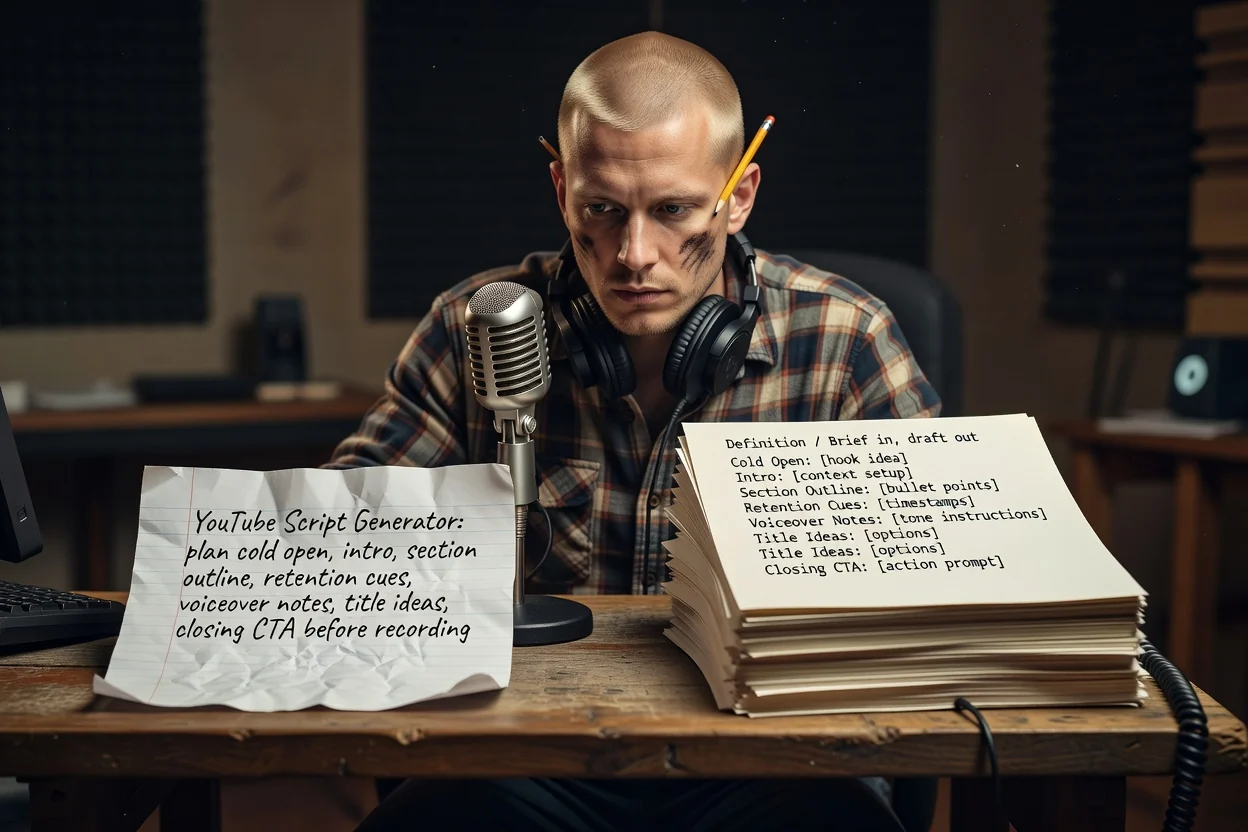
कल्पनेपासून रेकॉर्ड करता येईल अशा रूपरेषेपर्यंतचे तीन टप्पे.
व्हिडिओ काय शिकवतो किंवा दाखवतो, तो कोणासाठी आहे आणि तो साधारण किती वेळ चालावा ते सांगा. कालावधी विभागांची संख्या ठरवतो.
योजनेत पडद्यावर काय दिसते ते नमूद करता यावे म्हणून स्क्रीनशॉट किंवा उत्पादन छायाचित्रे जोडा. संलग्नकांसाठी साइन इन केलेले खाते आवश्यक आहे.
विभाग क्रमाने तपासा, पुनरावृत्ती असलेले काहीही काढा आणि आश्वासन अस्पष्ट असल्यास अधिक नेमक्या गृहीतकासह पुन्हा तयार करा.
प्रत्येक भाग तयार व्हिडिओतील एका क्षणाशी जुळतो.
ब्रँडिंगपूर्वीचे सुरुवातीचे सेकंद; त्यात निष्पत्तीचे वर्णन न करता ती दाखवली जाते.
सुरुवातीला आश्वासन, त्यानंतर प्रत्येक विभागात काय समाविष्ट आहे याची क्रमबद्ध यादी.
विभागांमध्ये ठेवलेल्या ओळी ज्या निष्पत्तीचा संदर्भ देतात, त्यामुळे प्रेक्षकांकडे पाहत राहण्याचे कारण असते.
बोलण्याच्या ओळी कॅप्शन आणि लेबलांपासून वेगळ्या ठेवल्या जातात, त्यामुळे तुम्ही पुन्हा न लिहिता रेकॉर्ड आणि संपादन करू शकता.
त्याच व्हिडिओसाठी अनेक शीर्षक पर्याय, तसेच प्रेक्षकांनी कृती करावी असे तुमचे शेवटचे आवाहन.
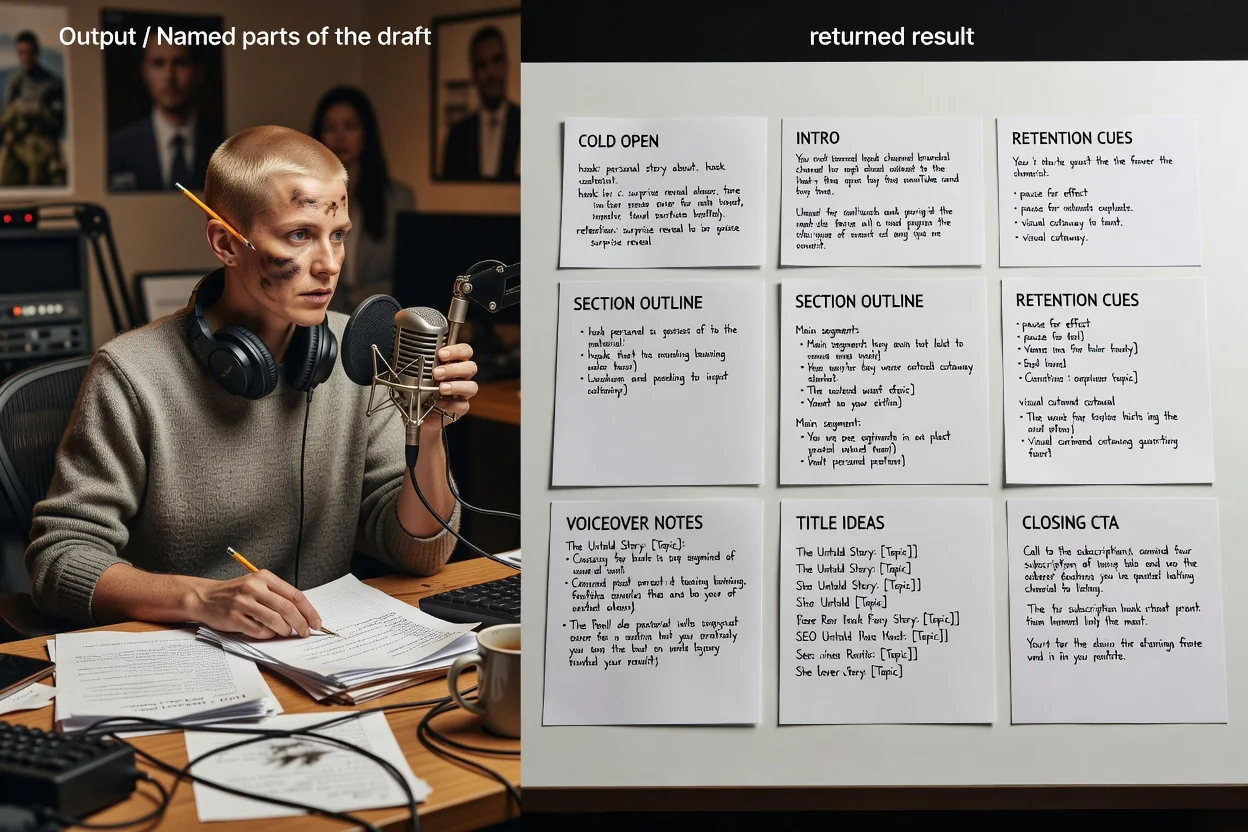
हा नियोजक एक खुला तपशील घेतो, त्यामुळे तुम्ही निवडलेली शब्दरचना हेच नियंत्रण असते.
8-मिनिटांच्या ट्युटोरियलसारखी किंवा 45-सेकंदांच्या शॉर्टसारखी अपेक्षित लांबी सांगितल्याने रूपरेषेतील विभागांची संख्या बदलते.
हा दीर्घ स्वरूपाचा व्हिडिओ आहे की उभा शॉर्ट ते सांगा. शॉर्ट्समध्ये हुक, एक मुख्य निष्पत्ती आणि कृती-आवाहन इतकेच राहते.
कोण पाहणार आहे आणि त्यांना आधीपासून किती माहिती आहे ते सांगा, म्हणजे प्रस्तावना अति स्पष्टीकरण करणार नाही किंवा संदर्भ वगळणार नाही.
तुम्ही दाखवणार असलेली दृश्ये जोडा, म्हणजे पडद्यावरील मजकूर आणि विभाग नोंदी प्रत्यक्ष साधनांकडे निर्देश करतील.
या नियोजकासाठी योग्य ठरणारे तपशील.
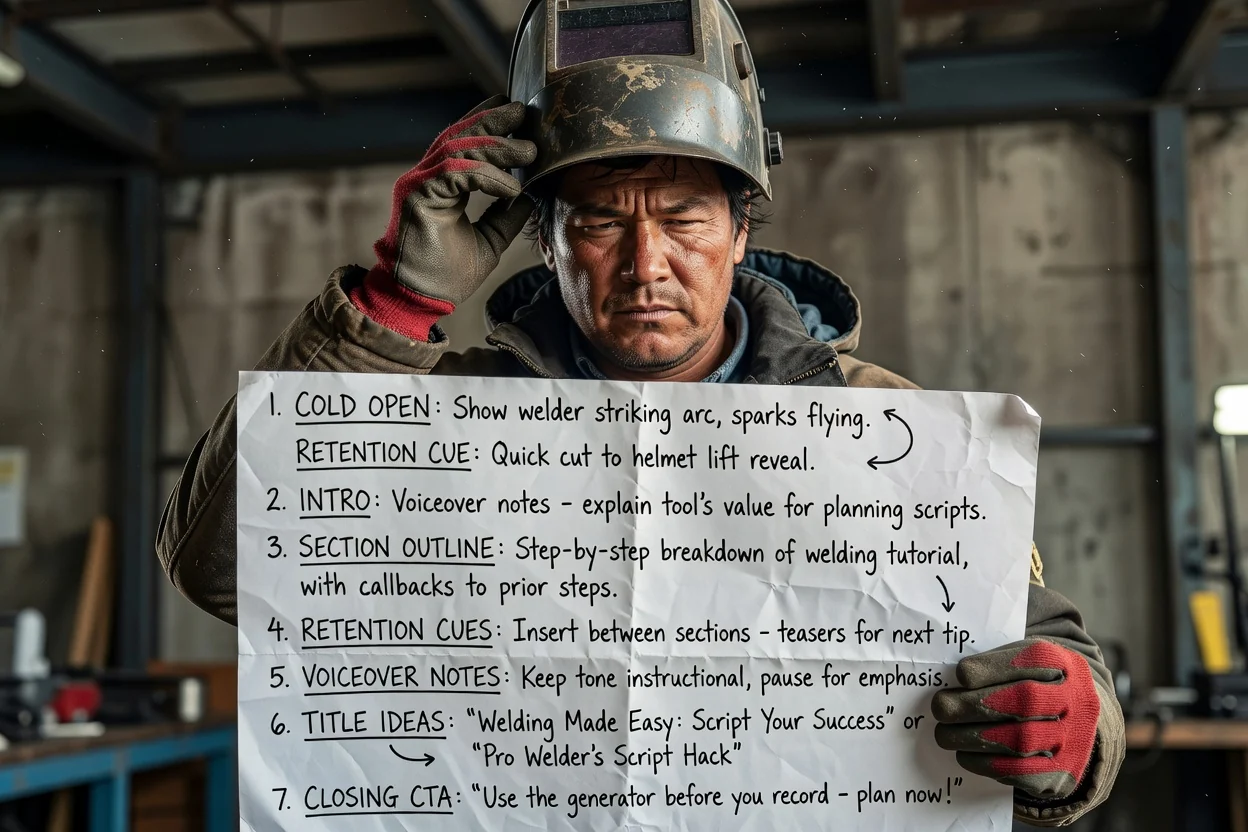
बहु-टप्प्यांची प्रक्रिया क्रमबद्ध विभागांत बदला आणि प्रत्येक टप्प्यामध्ये प्रेक्षक टिकवणारे पुनर्संदर्भ जोडा.
ट्युटोरियल नियोजित करा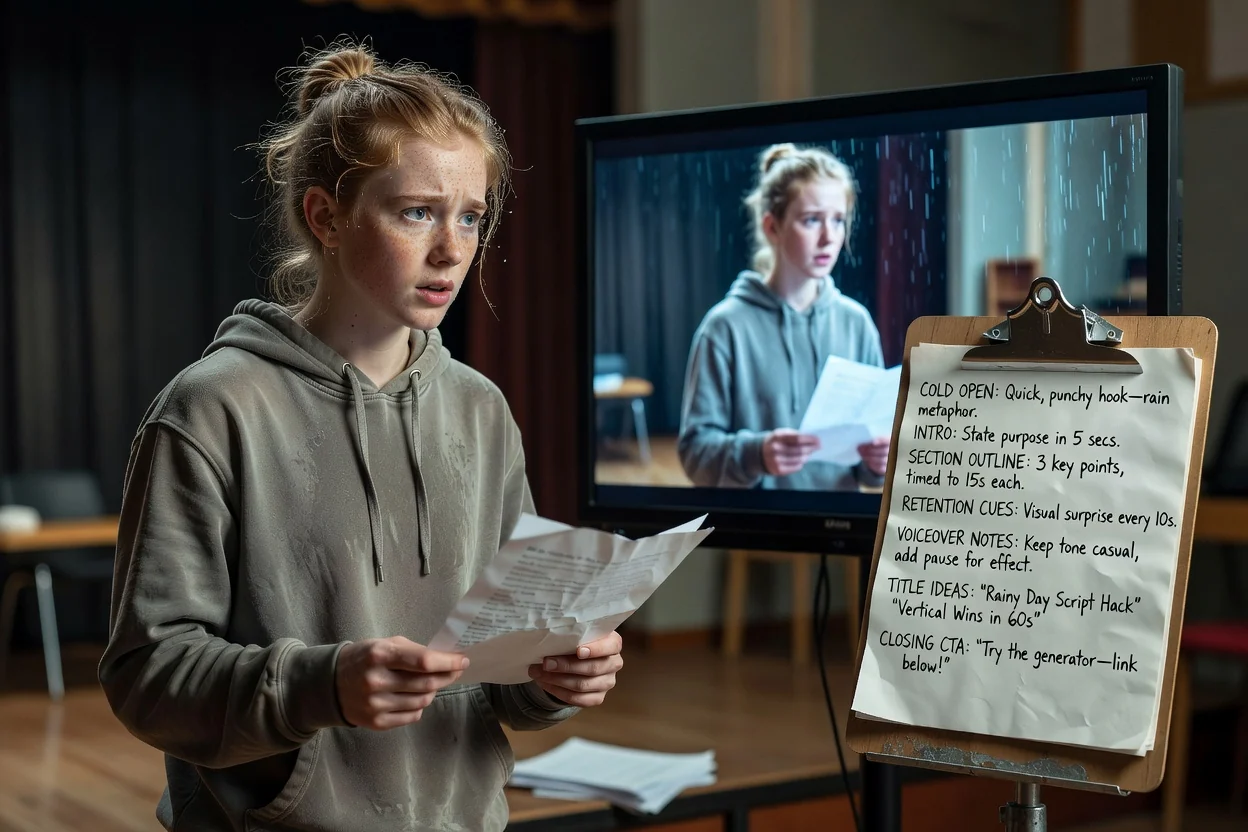
एका कल्पनेला कोल्ड ओपन, एक मुख्य निष्पत्ती आणि उभ्या स्लॉटमध्ये बसणारे शेवटचे आवाहन यांमध्ये संक्षिप्त करा.
शॉर्ट नियोजित करा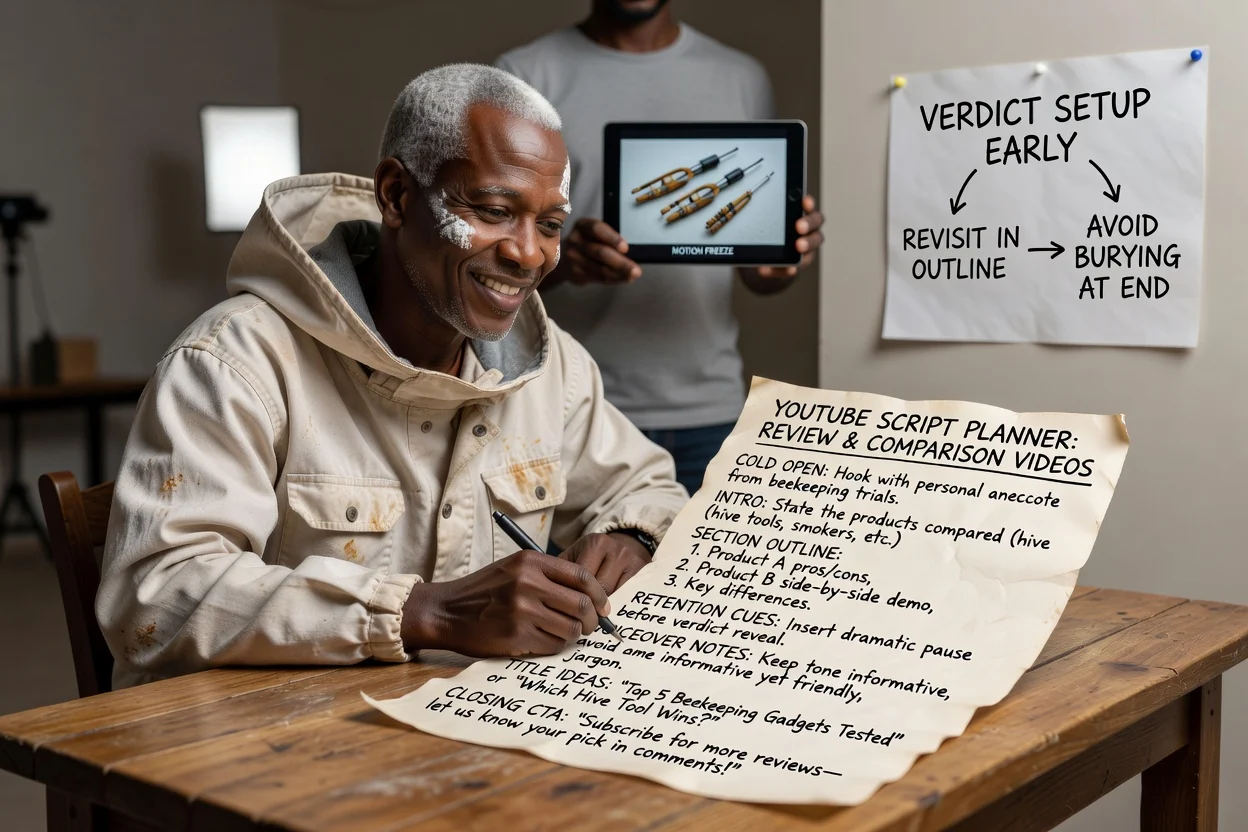
निकाल लवकर मांडला जाईल आणि शेवटी दडपला जाण्याऐवजी पुन्हा विचारात घेतला जाईल असा विभागक्रम नियोजित करा.
पुनरावलोकन नियोजित करा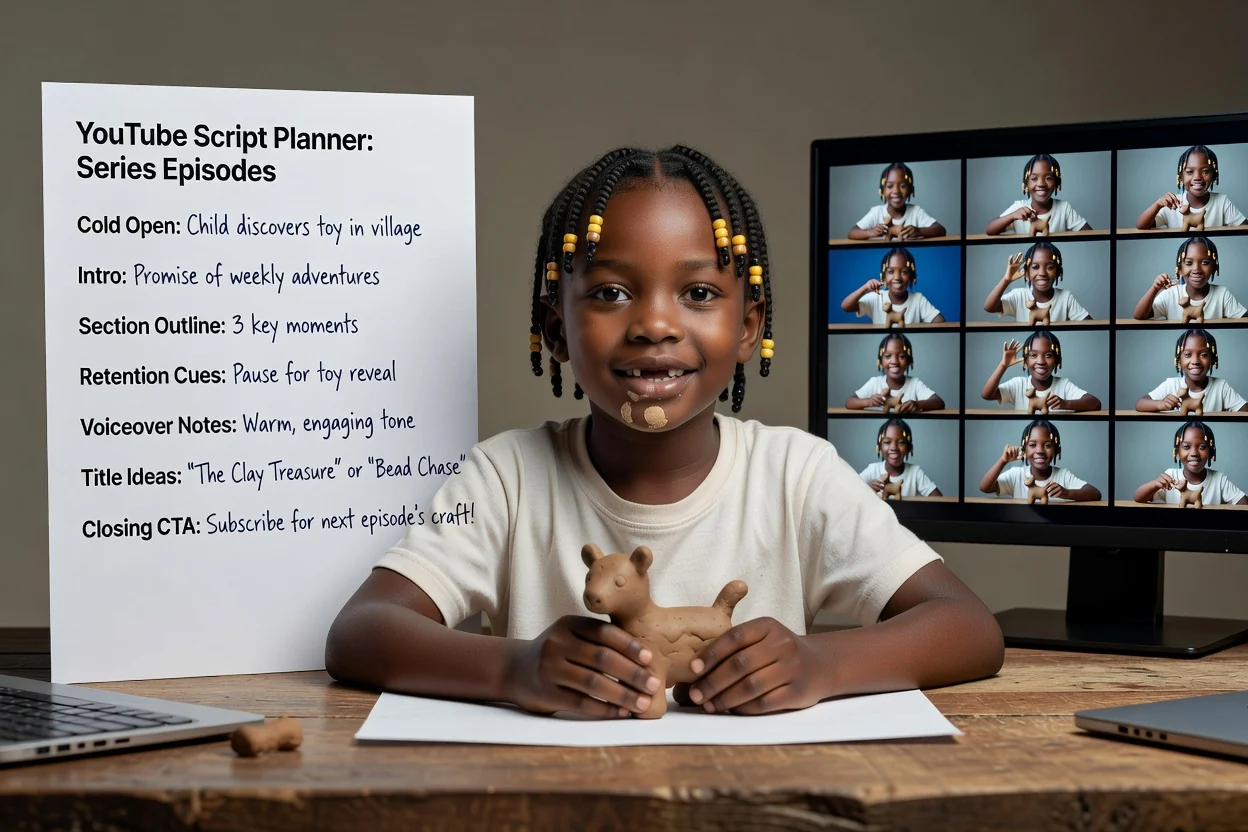
प्रत्येक भागात प्रस्तावनेचे आश्वासन आणि कृती-आवाहन सुसंगत राहावे म्हणून एकच तपशील रचना पुन्हा वापरा.
भाग नियोजित करापुन्हा रेकॉर्डिंग वाचवणाऱ्या चार तपासण्या.
पहिली ओळ दाखवण्याऐवजी स्पष्टीकरण देत असेल, तर व्हिडिओतील सर्वाधिक दृश्यात्मक क्षणाभोवती ती पुन्हा लिहा.
प्रस्तावनेत प्रेक्षकाला मिळणारी एक गोष्ट सांगितली पाहिजे. तीन गोष्टींची यादी असेल तर व्हिडिओ वेगळा करा.
लांबीच्या मानाने खूप विभाग असतील तर सादरीकरण घाईचे होते. प्रत्येक विभाग कमी करण्याऐवजी विभाग काढून टाका.
एक स्पष्ट आवाहन, सदस्यत्व घ्या, टिप्पणी करा आणि दुवा उघडा अशा एकावर एक असलेल्या विनंत्यांच्या यादीपेक्षा प्रभावी ठरते.
या नियोजकाची मर्यादा कुठे संपते ते जाणून घ्या.
आउटपुट लिखित रूपरेषा असते. रेकॉर्डिंग, फुटेज निर्मिती आणि संपादन हे स्वतंत्र टप्पे आहेत.
शीर्षक कल्पना प्रतिसादासाठीचे मसुदे आहेत, तपासलेल्या मथळ्यांसारख्या नाहीत. त्यांचे मूल्यांकन तुमच्या स्वतःच्या चॅनेलच्या इतिहासाशी करून करा.
रूपरेषेतील कोणताही उत्पादन दावा, आकडेवारी किंवा टप्प्यांचा क्रम प्रकाशित करण्यापूर्वी तुमच्या स्रोताशी तपासावा.
रेकॉर्डिंगपूर्वी YouTube व्हिडिओ नियोजित करण्याबाबतचे सामान्य प्रश्न.
YouTube स्क्रिप्ट जनरेटरला एक कल्पना आणि कालावधी द्या; रेकॉर्ड करता येईल असा कोल्ड ओपन, विभागीय रूपरेषा आणि कृती-आवाहन मिळवा.