
הוסיפו את התקציר
הזינו את הנושא, הקהל, משך הזמן, הטון, הפורמט והפעולה המסכמת שתרצו שהצופה יבצע.
תכנון הסבר כתוב
תכננו בעזרת מחולל תסריטי וידאו מסבירים לפני ההקלטה או יצירת החזותיים. הזינו נושא, קהל ומשך רצוי, ואז בחנו מתווה מסודר הכולל את הבעיה, אנלוגיה, שלבי הסבר וקריאה לפעולה בסיום.
מחולל תסריטי הווידאו המסבירים הוא כלי תכנון לעיצוב רעיון הסברי במבנה כתוב ומעשי. הוא מסייע לארגן מה הצופה צריך להבין, מדוע זה חשוב, כיצד אפשר להסביר את הרעיון, ואיזו פעולה צריכה לבוא אחר כך.
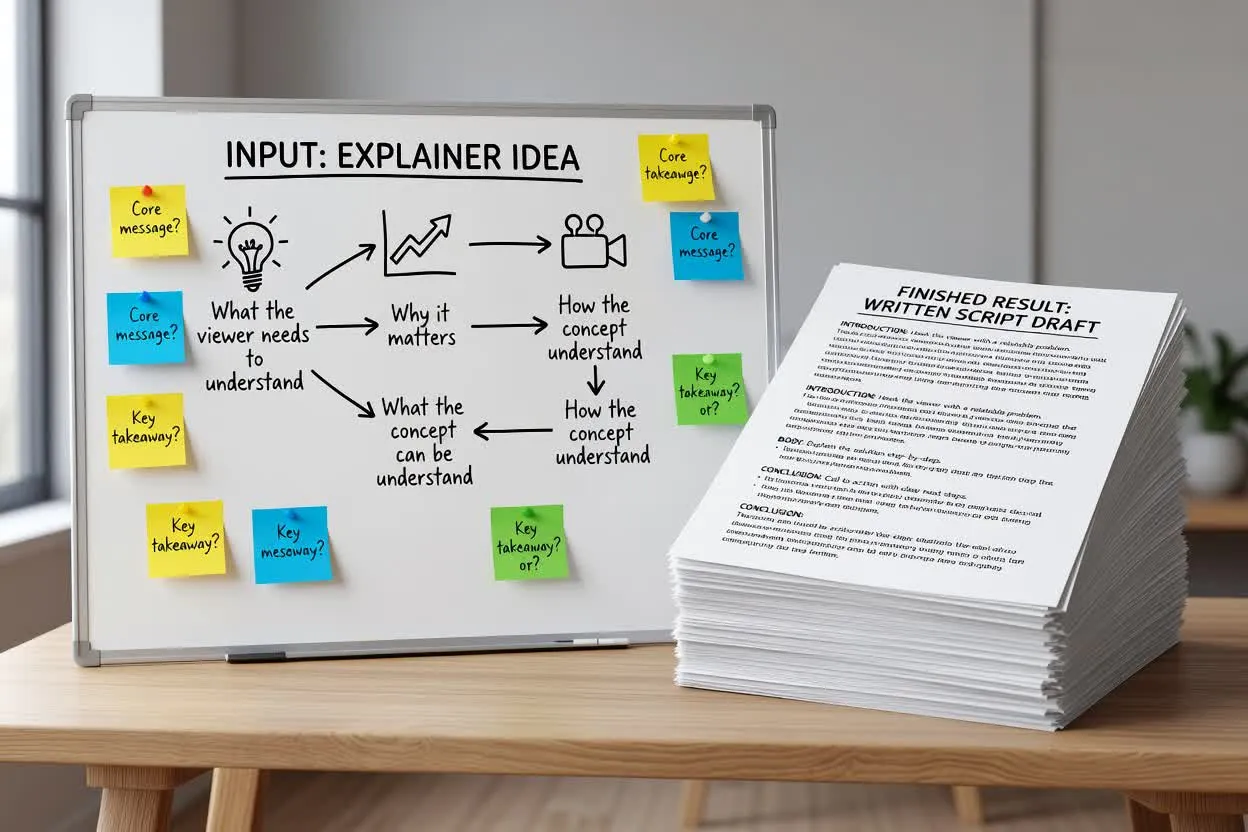
עברו מתקציר ראשוני לתוכנית תסריט הסבר שאפשר לבדוק לפני ההקלטה.
הזינו את הנושא, הקהל, משך הזמן, הטון, הפורמט והפעולה המסכמת שתרצו שהצופה יבצע.
בדקו כיצד המתכנן ממסגר את הבעיה, מציג אנלוגיה ומחלק את ההסבר לשלבים שאפשר ללמד.
שפרו את הניסוח, הסירו טענות שאינן נתמכות, וודאו שתוכנית הלימוד שלב אחר שלב תואמת לאורך הווידאו המבוקש.
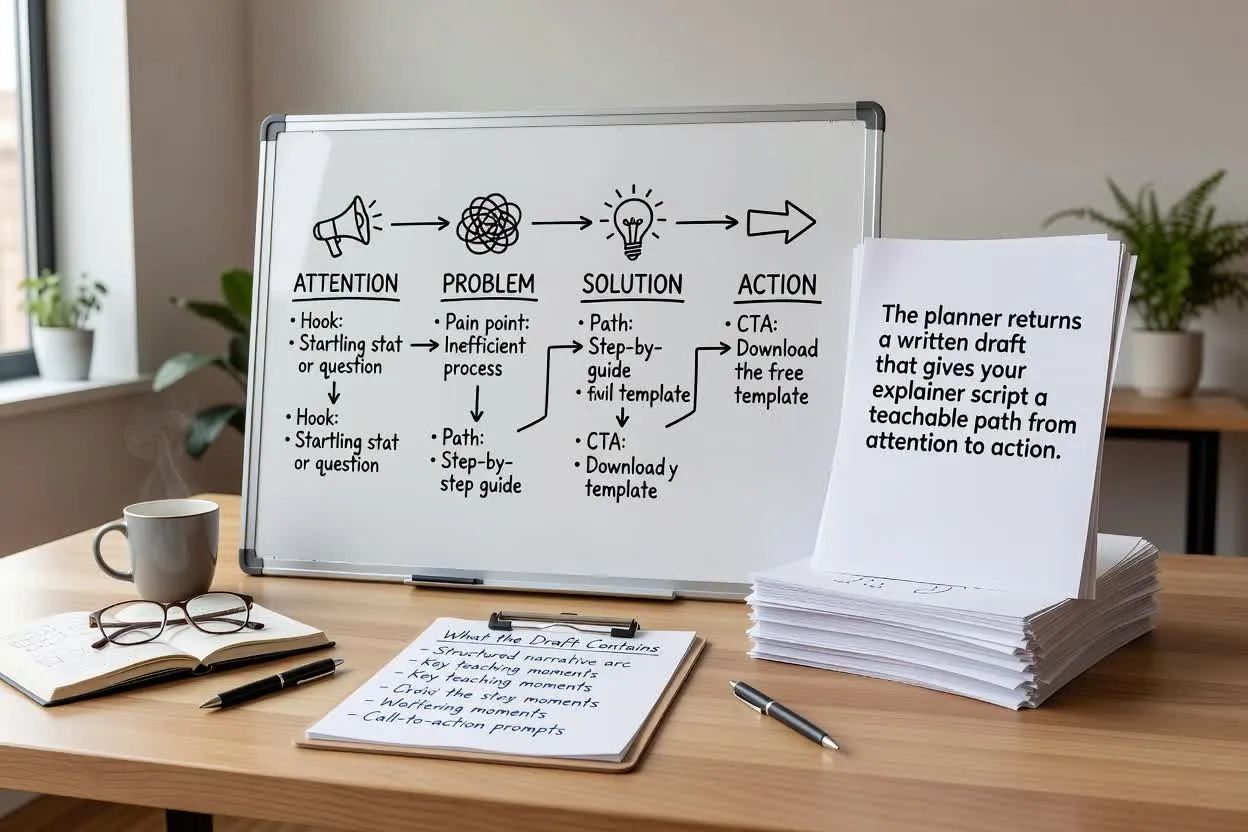
המתכנן מחזיר טיוטה כתובה המעניקה לתסריט ההסבר שלכם מסלול ברור מתשומת לב לפעולה.
פתיח תמציתי המציג את בעיית הצופה ולמה היא ראויה לתשומת לב.
השוואה או אנלוגיה המקלה על הבנת הנושא לפני תחילת השלבים המפורטים.
תוכנית לימוד שלב אחר שלב, המחלקת את ההסבר לרגעים ברורים לקריינות או לתכנון סצנות.
התאימו את נתוני התכנון המשפיעים על עיצוב התסריט, קצבו וסיומו.
בחרו פורמט התואם לאופן ההגשה הרצוי, כגון הסבר על מוצר, שיעור הדרכה או מדריך לימודי קצר.
הגדירו משך משוער כדי שהתוכנית תתאים להיקף ההסבר שהקהל שלכם יכול לעקוב אחריו באופן סביר.
בחרו טון התואם למותג או לסגנון השיעור, ישיר ומעשי או ידידותי ושיחתי.
השתמשו במתכנן כשהתסריט צריך ללמד, להבהיר או להציג דבר מה לפני יצירת החזותיים.
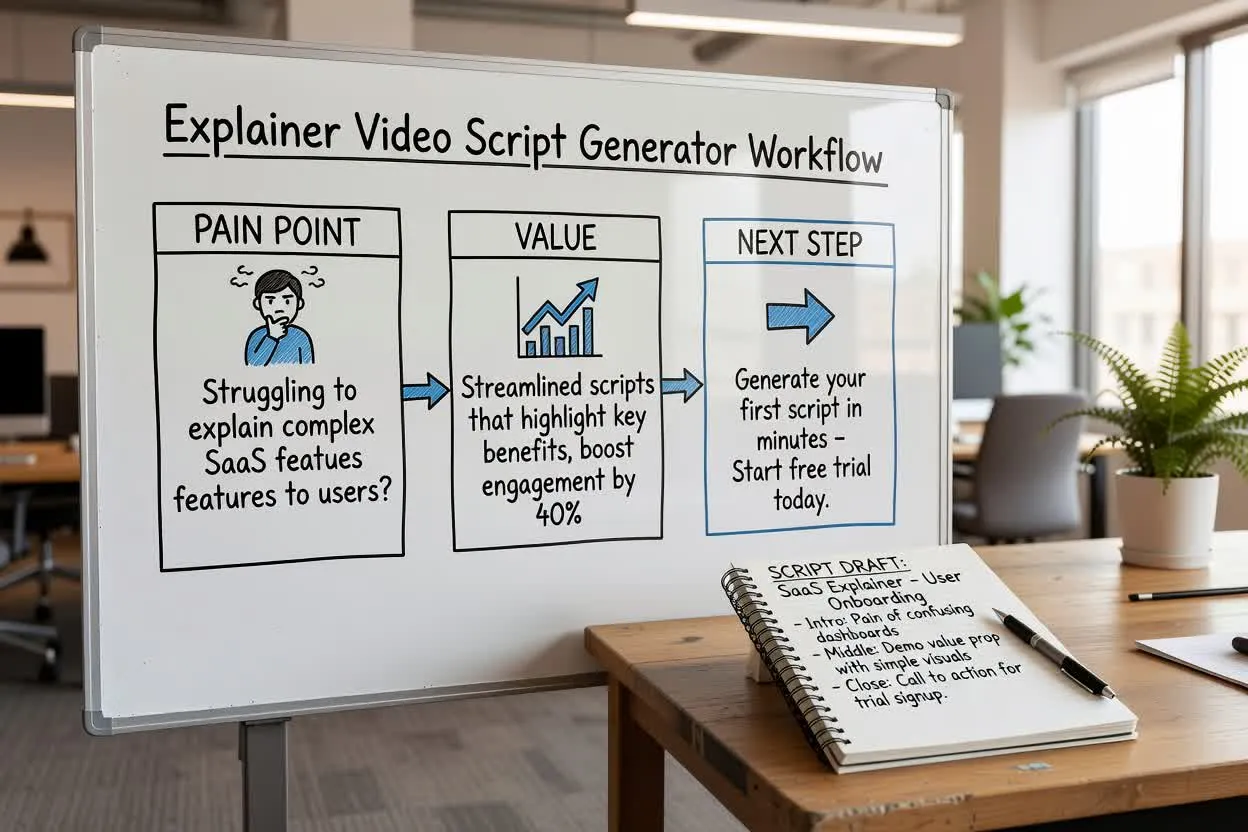
תכננו הסבר מוצר קצר המציג את נקודת הכאב, מראה את הערך ומסתיים בצעד הבא היחיד.
פתחו את מתכנן התסריט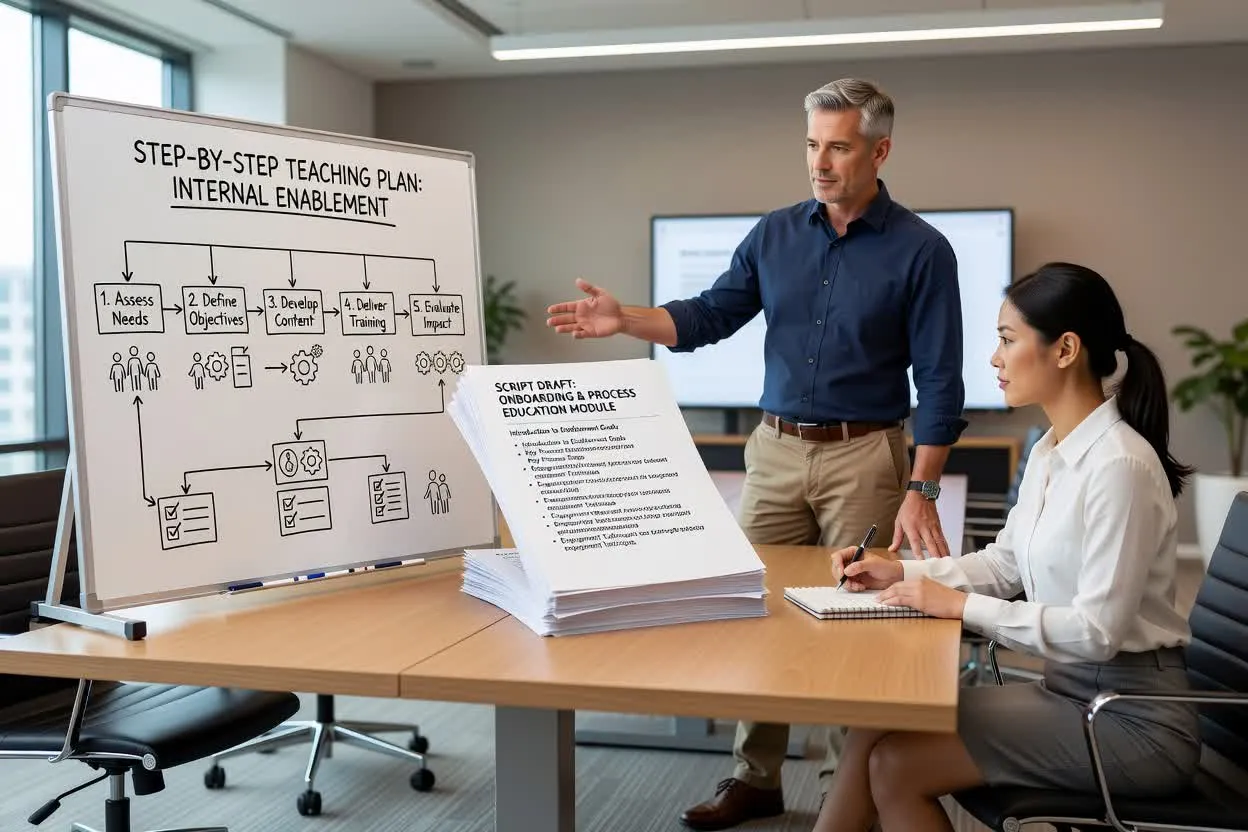
צרו תוכנית לימוד שלב אחר שלב לקליטה, להכשרה פנימית או ללימוד תהליכים.
פתחו את מתכנן התסריט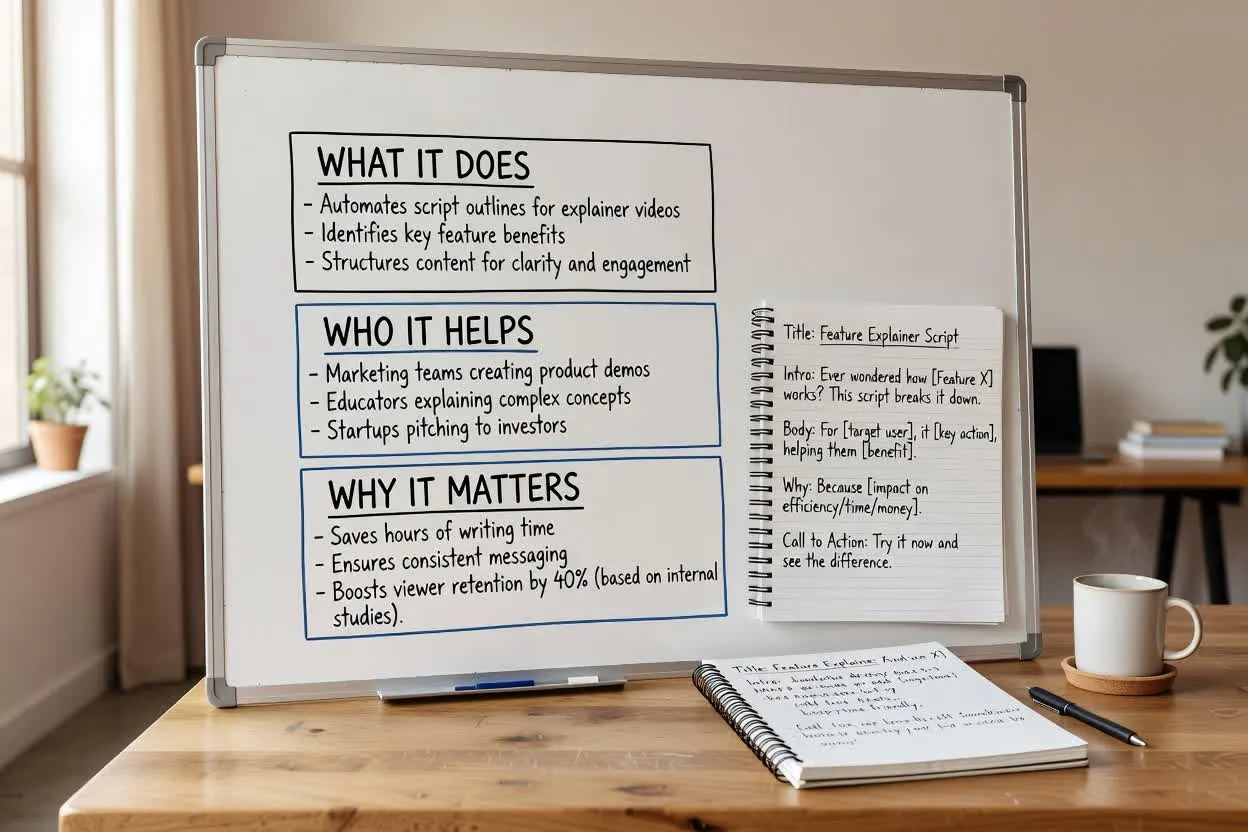
עצבו תסריט להדרכת מוצר המסביר מה תכונה עושה, למי היא מסייעת ולמה היא חשובה.
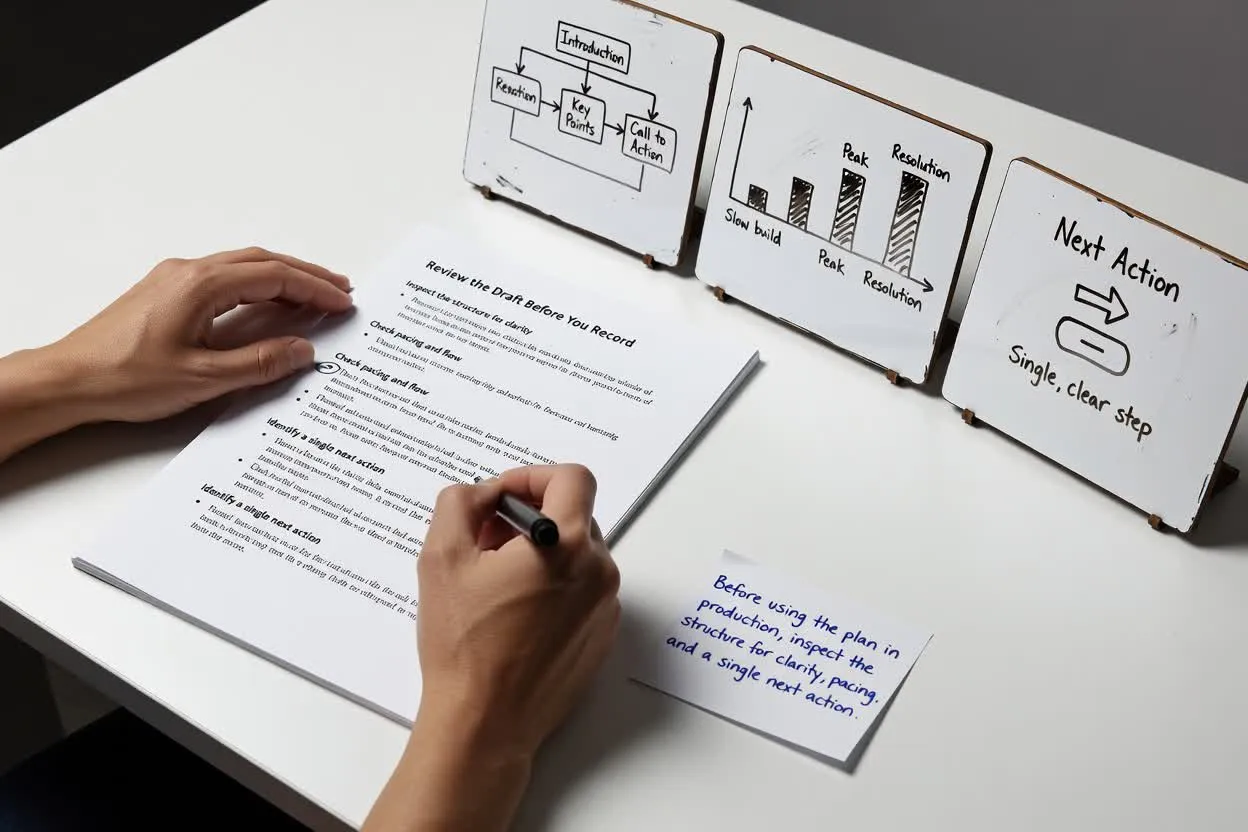
פתחו את מתכנן התסריטלפני השימוש בתוכנית בהפקה, בדקו את המבנה מבחינת בהירות, קצב ופעולה אחת להמשך.
ודאו שהפתיח תואם לבעיה האמיתית של הקהל ואינו מתחיל באופן רחב מדי.
בדקו אם מספר הרגעים או הסצנות מציאותי למשך שנבחר.
שמרו על סיום ממוקד בבקשה אחת, כדי שהצופה ידע מה לעשות בהמשך.
השתמשו בתוצאה כטיוטת תכנון, ולא כנכס מוגמר או כמקור אמת מאומת.
הכלי מתכנן מבנה כתוב בלבד. הוא אינו מקליט קריינות, יוצר חזותיים או מפיק קובץ וידאו מוגמר.
יש לבדוק מול המקורות המאושרים שלכם כל תועלת מוצר, נתון סטטיסטי, השוואה או הבטחה המופיעים בטיוטה.
שאלות נפוצות על השימוש במחולל תסריטי הווידאו המסבירים לתכנון תסריט הסבר כתוב.
התחילו בנושא, בקהל ובמשך הרצוי, ואז בחנו את ההסבר המתוכנן לפני ההקלטה או בניית הווידאו.