AI Mount Rushmore Generator

AI Mount Rushmore Generator

Turn a clear portrait or group image into a monument-inspired granite carving with recognizable faces, rugged stone texture, dramatic sky, and landmark scale.

AI Mount Rushmore generator stone monument result
0 / 2000
Template prompt

AI Mount Rushmore Generator

Apply the AI Mount Rushmore effect to the uploaded portrait. Preserve the person identity, face shape, expression, hairstyle cues, and distinctive facial traits. Rebuild the face as a monumental granite sculpture carved into a mountainside, with rough chisel marks, weathered stone texture, dramatic sky, landmark scale, cinematic lighting, and epic landscape composition. Keep the carved face recognizable as the uploaded person.

AI Mount Rushmore generator stone monument result

Create a Mount Rushmore-style stone carving from your image

The AI Mount Rushmore Generator transforms your uploaded image into a Mount Rushmore-style stone monument. It focuses on rebuilding faces as carved granite sculptures while keeping identity, face shape, expression, hairstyle cues, and the overall composition readable.

From portrait to carved granite landmark

This template reimagines a portrait or group image as a carved granite landmark while keeping the original subject recognizable.

What changes

  • Creates a monument-inspired stone carving from your image while keeping the key facial features, grouping, and composition readable.
  • Converts faces into a granite monument scene with carved stone detail, mountain scale, shadows, and a landmark-style composition.
  • Rebuilds the face as a monumental granite sculpture carved into a mountainside with rough chisel marks, weathered texture, dramatic sky, cinematic lighting, and epic landscape framing.
  • Applies the AI Mount Rushmore effect to the uploaded portrait.

What stays recognizable

  • Preserves the person’s identity, face shape, expression, hairstyle cues, and distinctive facial traits.
  • Keeps the carved face recognizable as the uploaded person.
  • Maintains the main subject’s readability from the source image.
  • Keeps defining colors, pose, silhouette, and important subject details coherent where they support the final composition.

How the AI Mount Rushmore Generator works

Create the monument effect by starting with a clear image, applying the Mount Rushmore-style direction, and reviewing the final details.

1

Upload a clear source image

Choose a sharp portrait or group image where the main face or faces are visible, unobstructed, and not cropped too tightly.

2

Apply the monument style

Use the AI Mount Rushmore Generator prompt to request carved granite, mountainside scale, rough chisel marks, weathered stone, and recognizable facial traits.

3

Review and refine

Check identity, stone texture, lighting, composition, and artifacts. If needed, try a clearer source image or a more specific prompt.

Mount Rushmore image variations

Explore different monument-style directions, from close carved portraits to wider cinematic mountain compositions.

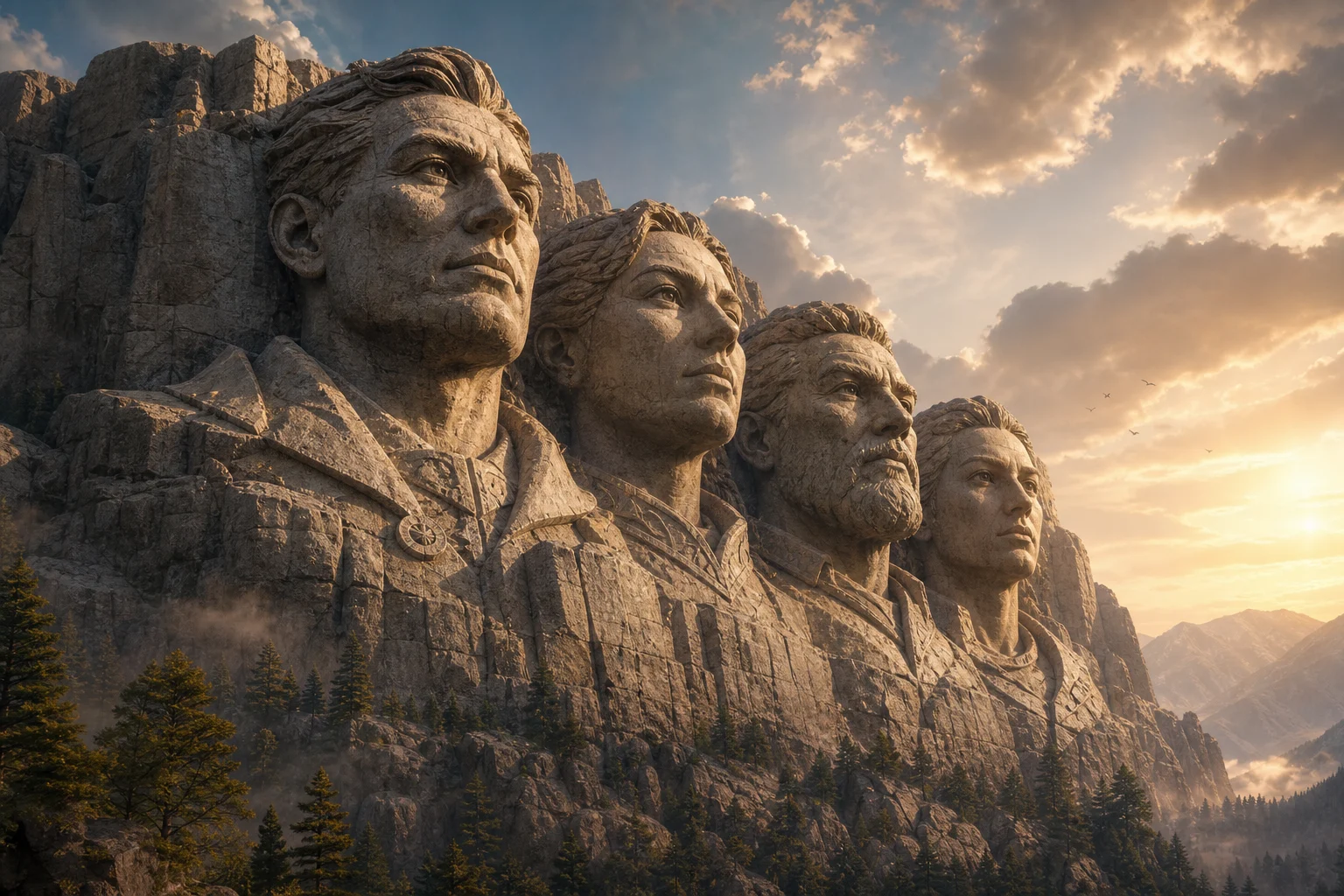
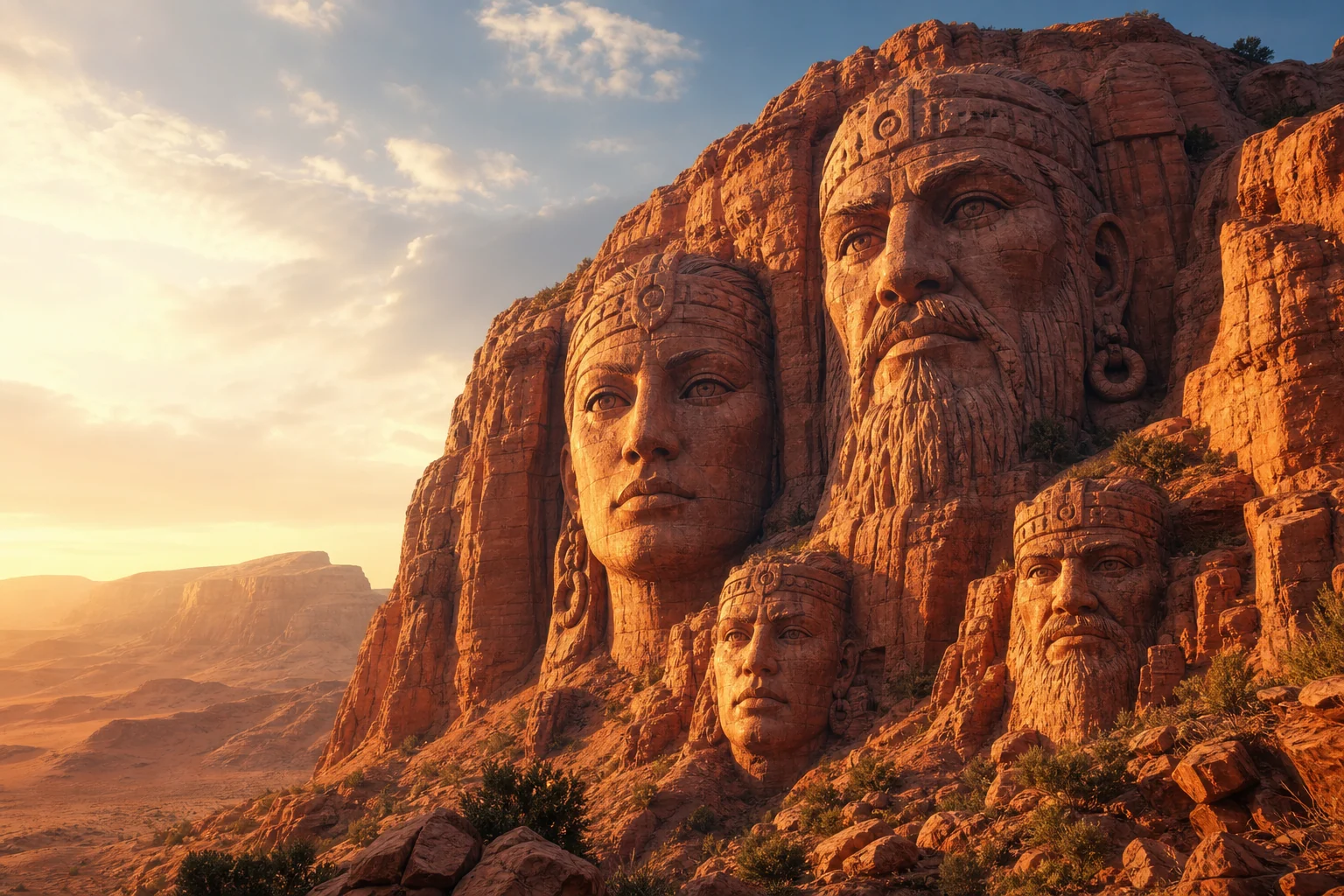
Mount Rushmore-style carved stone portrait 1

Carved portrait focus

A close granite-carved face treatment with strong shadows and recognizable portrait structure.

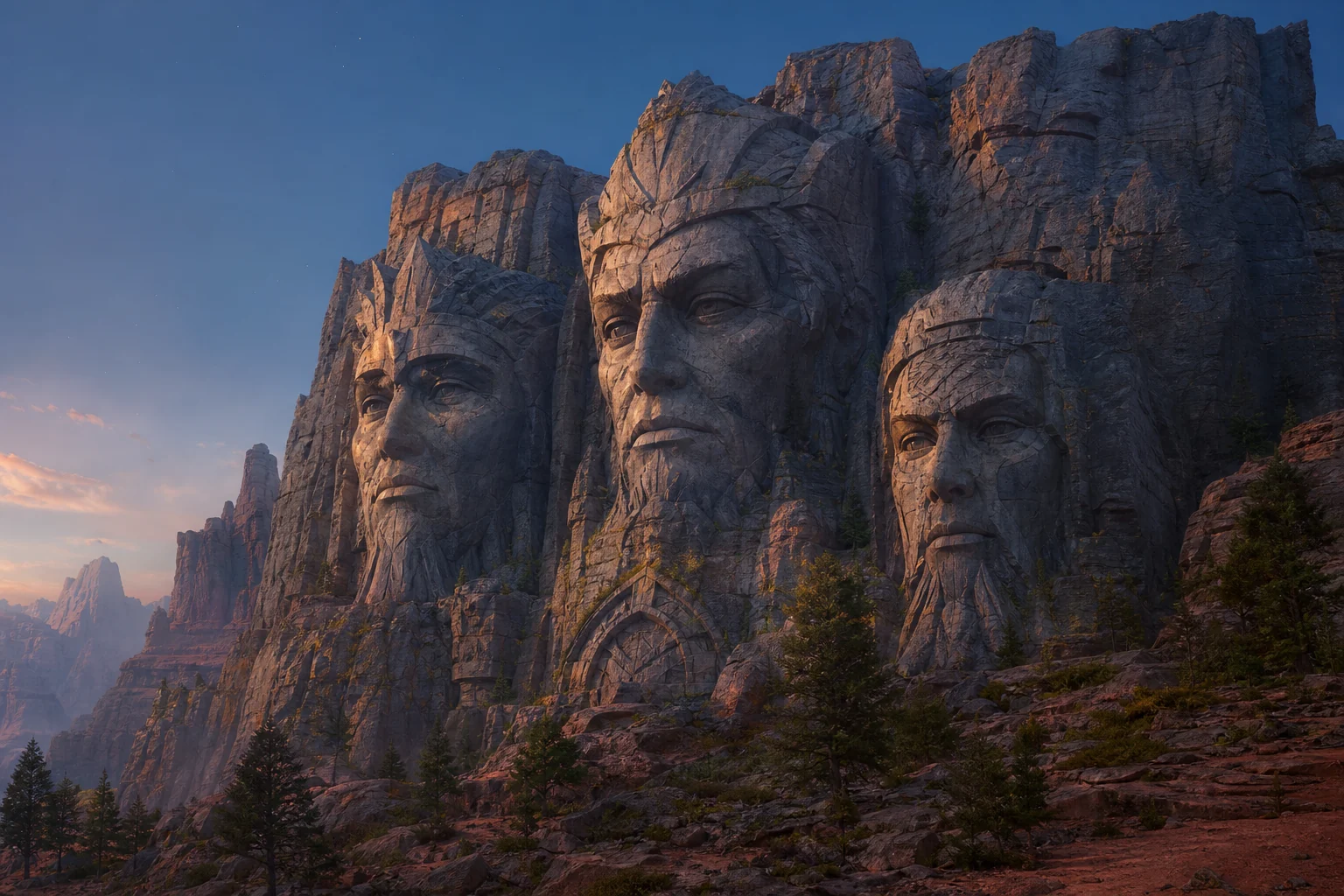
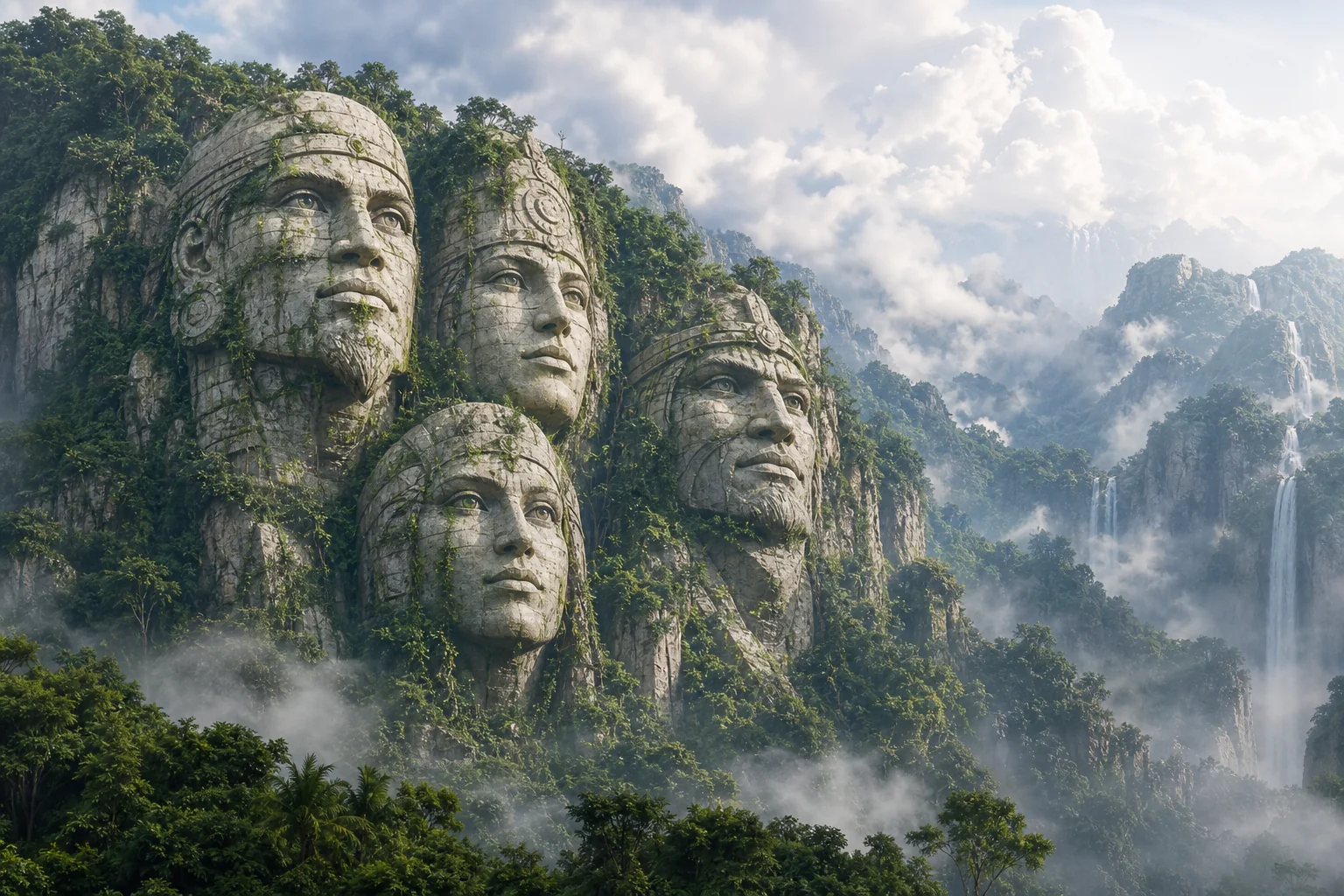
Mount Rushmore-style carved stone portrait 2

Weathered granite monument

A dramatic stone monument look with weathered surface detail and landmark scale.

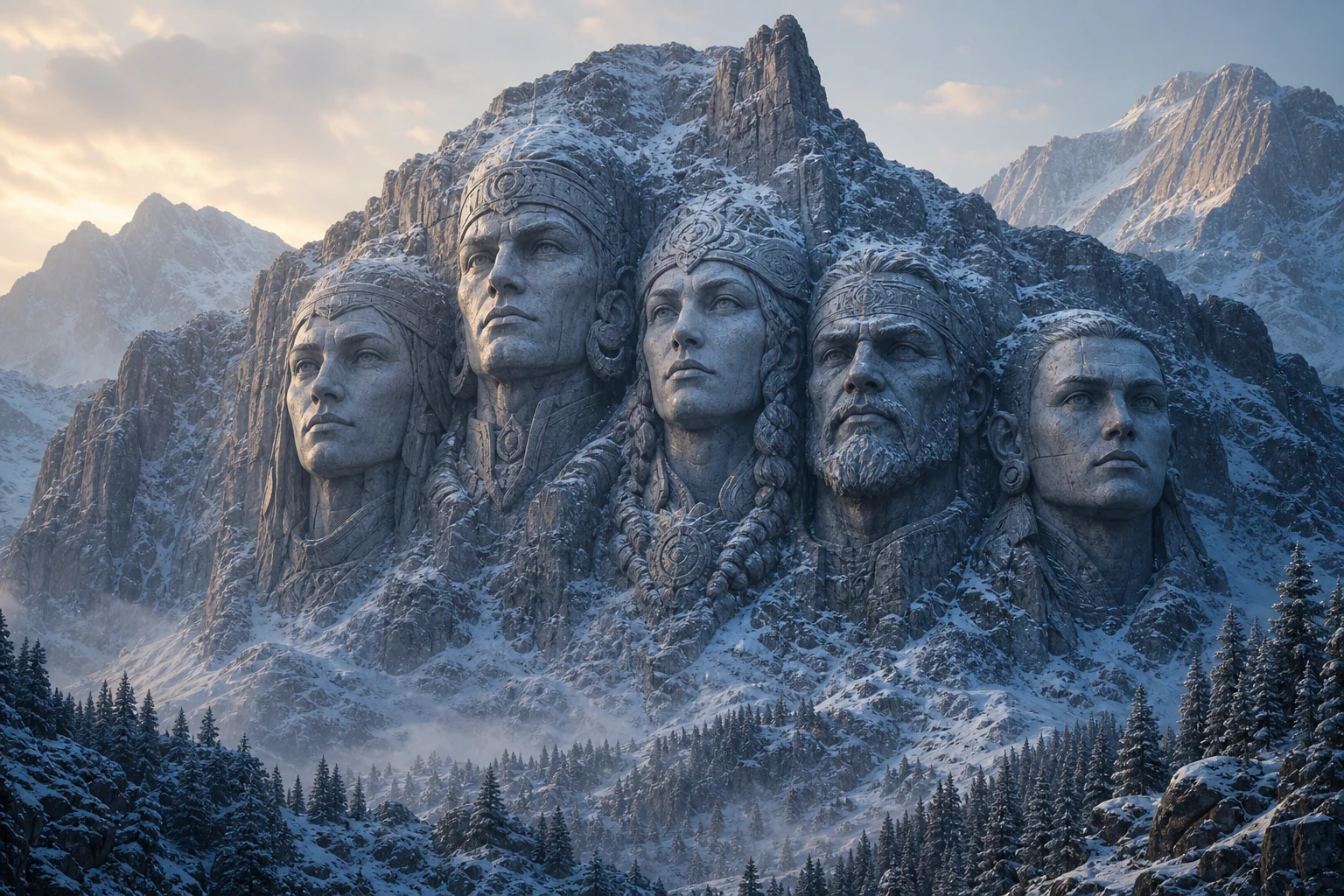
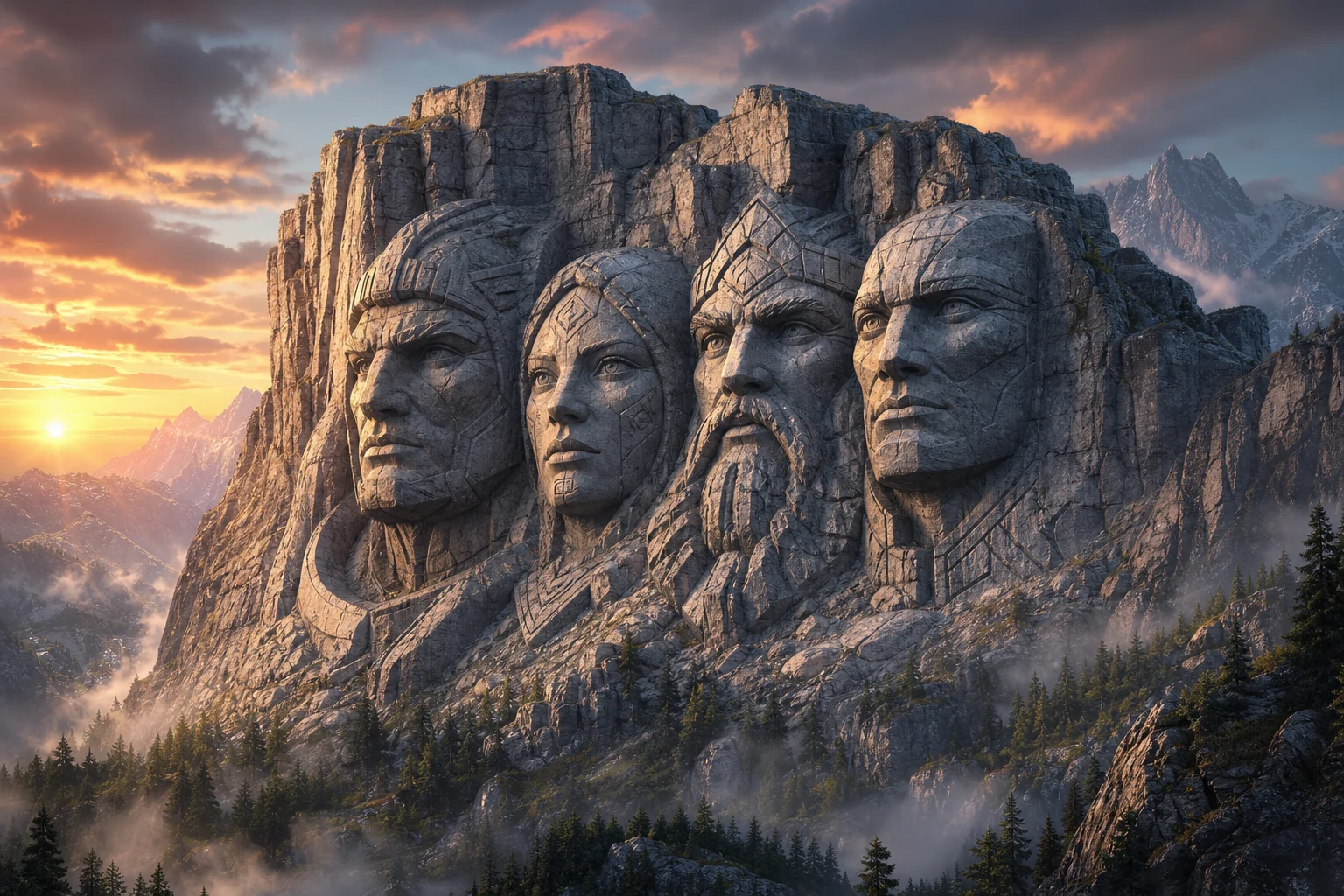
Mount Rushmore-style carved stone portrait 3

Epic mountain scene

A cinematic Mount Rushmore-style composition with rugged mountain texture and sky contrast.

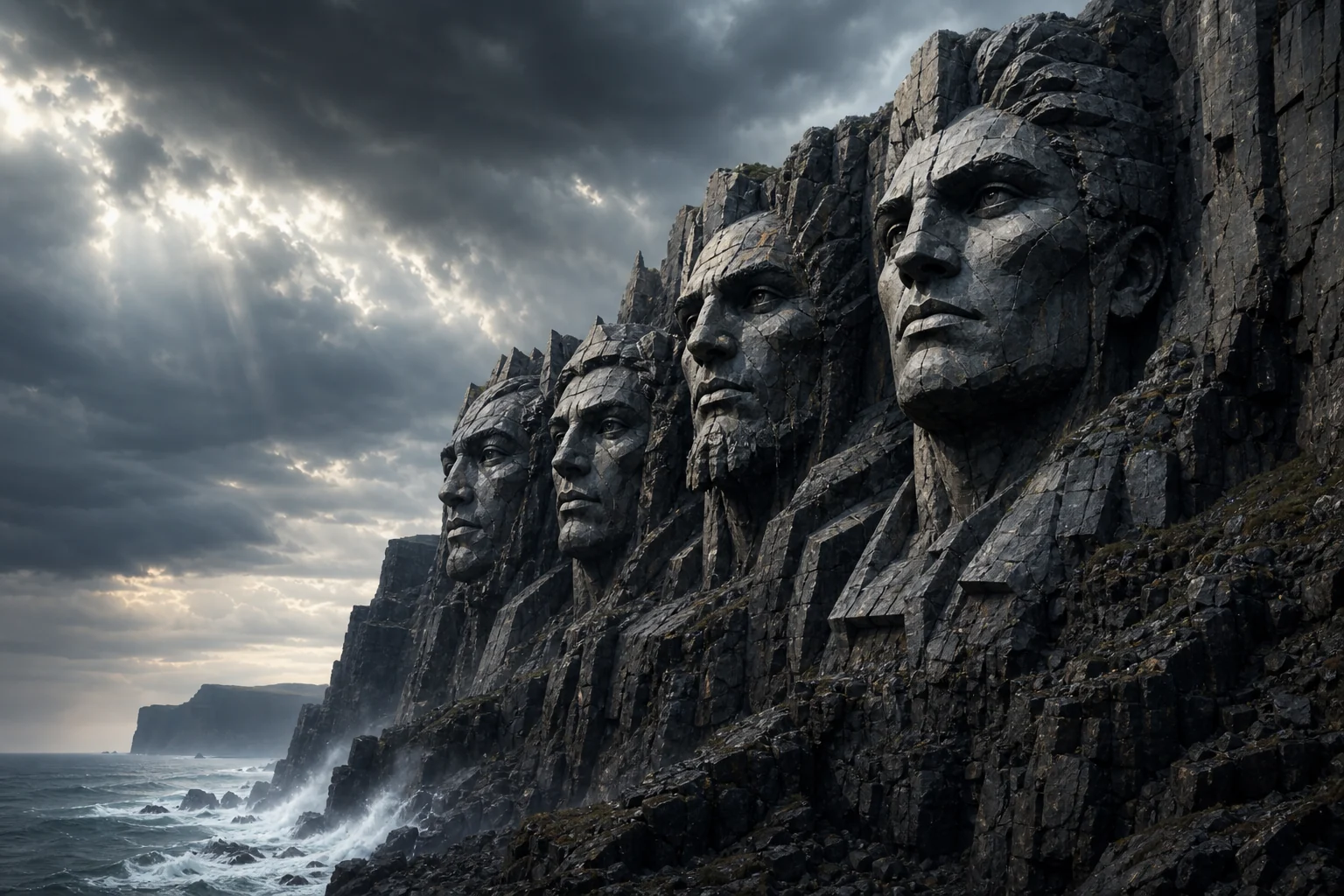
Mount Rushmore-style carved stone portrait 4

Chiseled stone likeness

A recognizable stone face result that emphasizes chisel marks, carved depth, and sculpture-like lighting.

Ways to use this Mount Rushmore effect

Use the Mount Rushmore Generator online for creative previews, social concepts, character tributes, or visual experiments that need a dramatic monument look.

Personal creative concepts

Create a focused AI Mount Rushmore Generator preview for a personal or creative project.

Visual direction testing

Compare the monument style before refining, sharing, or presenting the result.

How to get a clearer monument result

A strong source image and a specific prompt help the monument effect stay clear, especially when preserving identity and facial structure matters.

Source image checklist

  • Use a sharp source image with the main subject clearly visible.
  • Avoid heavy blur, blocked details, extreme crops, or confusing overlaps.
  • Choose a source whose pose and framing support the intended AI Mount Rushmore Generator result.

Prompt guidance

Ask for a monumental granite sculpture carved into a mountainside with rough chisel marks, weathered stone texture, dramatic sky, landmark scale, cinematic lighting, and an epic landscape composition. Include instructions to preserve the person’s identity, face shape, expression, hairstyle cues, and distinctive facial traits.

Review your AI Mount Rushmore result

Generated details can vary between runs, so review the image closely before using it as a final creative asset.

Check recognizability

Compare the face shape, expression, hairstyle cues, silhouette, pose, and defining details against the original image.

Review the monument effect

Make sure the Mount Rushmore-inspired granite treatment looks coherent across faces, stone texture, shadows, and the surrounding mountain scene.

Look for visual artifacts

Inspect faces, hands, text, edges, small objects, and background transitions for artifacts before sharing or refining the image.

AI Mount Rushmore Generator FAQ

Common questions about creating a monument-inspired stone carving from a portrait or group photo.

What does the AI Mount Rushmore Generator do?
It turns your source image into a granite monument scene inspired by Mount Rushmore, adding carved stone detail, mountainside scale, dramatic lighting, and a landmark-style composition.
Is the AI Mount Rushmore Generator free?
Availability can vary by product settings, so check the creation page for current access details before starting.
Can I use multiple faces?
Yes, you can use a group image when the faces are clear and not heavily overlapped. A clean, front-facing composition usually gives the carved faces more room to stay readable.
Will the faces still be recognizable?
The effect is designed to preserve the person’s identity, face shape, expression, hairstyle cues, and distinctive traits, but you should review the result because generated details can vary.
Can I download the monument image?
After creating the image, use the available download option on the result page if it is shown for your output.
What AI Mount Rushmore Generator changes are applied?
It changes the portrait into a weathered granite sculpture with chisel marks, stone shadows, mountain texture, cinematic lighting, and an epic landscape setting.
Which source image works best?
Use a sharp image where the main subject is clearly visible. Avoid heavy blur, blocked facial details, extreme crops, and confusing overlaps.
How can I keep the subject recognizable?
Choose a clear portrait, keep the face unobstructed, and use a prompt that asks to preserve identity, expression, hairstyle cues, and distinctive facial traits.

Create your Mount Rushmore-style portrait

Upload a clear portrait or group image and create a Mount Rushmore-inspired granite carving with recognizable faces and dramatic stone detail.