
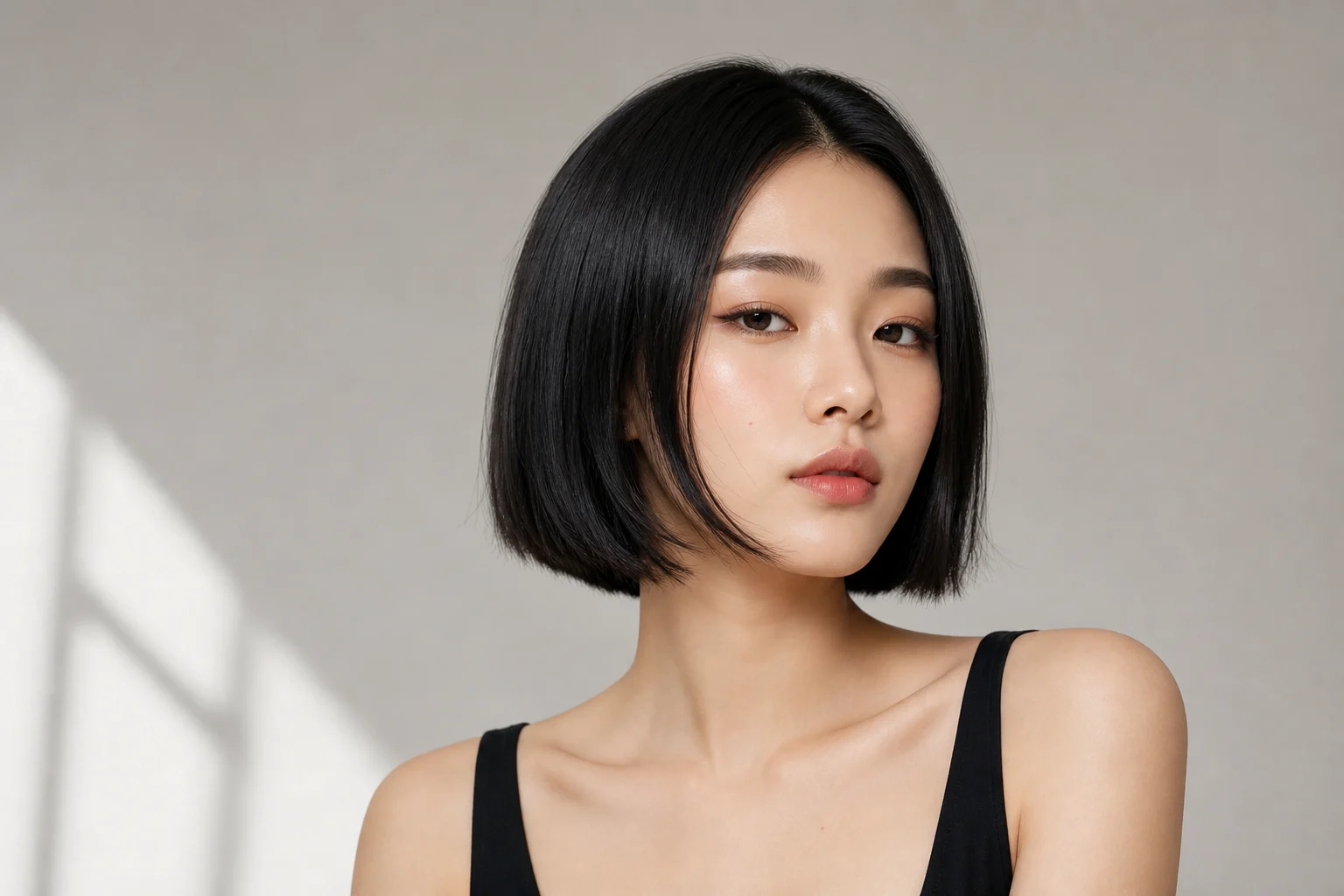
IlmainenKokeile työkalua AI-polkkatukkasuodatin ilmaiseksi tänään
AI-polkkatukkasuodatin
Muunna oma kuvasi työkalulla AI-polkkatukkasuodatin viimeistellyksi kuvaksi, jossa pääaihe pysyy tunnistettavana, sommittelu on siisti ja lopputulos sopii julkaisuun, ideointiin tai asiakastyöhön.
0 / 2000
Mallin kehote
AI-polkkatukkasuodatin
Käytä ladattuun kuvaan työkalun "AI-polkkatukkasuodatin" visuaalista tyyliä. Käytä latausta tarkkana aiheviitteenä. Säilytä pääkohteen identiteetti, asento tai sommittelu, kasvojen tai objektin olennaiset yksityiskohdat, tunnistettavat värit ja tärkeät visuaaliset piirteet. Rakenna kuva uudelleen viimeisteltynä, selkeästi rajattuna ja laadukkaasti valaistuna teoksena, jossa on luonnollinen syvyys ja käyttövalmis lopputulos. Älä korvaa aihetta toisella hahmolla, geneerisellä mallilla tai eri tuotteella.
Galleria
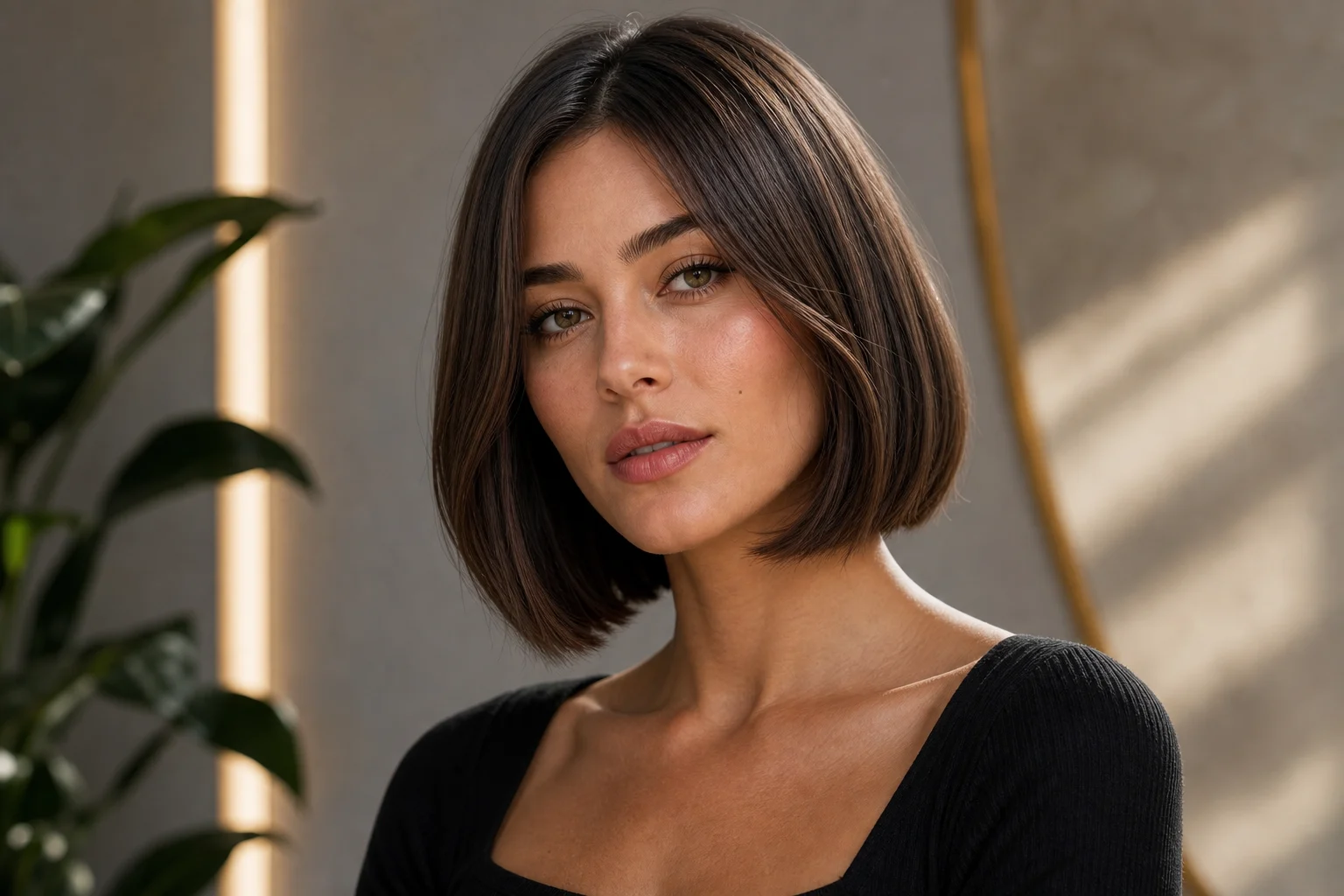
AI-polkkatukkasuodatin -esimerkit
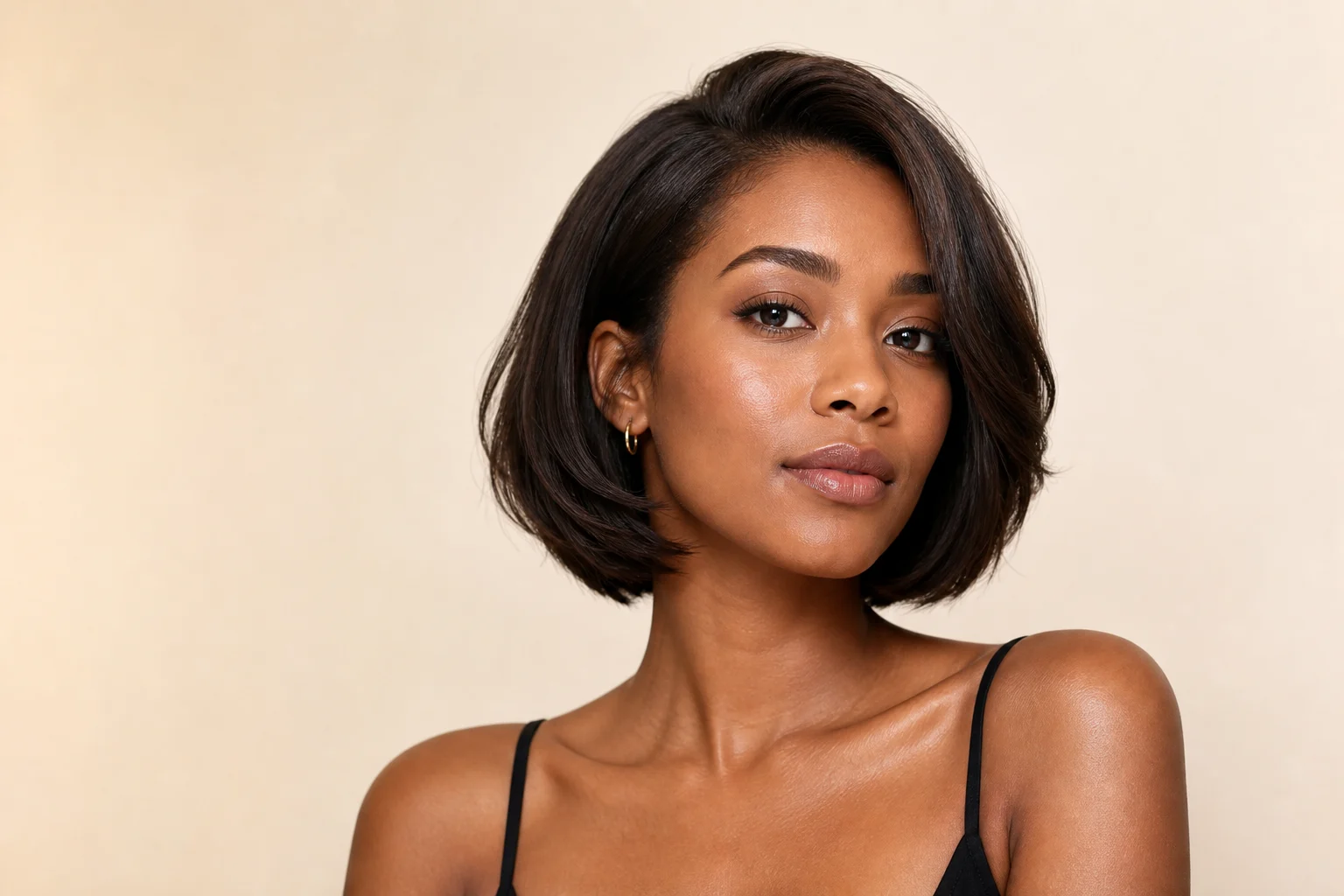
Esimerkki 2
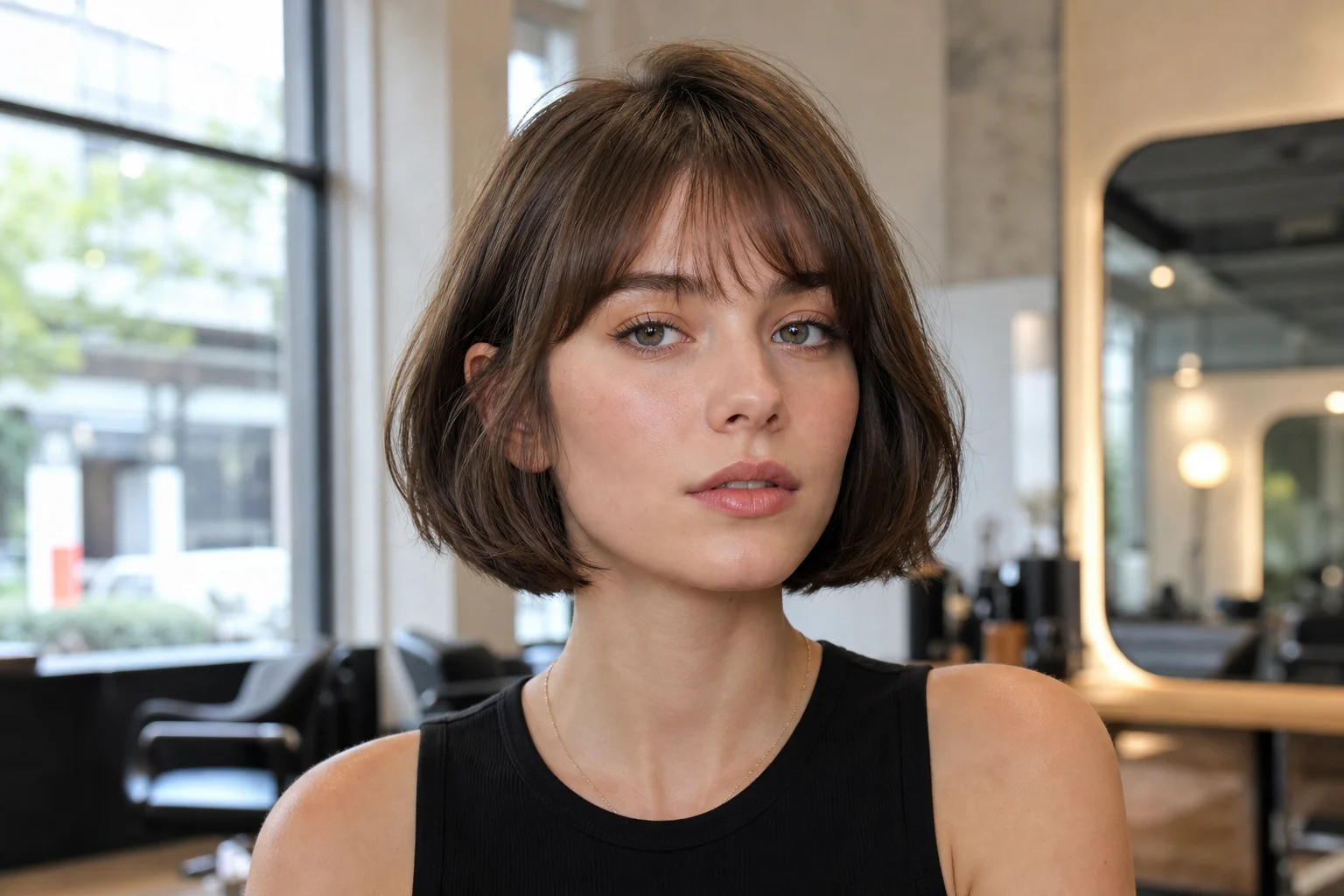
Esimerkki 3
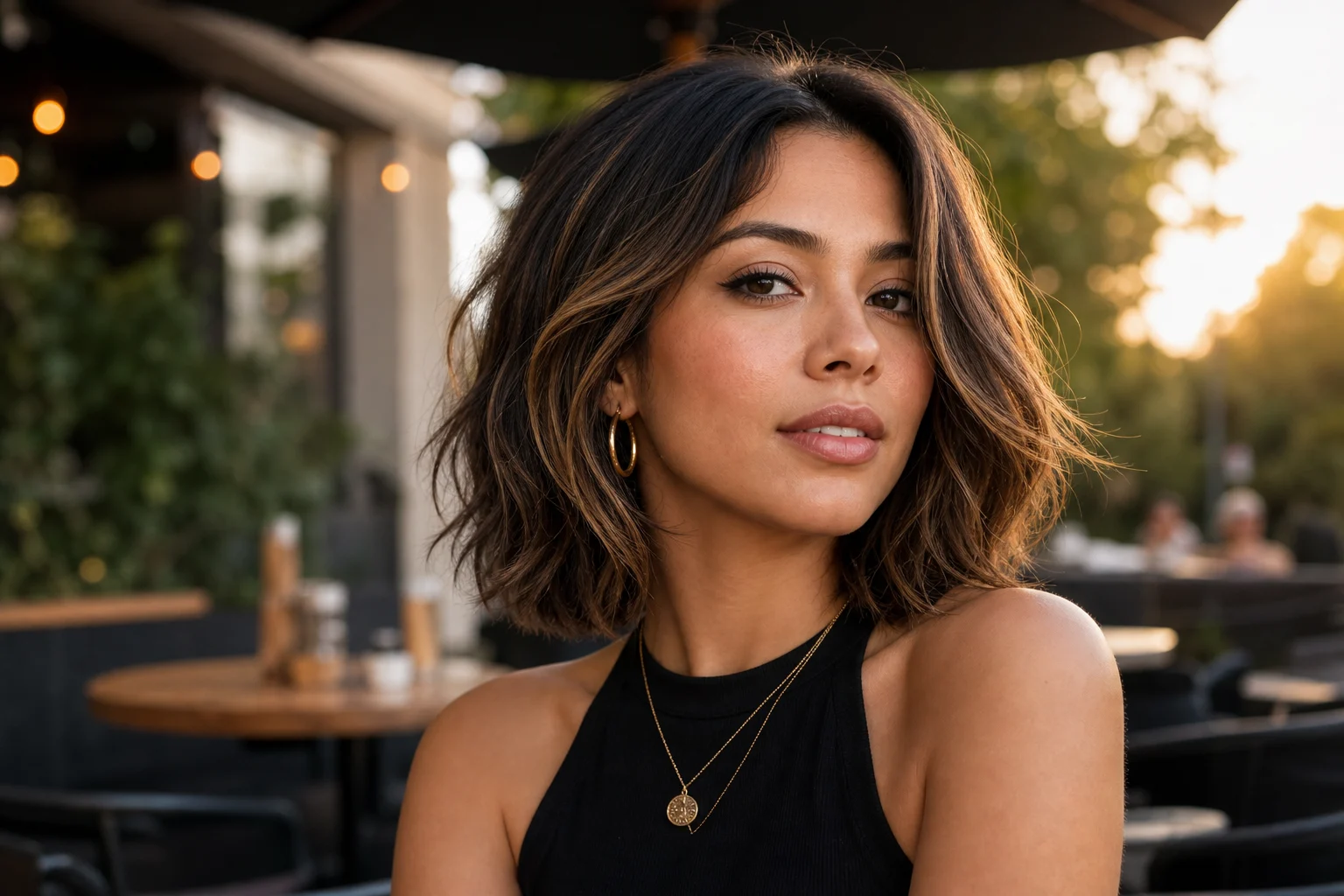
Esimerkki 4
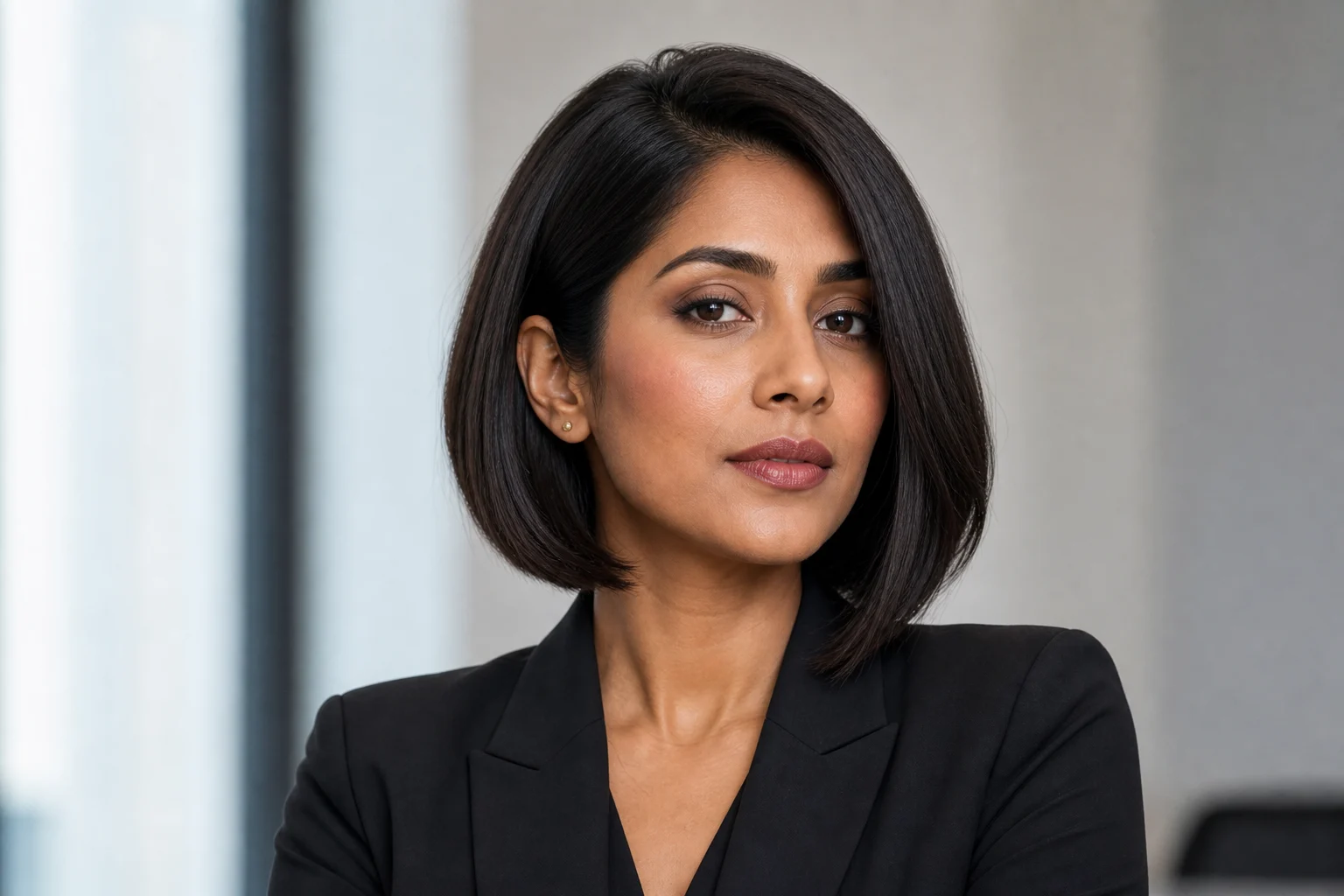
Esimerkki 5
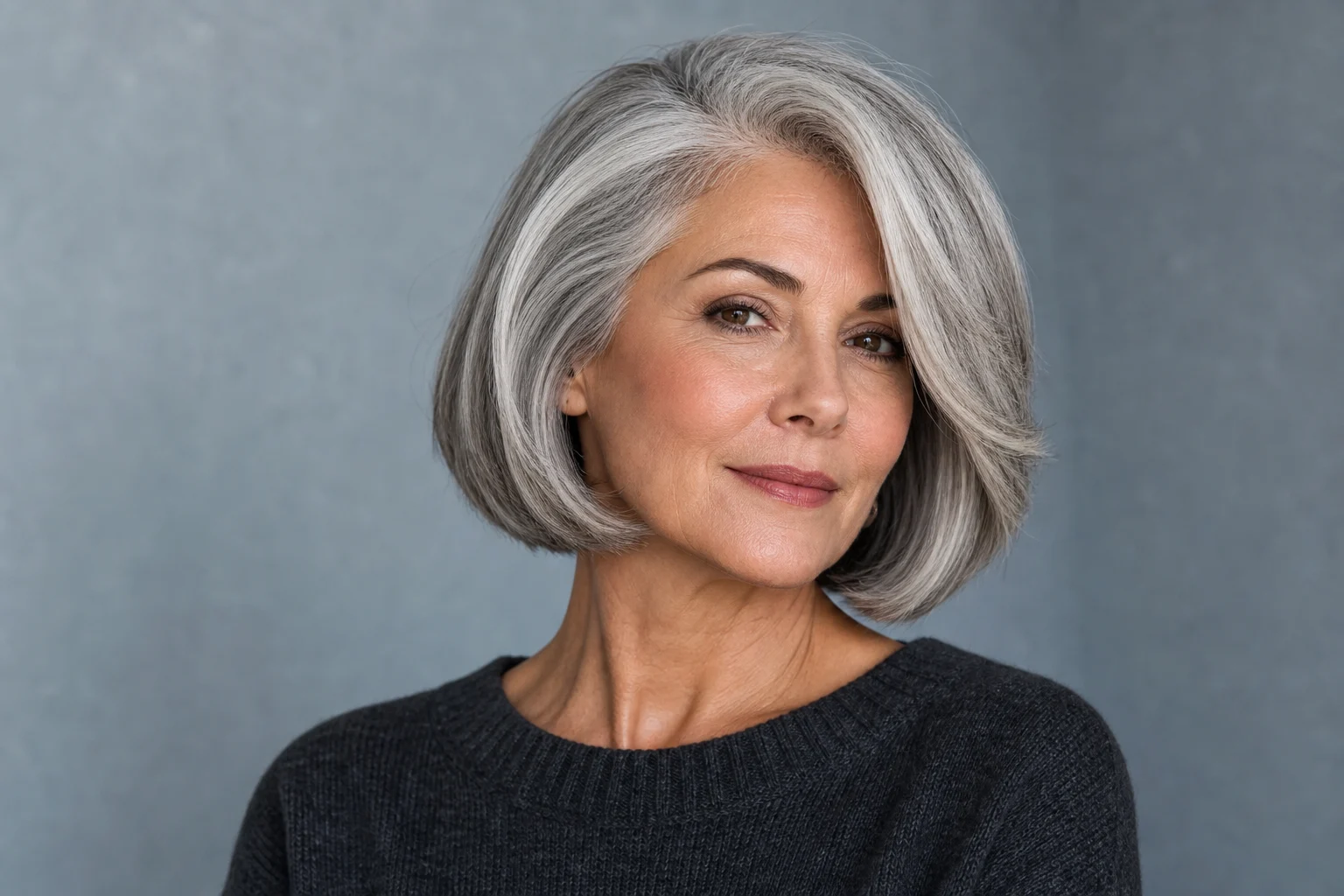
Esimerkki 6
AI-polkkatukkasuodatin -ominaisuudet
Luo selkeitä, viimeisteltyjä kuvia ilman raskasta manuaalista editointia.
Maksuton kokeilu
Kokeile työkalua AI-polkkatukkasuodatin päivittäisillä maksuttomilla krediiteillä. Maksutietoja ei tarvita aloittamiseen.
Tunnistettava lähtökuva
Säilyttää pääaiheen muodot, kasvot, värit ja tärkeät yksityiskohdat samalla kun kuva saa uuden visuaalisen tyylin.
Nopea esikatselu
Tarkista AI-polkkatukkasuodatin -tulos ennen lataamista ja luo uusi versio selkeämmällä kuvalla tai tarkemmalla ohjeella.
Helppo latauspolku
Lataa kuva, tarkista esikatselu ja pidä se versio, joka sopii parhaiten julkaisuun, luonnokseen tai referenssiksi.
Vesileimattomat lataukset
Tallenna vesileimattomat kuvat postauksiin, mockupeihin, esityksiin, referensseihin tai asiakasluonnoksiin.
Yksityisyys suojattu
ClipCanva käsittelee lataukset turvallisesti ja poistaa tiedostot kuvan luomisen jälkeen.
AI-polkkatukkasuodatin -käyttötavat
Hyödynnä tätä visuaalista tyyliä sosiaalisen median julkaisuissa, tuotekuvissa, ideoinnissa ja luovissa luonnoksissa.
Sosiaalisen median julkaisut
Luo erottuvia kuvia profiileihin, tarinoihin ja kampanjapostauksiin.
Luovat luonnokset
Kokeile nopeasti hahmo-, tuote- tai tunnelmaideoita ilman raskasta manuaalista editointia.
Asiakas- ja tiimiesitykset
Tee selkeitä visuaalisia referenssejä, joita on helppo jakaa päätöksentekoa varten.
Näin käytät työkalua AI-polkkatukkasuodatin
Lataa selkeä kuva, käytä valittua tyyliä ja tallenna valmis tulos.
1
Lataa kuvasi
Lataa selkeä lähdekuva työkaluun AI-polkkatukkasuodatin. Tuetut muodot ovat JPG, PNG ja WebP.
2
Käytä tyyliä
AI säilyttää aiheen tunnistettavat yksityiskohdat ja rakentaa kuvan uudelleen valitulla visuaalisella tyylillä.
3
Lataa valmis kuva
Tarkista tulos, lataa kuva tai tee uusi versio vahvemmalla lähdekuvalla ja tarkemmalla ohjeella.
AI-polkkatukkasuodatin - usein kysytyt kysymykset
Vastauksia siihen, miten käytät työkalua AI-polkkatukkasuodatin omilla kuvillasi.
Mikä AI-polkkatukkasuodatin on?
AI-polkkatukkasuodatin auttaa muuttamaan oman kuvan viimeistellyksi visuaaliseksi lopputulokseksi niin, että pääaihe ja tärkeät yksityiskohdat pysyvät tunnistettavina.
Onko AI-polkkatukkasuodatin ilmainen?
Kyllä. Voit kokeilla työkalua ClipCanvassa maksuttomilla päivittäisillä krediiteillä. Aloittaminen ei vaadi luottokorttia.
Miten käytän työkalua AI-polkkatukkasuodatin?
Avaa generaattori, lataa kuva tai kirjoita ohje, paina Luo ja lataa valmis kuva. Voit tehdä uuden version, jos haluat erilaisen lopputuloksen.
Mitä kuvatiedostoja AI-polkkatukkasuodatin tukee?
AI-polkkatukkasuodatin tukee JPG-, PNG- ja WebP-kuvia. Saat parhaan tuloksen, kun pääaihe näkyy selkeästi ja kuva on riittävän tarkka.
Voinko käyttää tuloksia kaupallisesti?
Kyllä. ClipCanvalla luotuja valmiita kuvia voi käyttää kaupallisiin tarkoituksiin. Tarkista käyttöehdoista tarkemmat oikeudet ja rajoitukset.
Miten saan paremman tuloksen?
Käytä terävää kuvaa, jossa pääaihe on hyvin valaistu. Lisää tarvittaessa lyhyt ohje haluamastasi tunnelmasta tai tyylistä.
Säilyttääkö työkalu alkuperäisen henkilön tai tuotteen?
Työkalu pyrkii säilyttämään aiheen tärkeimmät piirteet, mutta luova AI-muunnos voi muuttaa pieniä yksityiskohtia.
Voinko tehdä useita versioita?
Kyllä. Voit luoda uusia versioita eri kuvilla tai tarkemmilla ohjeilla, kunnes löydät sopivan lopputuloksen.
Tarvitaanko suunnittelukokemusta?
Ei. Lataa kuva, valitse ohje ja anna ClipCanvan rakentaa viimeistelty kuva puolestasi.
Kokeile työkalua AI-polkkatukkasuodatin ilmaiseksi tänään
Lataa kuva ja tee siitä viimeistelty lopputulos, jossa aiheen tärkeät yksityiskohdat säilyvät.