
Kuvaile tuote ja ostaja
Lisää tuotetiedot, ostajakuvaus, keskeinen ongelma, vahvimmat ominaisuudet ja lopputulos, jonka katsojan tulisi ymmärtää.
Tuotevideon käsikirjoituksen suunnittelu
Suunnittele tuotevideon käsikirjoitus tuotetietojen ja ostajakuvauksen pohjalta Product Video Script Generatorilla ja tarkista sitten demokohtaukset, spiikki ja lopun toimintakehotus ennen videon kuvaamista tai luomista.
Product Video Script Generator on suunnittelutyökalu, joka muuntaa tuotetiedot ja ostajakuvauksen jäsennellyksi kirjalliseksi videoluonnokseksi. Sen avulla voit järjestää koukun, demon etenemisen, hyödyt, spiikin ja lopputoiminnon ennen kuvaamista tai visuaalien luomista.
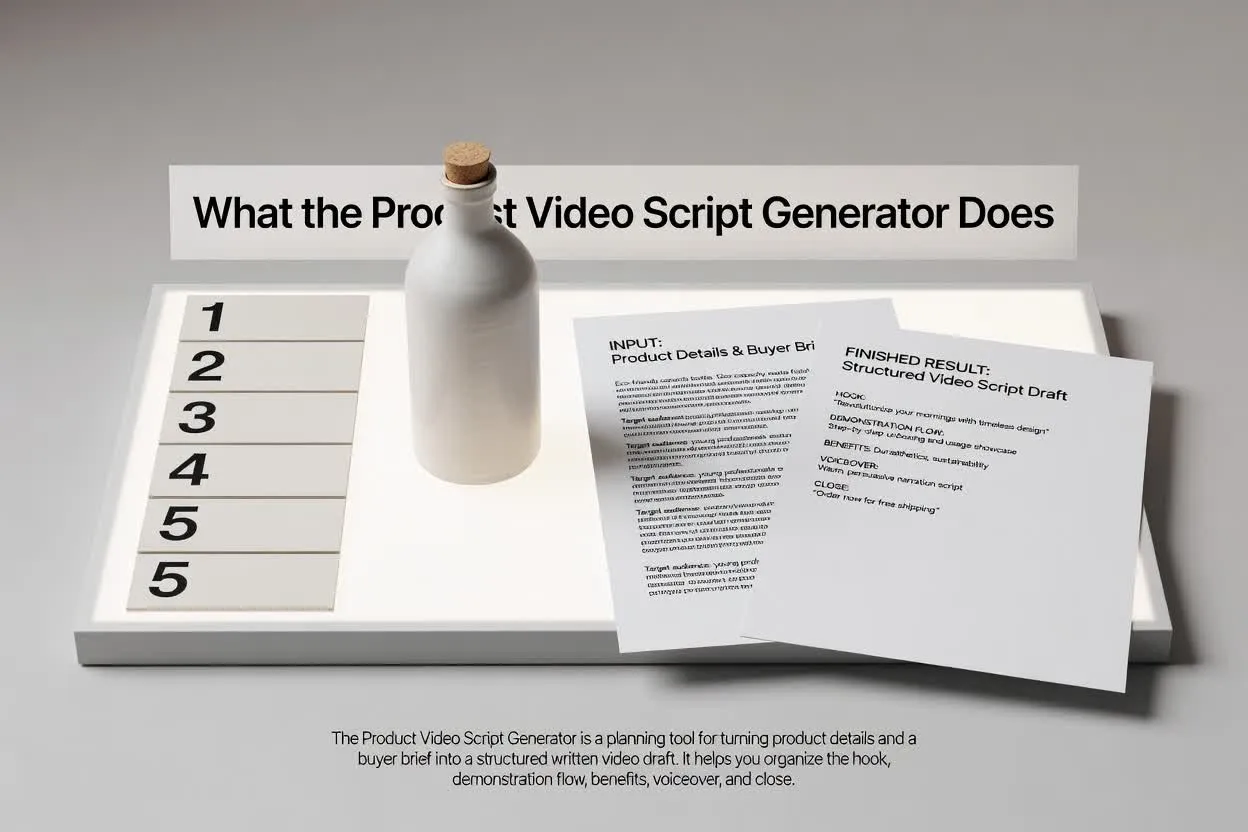
Siirry tiivistelmästä tarkistettavaan suunnitelmaan muutamalla kohdennetulla vaiheella.
Lisää tuotetiedot, ostajakuvaus, keskeinen ongelma, vahvimmat ominaisuudet ja lopputulos, jonka katsojan tulisi ymmärtää.
Valitse formaatti, kesto, sävy, yleisö ja lopputoiminto, jotta käsikirjoitus sopii kanavaan ja tarkoitukseen.
Tarkista tuotedemon käsikirjoituksen rakenne kohtausten etenemisen, hyötyjen selkeyden, spiikin sanamuotojen ja lopun toimintakehotuksen painotuksen osalta.
Suunnittelija palauttaa luonnoksen, jonka voit lukea, muokata ja luovuttaa eteenpäin ennen tuotannon alkamista.
Kohtauskohtainen tuotedemon käsikirjoitus, joka kertoo, mitä katsojan pitäisi nähdä ja kuulla kussakin kohdassa.
Spiikkirivit tai ohjeistus, jotka yhdistävät ostajan ongelman, tuotteen ominaisuuden ja hyödyn selkeässä järjestyksessä.
Lopputoiminto, joka pitää videon keskittyneenä yhteen seuraavaan vaiheeseen kilpailevien kehotusten sijaan.
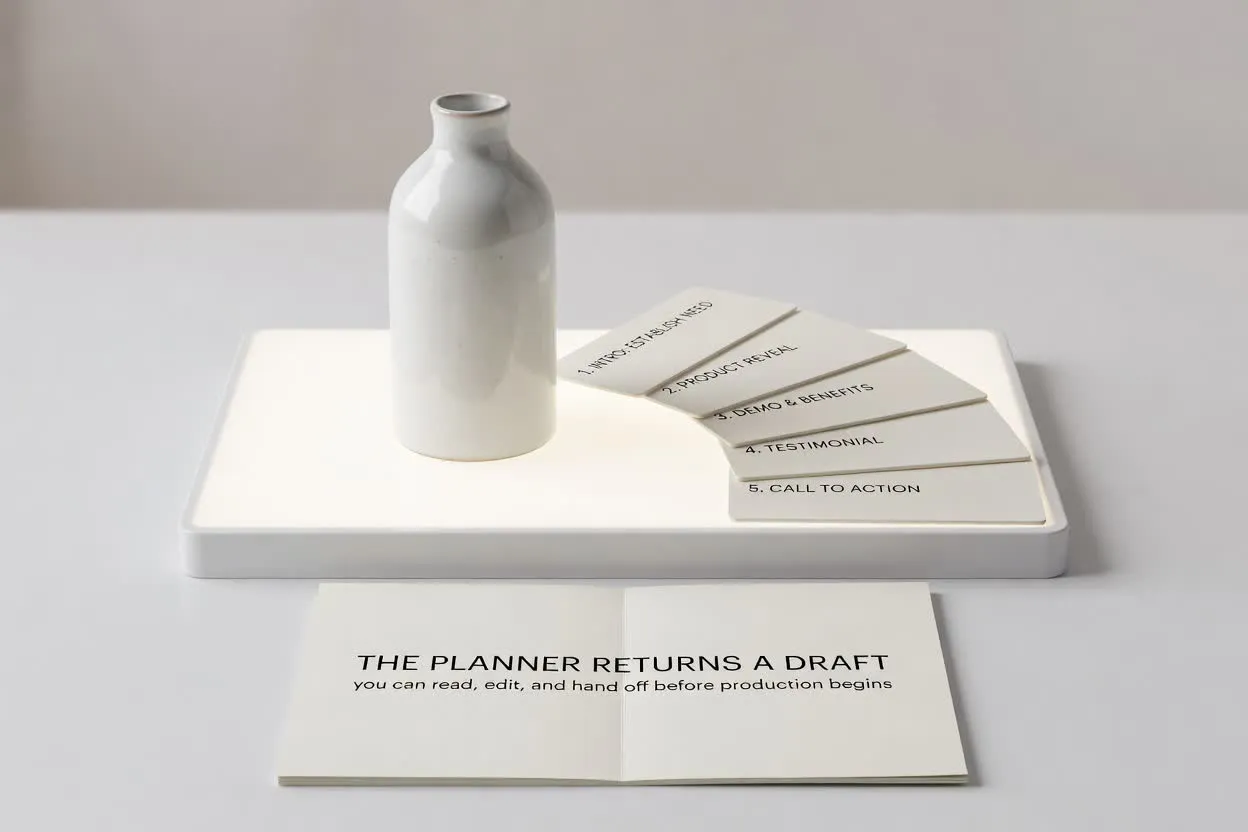
Muotoile käsikirjoitusta videon tehtävän mukaiseksi säätimillä.
Valitse sijoitteluun sopiva formaatti, kuten lyhyt julkaisuvideo, esittelyvideo tai verkkokauppademo.
Valitse kesto, jotta suunnitelma sopii kohtausten määrään ja tavoittelemaasi katsojan keskittymisaikaan.
Säädä sävyä ja yleisöä, jotta spiikki vastaa ostajan odotuksia ja tuotetuntemuksen tasoa.
Käytä suunnittelijaa, kun tarvitset käsikirjoituksen, joka muuntaa tuotetiedot videovalmiiksi rakenteeksi.
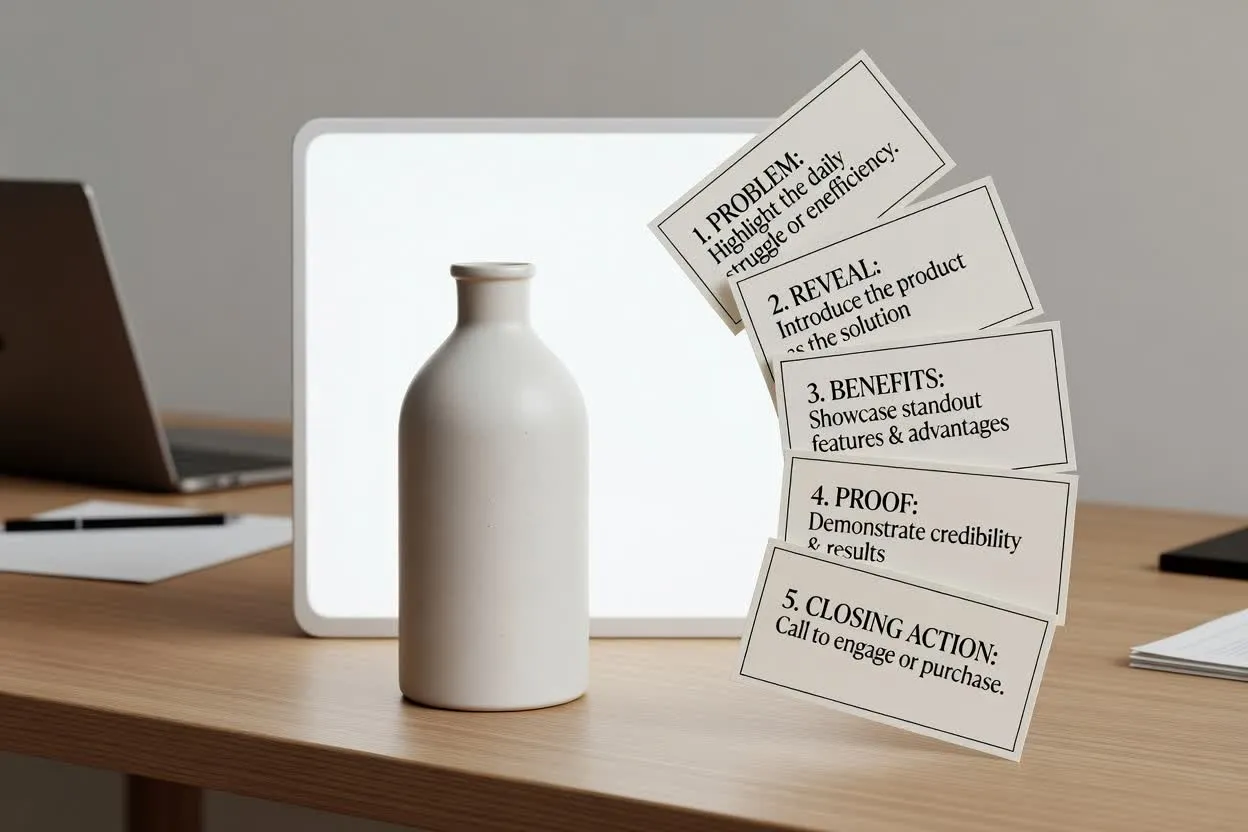
Laadi julkaisuvideon tarina ongelmasta ja paljastuksesta erottuviin hyötyihin ja lopputoimintoon.
Suunnittele Product Video Script Generatorilla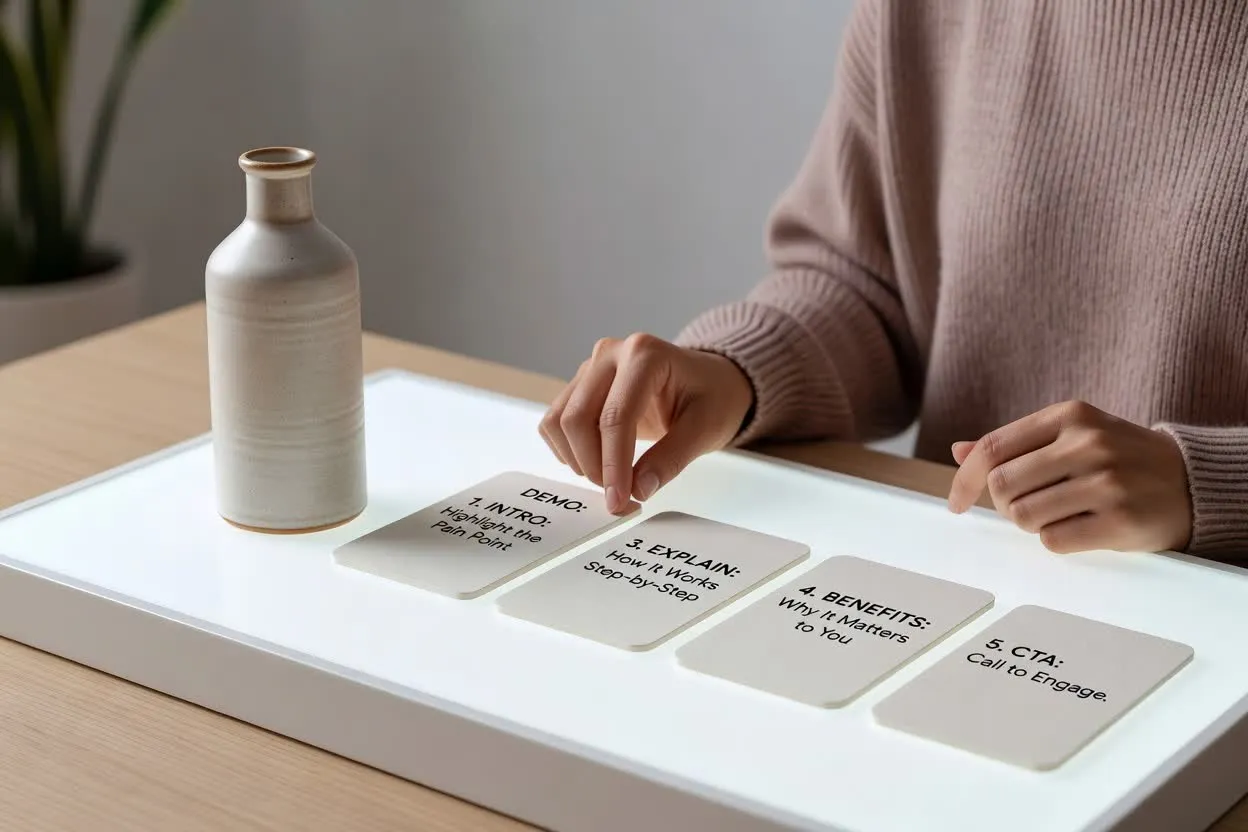
Luo ominaisuus-hyötyvideon suunnitelma, joka selittää, miten toiminto toimii ja miksi se on katsojalle tärkeä.
Avaa käsikirjoitussuunnittelija
Luo verkkokauppademon käsikirjoitus, joka näyttää tuotteen käytössä, vastaa ostajan kysymyksiin ja päättyy selkeään seuraavaan vaiheeseen.
Avaa käsikirjoitussuunnittelijaTarkista ennen kuvaamista luonnoksen selkeys, rytmitys sekä se, palvelevatko koukku, kohtaukset ja lopun toimintakehotus samaa ostajan tavoitetta.
Varmista, että koukku puhuttelee ostajan ongelmaa tai tavoiteltua lopputulosta riittävän nopeasti valitulla kestolla.
Tarkista kohtausten määrä, jotta tuotteen tarina tuntuu kokonaiselta muuttumatta ahtaaksi.
Varmista, että lopussa pyydetään vain yhtä toimintoa, kuten sivulla käyntiä, rekisteröitymistä tai ostamista.
Käytä suunnitelmaa kirjoittamisen ja tarkistuksen apuna, älä valmiina videona tai tuotteen validoinnin korvikkeena.
Tuloste on kirjallinen suunnitteluluonnos. Se ei kuvaa materiaalia, renderöi kohtauksia, lisää musiikkia eikä vie valmista videota.
Tarkista kaikki ominaisuuksia, hyötyjä, vertailuja ja suorituskykyä koskevat väitteet tuotetiedoistasi ennen käsikirjoituksen käyttöä.
Yleisiä kysymyksiä suunnittelijan käytöstä tuotevideoiden käsikirjoituksiin.
Tuo tuotetietosi ja ostajakuvaus, määritä videosäätimet ja tarkista luonnos ennen tuotantoa.